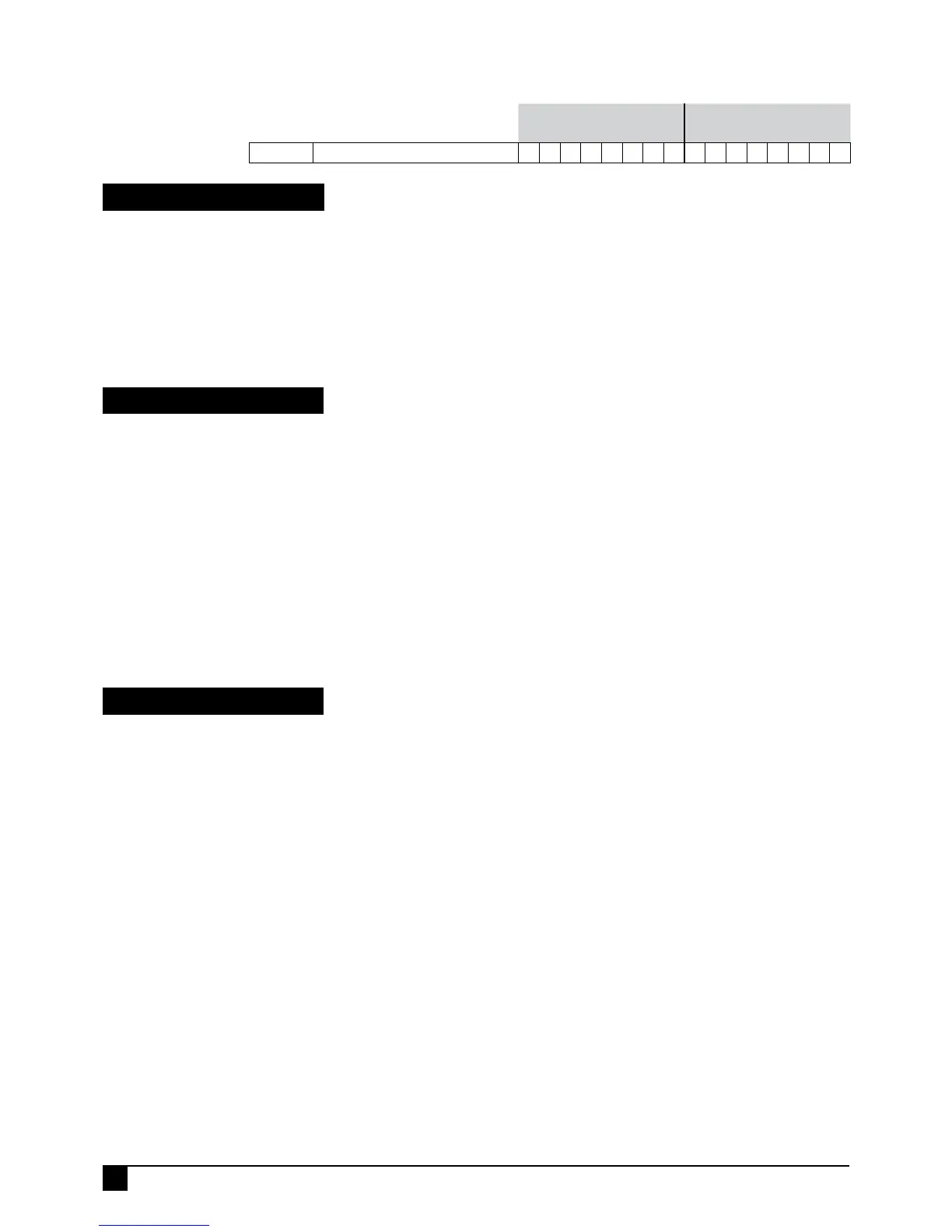
ZONES 1–8 (D8 & D16) ZONES 9–16 (D16)
Option No. Description
1 2 3 4 5 6 7 8 9 10 11 12 13 14 15 16
P125E ENABLE HARDWIRED ZONES
ON ON ON ON ON ON ON ON ON ON ON ON ON ON ON ON
P125E
ENABLE HARDWIRED ZONES
PROGRAM MODE LEVEL
Installer mode or NessComms.
FACTORY DEFAULT
All on.
NOTES
THIS OPTION APPLIES ONLY TO
WIRED ZONES AND HAS NO EFFECT
ON RADIO ZONES.
This option allows hardwired zone inputs to be enabled or disabled.
Disabled zones are ignored and do not need to be terminated with end of line resistors.
This option has no effect on radio zones.
PROGRAMMING SEQUENCE:
P125E 1E-16E toggles the options ON and OFF
[Zone No]E OFF: Hardwired zones disabled for that zone
[Zone No]E ON: Hardwired zones enabled for that zone
P126E
MISC KEYPAD OPTIONS
Available in D8x/D16x V6 and later.
PROGRAM MODE LEVEL
Installer mode or NessComms V5.3
or later.
FACTORY DEFAULT
1E on. Double key Panic enabled.
2E – 5E off.
8E on.
NOTES
functions - in normal operating mode
press and hold the matching keys for
at least 1.5sec.
Various programming options for Ness KPX, Saturn and Navigator keypads.
TO PROGRAM
1. Press P126E.
2. Press 1E-5E to turn an option ON or OFF.
1E, enables double key PANIC.
2E, enables double key FIRE.
3E, enables double key MEDICAL on KPX & Saturn. Enables MEDICAL on Navigator.
4E, enables Entry Chime in Day mode. Used to announce entry in Day mode.
5E, enable Chime in Home Mode. Used to announce entry in Home mode.
8E, disable One Digit At A Time Display. This allows Navigator keypads to
immediately display numeric options.
P129E
END OF LINE RESISTOR OPTIONS
Available in D8x/D16x V6 and later.
PROGRAM MODE LEVEL
Installer mode or NessComms V5.3
or later.
FACTORY DEFAULT
4E, 2.2k
NOTES
to all zone inputs and the external
tamper input.
not operate with EOL resistor values
other than the default value of 2k2.
See P60E 2E, 3E, page 24.
The End Of Line Resistor value for all zones and the external tamper can now be
programmed with one of 13 different resistor values.
This allows the panel to be easily retro-fitted into almost any existing installation.
TO PROGRAM
1. Press P129E
2. Press 1E-13E to turn an option ON.
1E ON, 0k (The zone inputs will be
Normally Closed. Open circuit to
alarm).
2E, 1k resistors
3E, 1.5k resistors
4E, 2.2k resistors (Default)
5E, 3.3k resistors
6E, 3.9k resistors
7E, 4.7k resistors
8E, 5.6k resistors
9E, 6.8k resistors
10E, 8.2k resistors
11E, 10k resistors
12E, 12k resistors
13E, 22k resistors
68
NESS D8X / D16X DELUXE CONTROL PANEL – INSTALLATION MANUAL
PROGRAMMING



 To Next Page