16
II. 1. 2. Hardware set-up
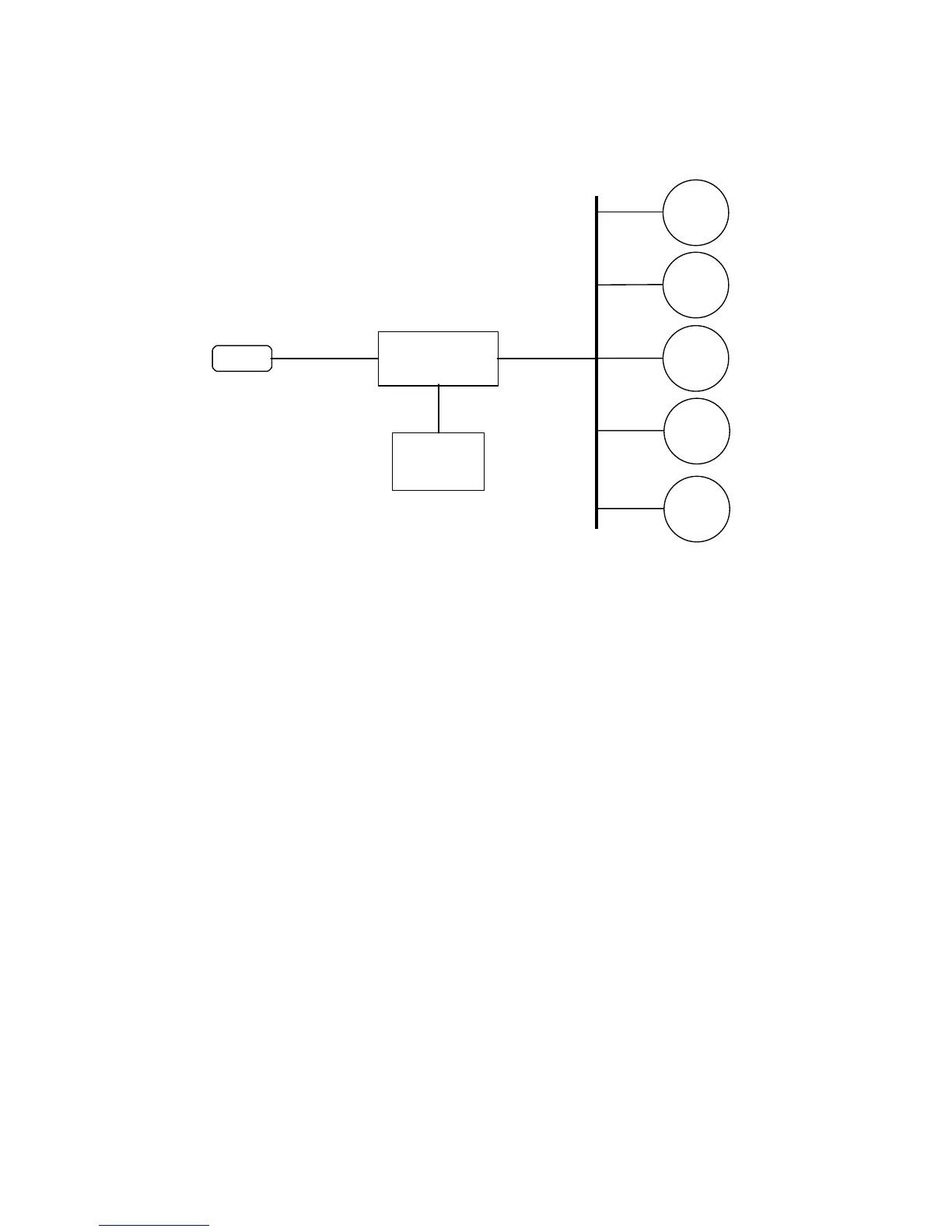
The figure below shows the simpliest hardware configuration of Network Adapter.
UPS
SNMP Adapter
Terminal
Emulation
Station
NMS
Device 1
WEB
TELNET
UDP
TFTP
Network Interface Card (NIC) configuration.
Connecting the Network Adapter NETMAN 101
1. Use the UPS cable to connect the Network Adapter to the UPS via RS-232 interface.
2. Connect the Network Adapter to the power supply and the power-supply to the mains or
into an UPS.
Connecting the Network Adapter NETMAN 102
1. Turn off the UPS.
2. Remove the slot box cover and insert the NetMan 102.
3. Close the slot box with the cover and turn on the UPS.
II. 1. 3. Software set-up
Network Management Station (NMS) Configuration
Each NMS has its own user interface. In this part you find general instructions how to
configure a NMS for connecting to Network Adapter. For details, see the User Manual to the
NMS. The configuration instructions for some types of NMSs is in Supplement III.2
Adding the Network Adapter to the NMS configuration



 To Next Page