18
just press Enter and the value will not be changed. If you do not agree, write a new value. In
most cases, the screen displays information of possible values for the given variable. In case of
an incorrect value, an error report is displayed.
When you want to erase the text issue, enter at least one space as the value. When you
want to erase the numeral or address issue, enter zero as the value.
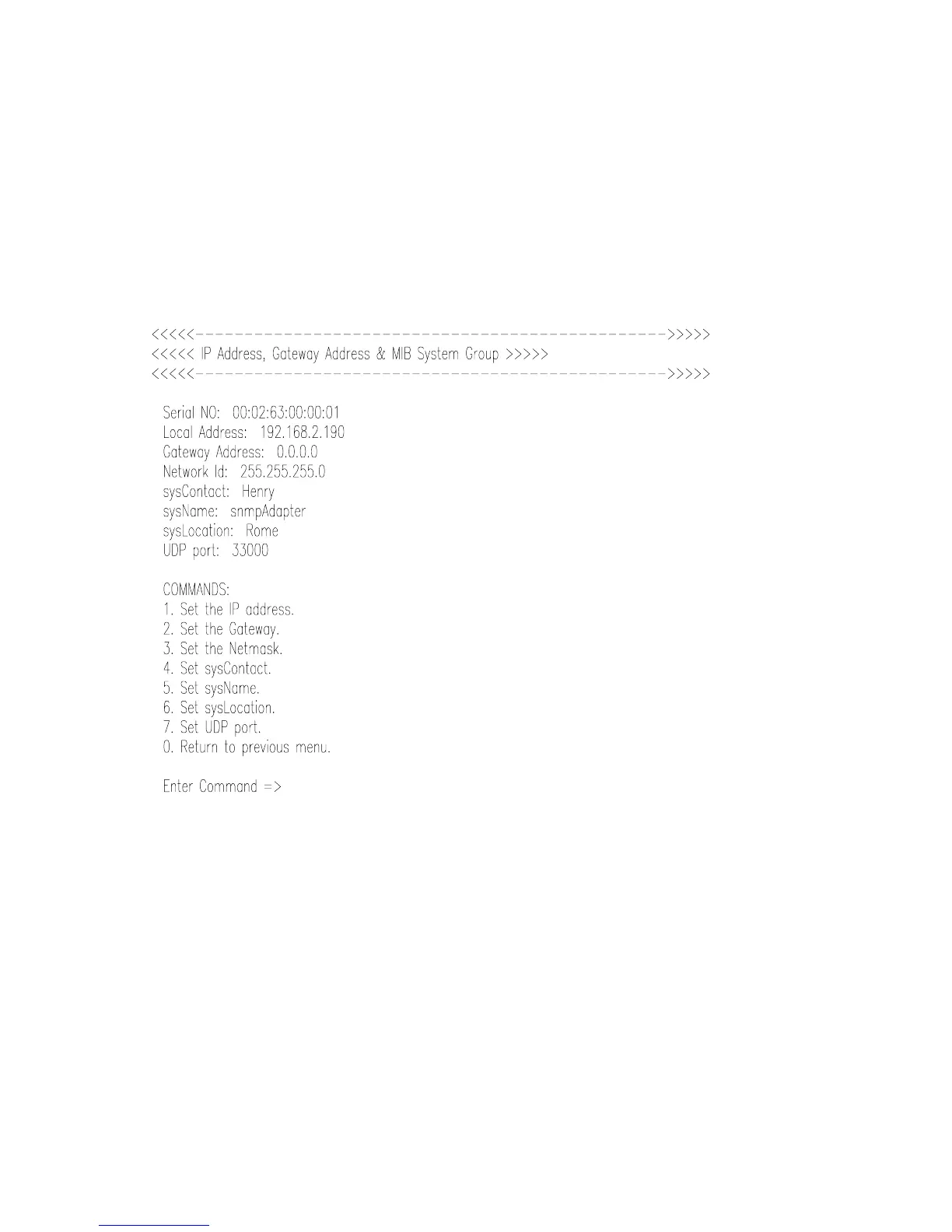
II. 3. 1. Network Configuration (menu 1)
Here you can see and change basic parameters for correct connection of Adapter to the
computer network and the adapter’s monitoring. Important parameters are (others are only to
give an identification to the device):
SNMP MAC address (Serial NO)
Here is displayed the unique hardware address. It is assigned by IEEE and it cannot be
altered or otherwise changed.
SNMP IP address



 To Next Page