22
To set a different password from the default, the password will be asked for confirm.
It is also possible start the Web server to send HTTP pages to a browser with "HTTP
connection", enable the Telnet with "Telnet connection", ATTENTION! The Telnet
connection has a timeout of 1 minute.
Can be configured a modem on the Terminal serial port see the part no. 3.6. with "MODEM
connection".
It is possible moreover to create a virtual UPS; this function, enabled with "UPS Direct mode"
permits to connect on the Terminal serial port another NetMan or a computer to manage the
UPS.
Finally it is possible set-up a password for the UDP communication with the software, so the
management of the UPS can be secure and inaccessible from non authorized computer.
To set a different password from the default, the password will be asked for confirm.
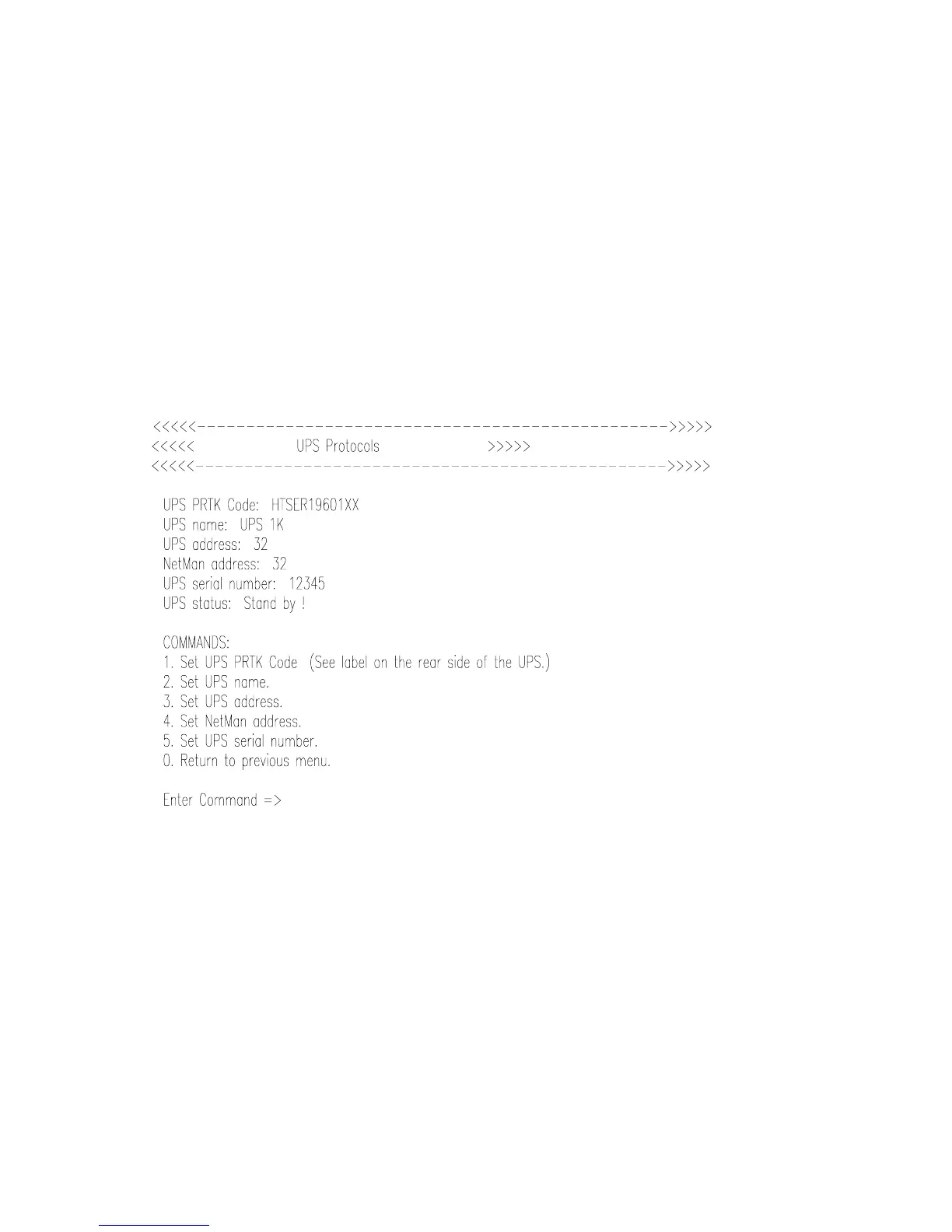
II. 3. 5. Set UPS Protocols (menu 5)
In this menu, select the type and communication parameters of the monitored UPS.
You will find all data you need to insert here correct entries on the UPS label: look for PRTK.
code. The UPSname is the UPS model name, UPS address and NetMan address is not used.
The UPS serial number is used for the Modem communication with the Teleguard service
program. This number is written on the UPS data label.



 To Next Page