21
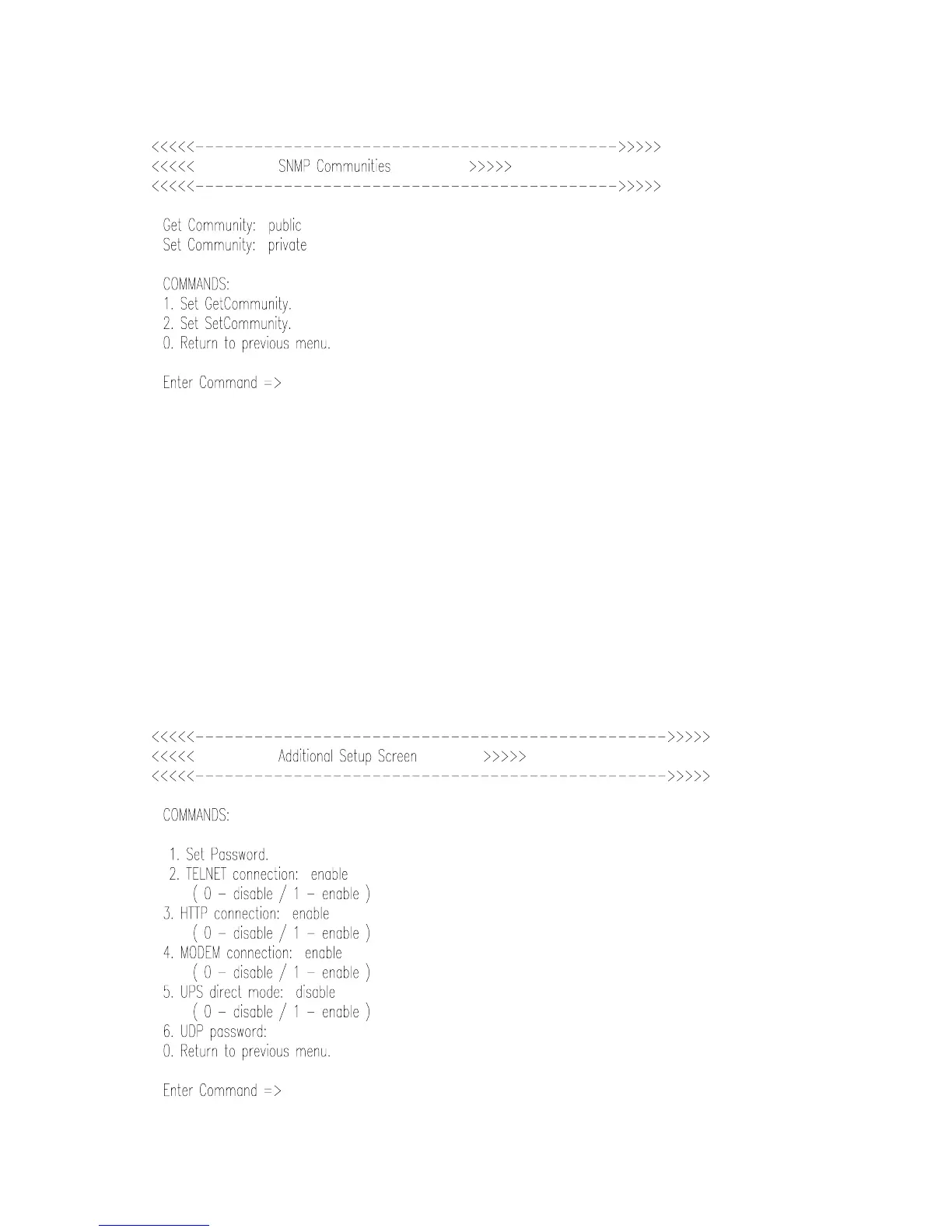
II. 3. 3. Set SNMP communities (menu 3)
Get community
This command changes the name of community used by SNMP manager to perform
GET operations. Write up to 16 alphanumeric characters to specify the get-community.
Set community
This command changes the name of community used by SNMP manager to perform
SET operations. Write up to 16 alphanumeric characters to specify the set-community.
II. 3. 4. Additional Setup Screen.(menu 4)



 To Next Page