24
the modem must be configured before connected to the NetMan with a terminal emulation
software for example Windows HyperTerminal with the string
ATE0V1&H0&R1&I0&D0S0=0&W0
after connect to the NetMan and reboot the NetMan.
II. 3. 7. Save Configuration (menu 7)
To save the configuration.
II. 3. 8. Restore Configuration (menu 8)
To restore default saved configuration.
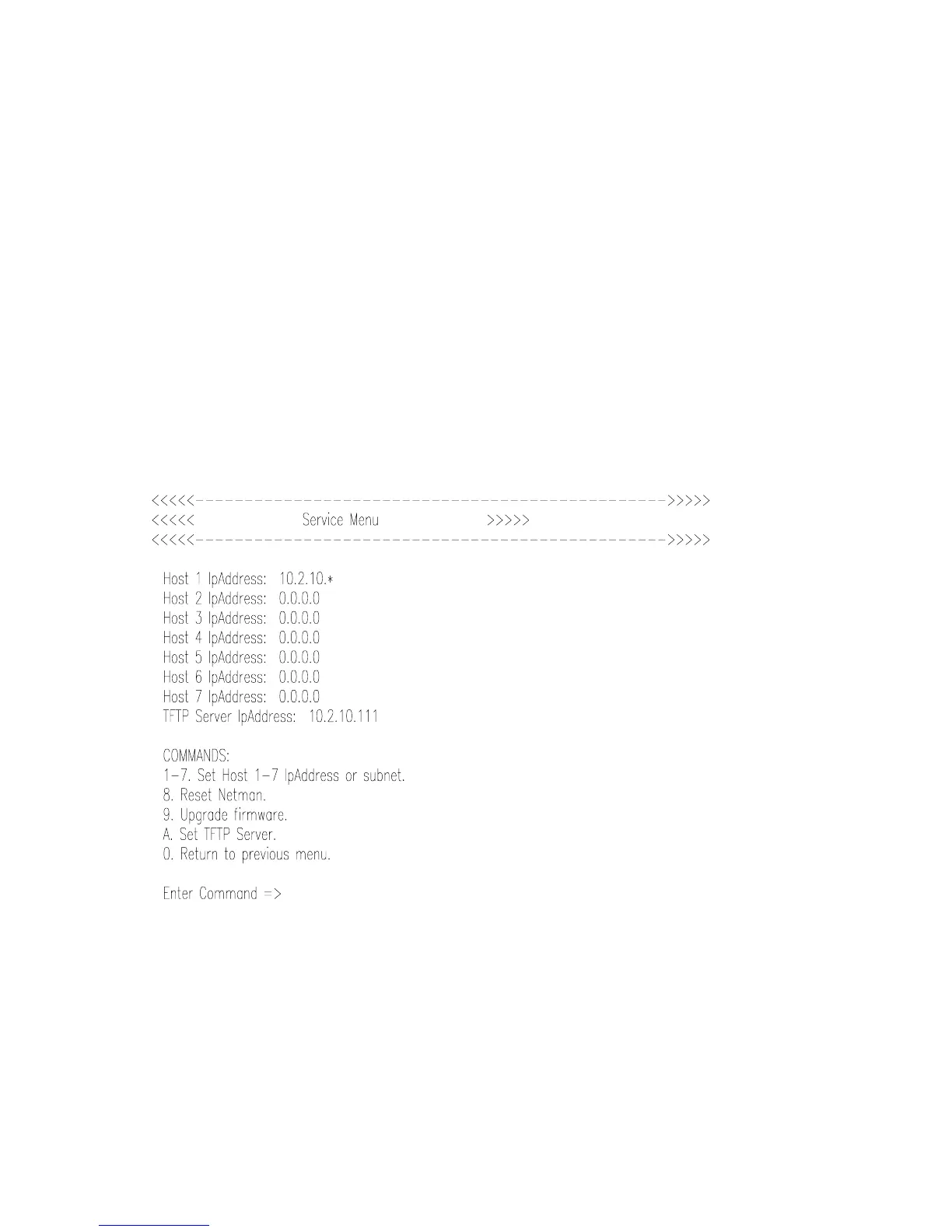
II. 3. 9. Service menu (menu 9)
On this menu you can access only after you have inserted the login password.
Set Hosts 1-7
It is possible define up to 7 hosts or subnetworks that will be enabled for the network
communication with the NetMan. This communication comprises all the NetMan supported
protocols even the ping.
To specify a subnetwork it is used the *.
Reset Netman



 To Next Page