9
UPS
SNMP Adapter
Terminal
Emulation
Station
BootP
Server
TFTP
Server
File
Server
NMS
Device 1
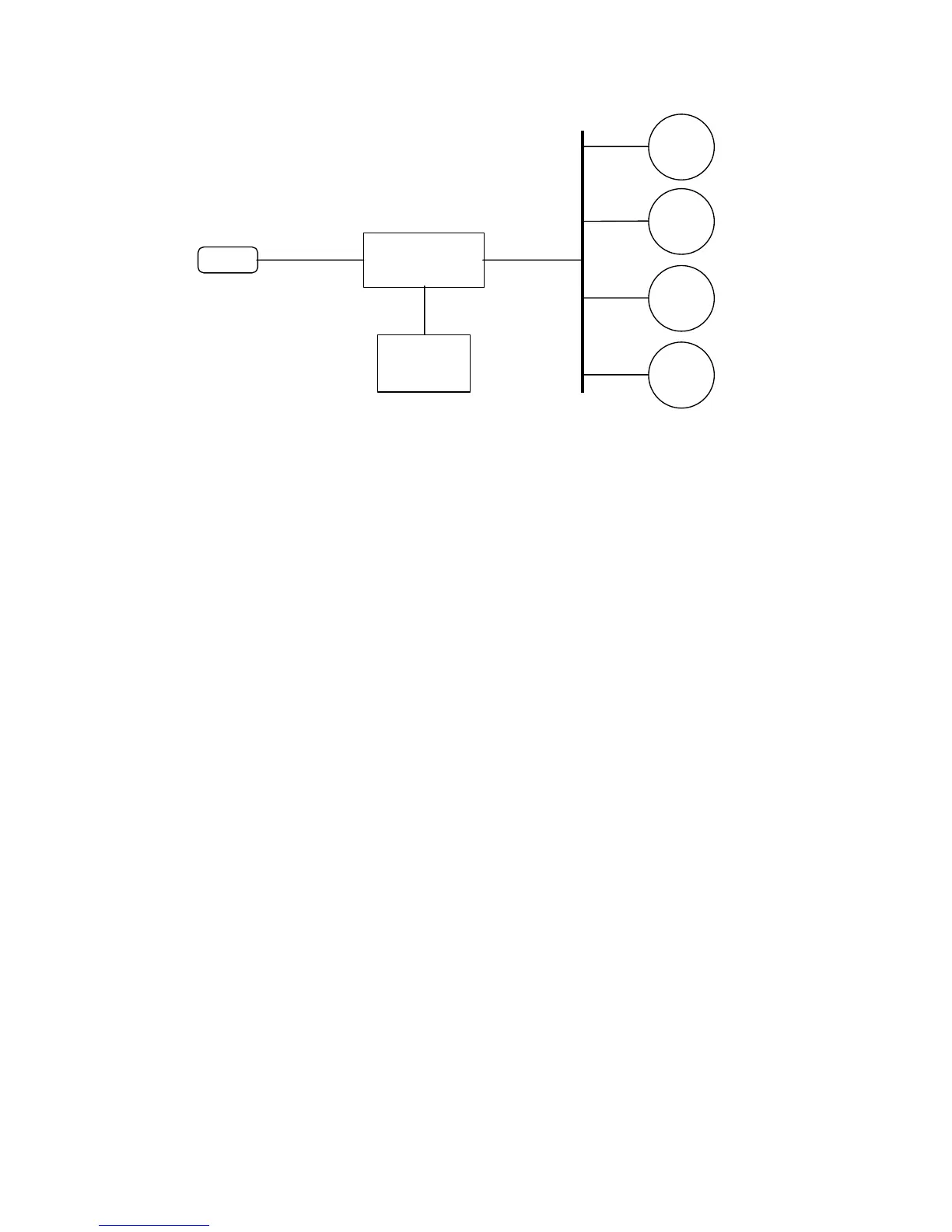
Fig. 3 Connecting Network Adapter to the network.
Network adapter was designed after a careful consideration of needs of wide range of
network environments. As a result it offers network management with several supports :
* Universality and flexibility
* Network Interface Card (NIC) slot provides the Network Adapter, via a
manufacture-configured interface, to Ethernet.
User-configured parameters are stored in the Network Adapter´s nonvolatile memory.
Configuration can be updated via RS-232 port via a terminal.
Some proceeds in this Manual utilize specific parts of the Network Adapter. Before
you start working under these proceeds, make familiar with the Adapter's specific parts. In
Figure 4 you see the Adapter and its main parts.



 To Next Page