2.1.1 Step 1 – Locate and Mount the Analyzer unit
The model 1100 is designed to be mounted flush to the surface of a stationary equipment control
panel. Select a suitable location for the analyzer unit where the digital display and status LED’s
will be easy to read, and the interface buttons on the display panel will be easy to access.
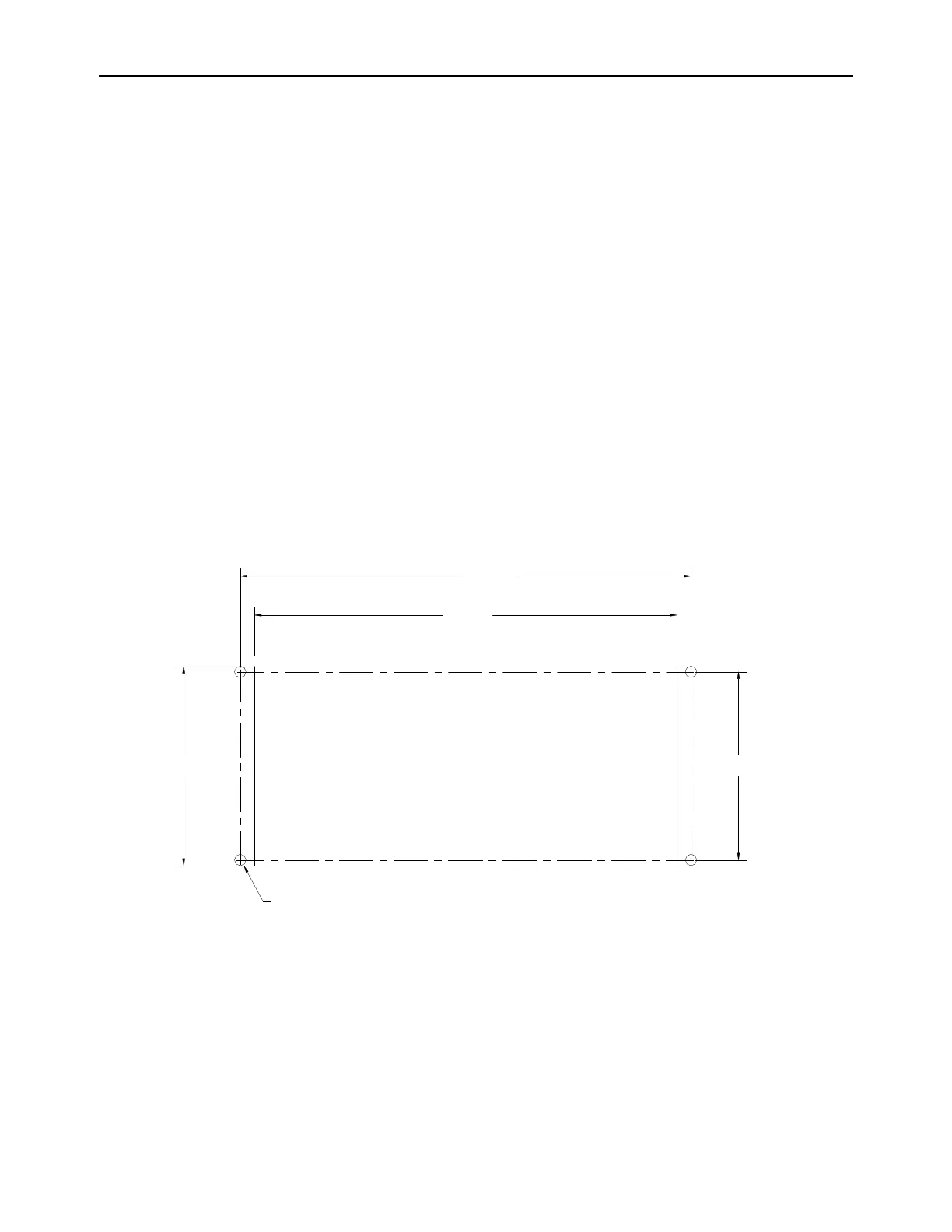
Cut/drill the mounting panel to the specifications in figure-7. Clearance holes for the #8-32
threaded mounting studs do not need to be tapped. Hex nuts are included for securing the unit to
a panel. Trim all burrs or sharp edges in the cutout or mounting-holes, which would interfere with
or damage the gasket on the analyzer control panel.
Slide the analyzer unit into the cutout, rear-chassis first, and seat the control panel gasket on the
mounting surface. The gasket on the analyzer control panel ensures a watertight seal around the
control panel cutout. Secure the threaded mounting studs with the supplied hex-nuts, and internal-
tooth lock-washers. The analyzer control panel is suitable for NEMA Type 4, IP20 environments
when properly installed. The rear electronics chassis is suitable for NEMA Type 1, IP 20
environments.
The analyzer should not be exposed to water, adverse temperature, or shock. Ensure the analyzer
unit is mounted in an area of free airflow to prevent the chassis from exceeding the operating
temperature specifications. Do not mount the analyzer or sensor against hot surfaces. Do not
block the ventilation louver on the analyzer chassis.



 To Next Page