CHAPTER 4 – MAINTENANCE AND TROUBLESHOOTING
4.1 System Setup
The model 1100 is shipped ready to install and operate with complete factory configuration already
programmed and tested. The user may however wish to change the system configuration to suit
the application of the analyzer. Some setup parameters may be changed by the user via the
control panel keypad. All configuration parameters may be changed by the user via the Service
Port.
Important: Before changing any of the model 1100 settings, refer to Appendix C – Factory Setup
for reference. If the user has any questions before proceeding with changing analyzer settings,
please contact the Neutronics Service Department for assistance.
4.1.1 System Setup via Control panel Keypad
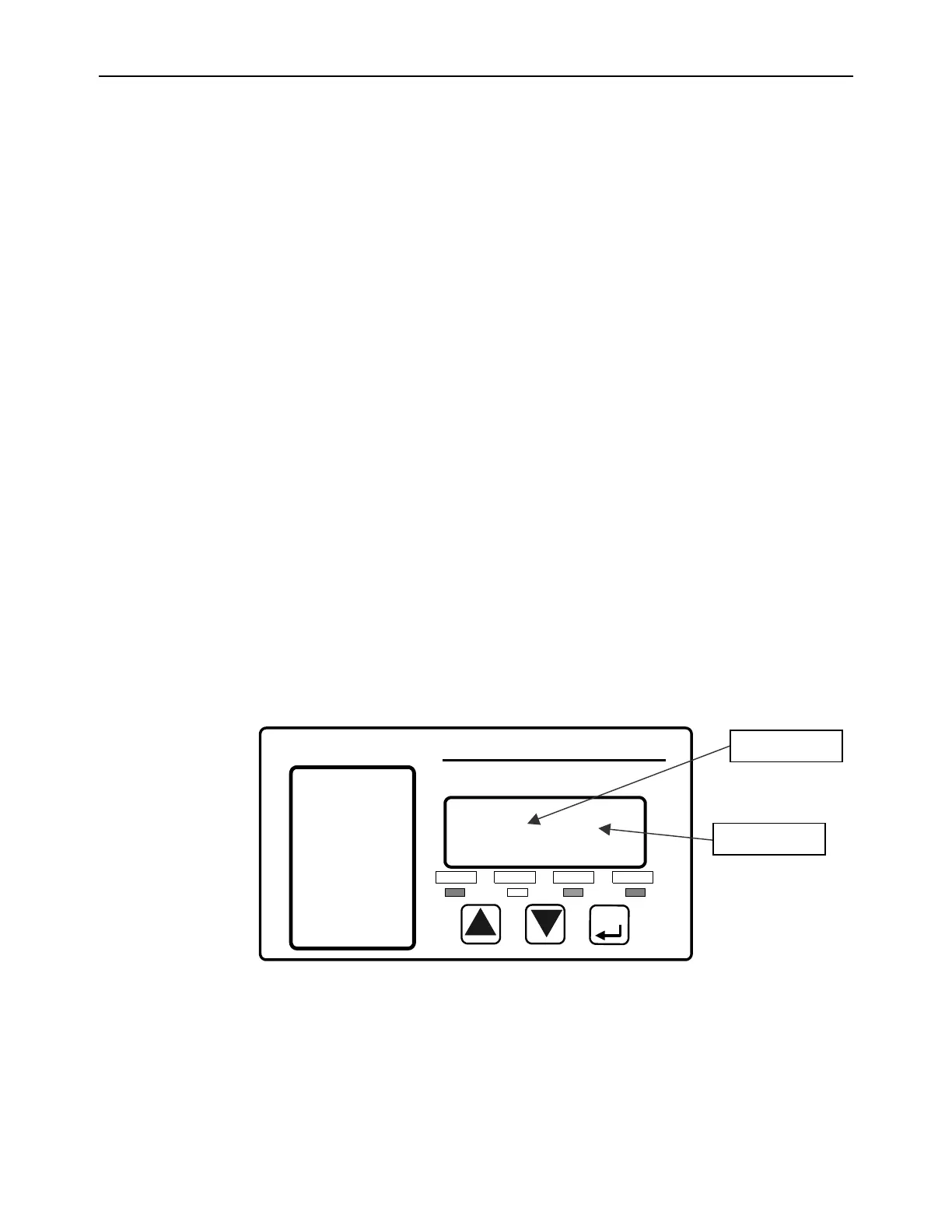
The control panel user setup menu may be accessed from the model 1100 control panel by
pressing and holding the “MODE” key for at least 10-seconds until the 7-segment alphanumeric
display shows“---“ to indicate that the analyzer has accessed setup mode. Release the “MODE”
key to activate setup mode. Once in setup mode, the user can access adjustable parameters
sequentially by continuing to press and release the “MODE” key to scroll through the setup menu.
When you reach the mode that you wish to change, use the “UP” and “DOWN” keys to adjust the
displayed setting. The modes are numerically identified by the number on the left side of the
display. The current mode setting is identified by the number on the right side of the display. The
new settings are automatically saved when the user advances to the next mode by pressing and
releasing the “MODE” key. The user may exit the Setup menu at any time by pressing
simultaneously the “UP” and “DOWN” keys (Appendix D, Control panel Hot-Key functions).



 To Next Page