7
STARTUP GUIDE
To Begin
Note: It is assumed here that the control has been linked to the desired receiver(s) and, the MPCX2 is
configured to the scoreboard/timer being used. This function is explained in the setup guide that comes with a
new control. It is assumed that the receiver is powered ON.
Press
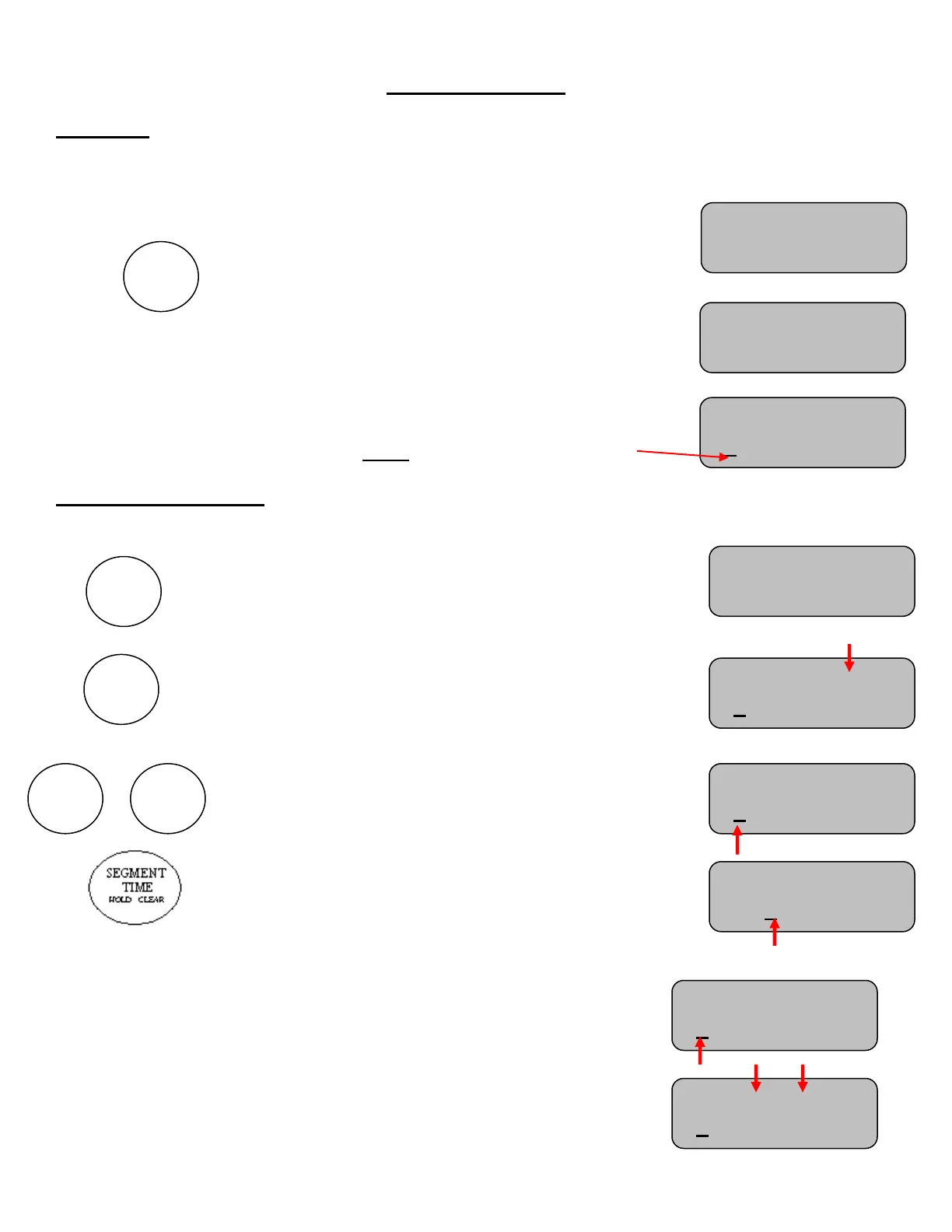
The control will display a greeting while it establishes
communications with its receiver(s). (Up to 20 seconds).
Note: v01.00 for example, indicates the software version of
the control
Finally, the display will show the Segment (Seg), the total
number of segments, the current segment time, and time
status Note: The cursor indicates the active function.
To Insert a Segment
Time must be off to insert a segment
To insert a segment first press “OPTIONS” the first option
to come up will be to insert a segment.
Press the “+” and new segment will be placed at the end
and will be copied from the previously last segment.
Note: A segment cannot be inserted (added) if there are
already 40 segments.
After inserting a new segment the time in minutes of the
inserted segment is immediately modifiable by pressing the
“+” or “-” buttons.
To modify seconds in this process
Note: Each segment has maximum time limit of 99 minutes
and 59 seconds.
Setting a time of 0:00 on a segment will delete the current
segment being modified and all segments after it
To do this using this segment first set the time to 0:00
Then press NEXT SEGMENT or PREVIOUS SEGMENT
Seg: 1 of 40 HA
5:00 Time: OFF
Seg: 5 of 5 HA
5:00 Time: OFF
Strikes:0
Seg: 1 of 2 H
5:00 Time: OFF
Seg: 1 of 2 H
5:00 Time: OFF
Seg: 1 of 40 HA
5:00 Time: OFF
Strikes:0
Seg: 6 of 40 HA
0:00 Time: OFF
Strikes:0


 To Next Page