8
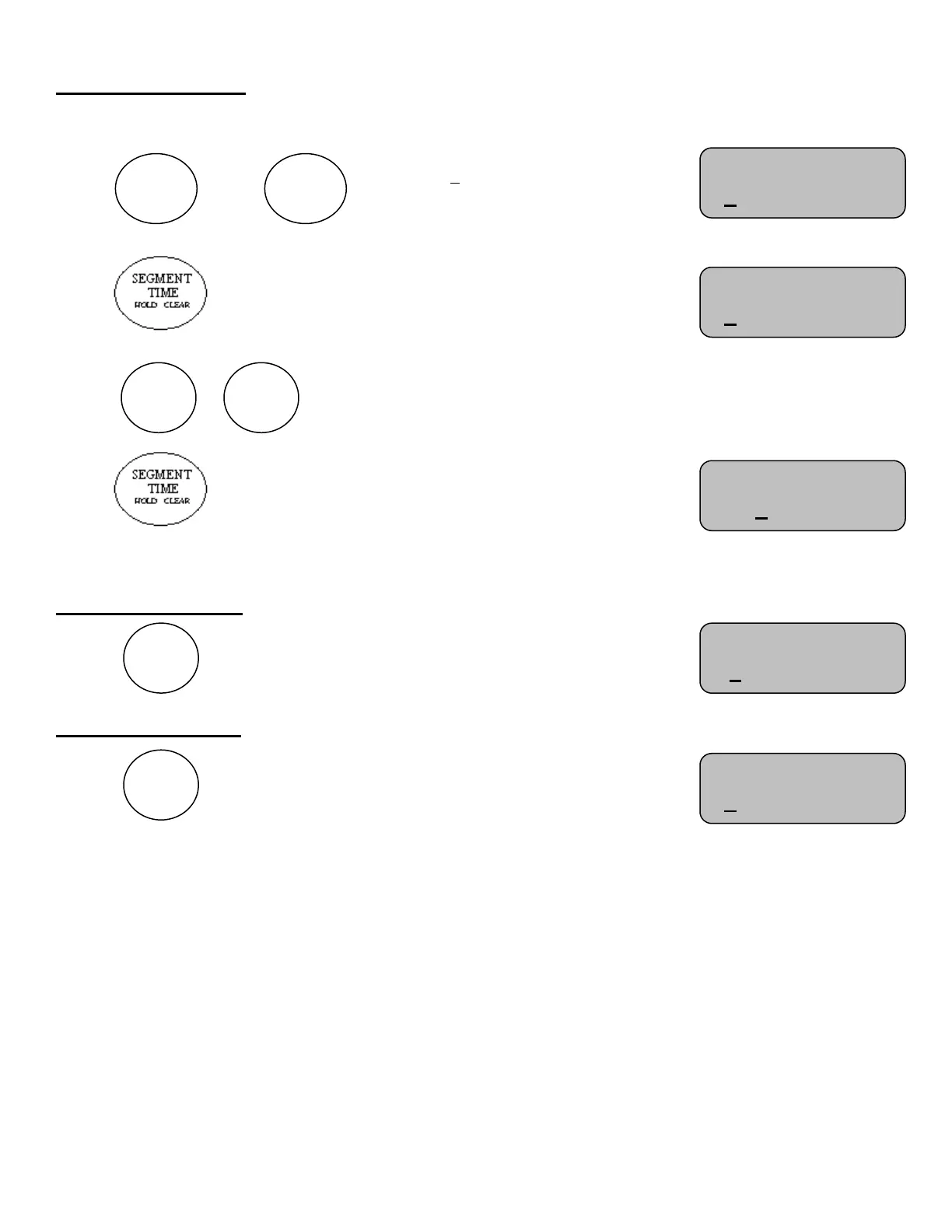
To Edit a Segment
Time must be off to edit a segment
Press or until “Seg: 1” displays or select segment
desired to edit
Press This will allow adjustment for the minute’s section of the
segment timer.
Use the or keys to enter the desired number of minutes
Press This will allow adjustment for the second’s section
Note: Hold the key down for fast advance
Press the “Next Segment” key to save your segment and update the segment timer
To Start the Timer
Press
The control will display
To Stop the Timer
Press
The control will display
Please consult the following sections of this manual for more details, functions, and feature
Seg: 1 of 40 HA
0:31 Time: OFF
Seg: 1 of 40 HA
0:31 Time: OFF
Strikes:0
Seg: 1 of 40 HA
0:31 Time: ON
Strikes:0
Seg: 1 of 40 HA
0:31 Time: OFF
Strikes:0
Seg: 1 of 40 HA
0:31 Time: OFF
Strikes:0



 To Next Page