10
MAIN screen
1. Time ON
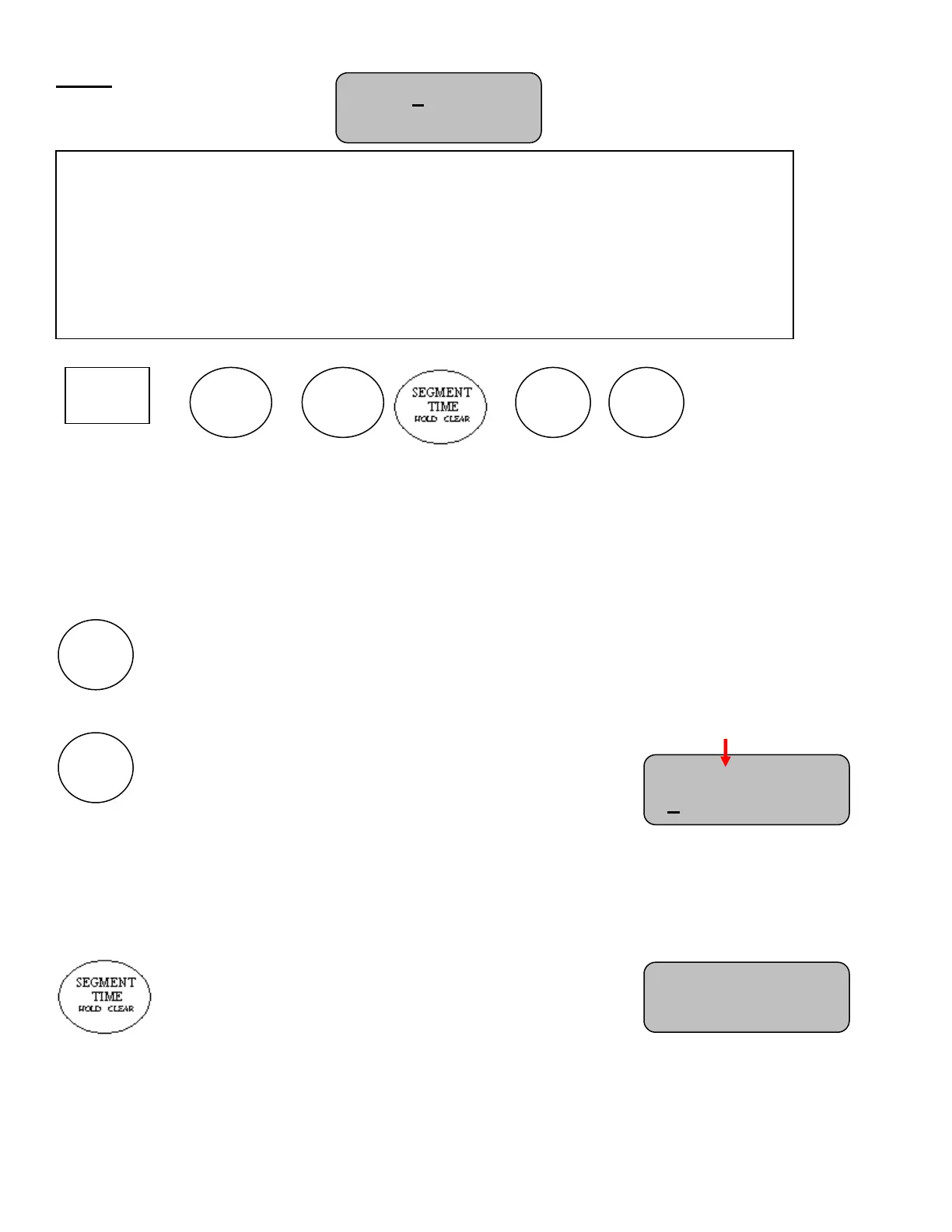
Following are the MPCX2 controls with time set to ON
Segment Selection
When selecting a segment when time is ON, the segment timer will flash which segment it is currently on for 5
seconds then continue counting down the segment time.
Cycles segment timer forward to the next segment. Press to save changes
to segment IE auto horn, and auto advance.
Cycles segment timer backward to the previous segment. Press to save
changes to segment IE auto horn, and auto advance.
Segment Editing
Segment editing is disabled when time is on. The following functions lead to the “Time Off To Edit” screen
This function is disabled while time is on
Seg: 1 of 40 HA
0:31 Time: OFF
MAIN
The main screen shows the selected Segment, Total Segments, Auto Horn state, Auto
Advance state, Time, and Time status.
Main screen options change depending on the state of the control. Therefore this section will
be split into three sections.
1. Time ON
2. Time OFF
3. After SKIP connection or not connected.
Seg: 2 of 40 HA
0:31 Time: ON
Time Off To Edit
Press (+)



 To Next Page