12
2. Time Off
Following are the MPCX2 controls with the time set to OFF
Segment Selection
Cycles segment timer forward to desired segment
Press to save changes to segment IE time, auto horn, and auto
advance.
Cycles segment timer backward to desired segment.
Press to save changes to segment IE time, auto horn, and
auto advance
Setting Time
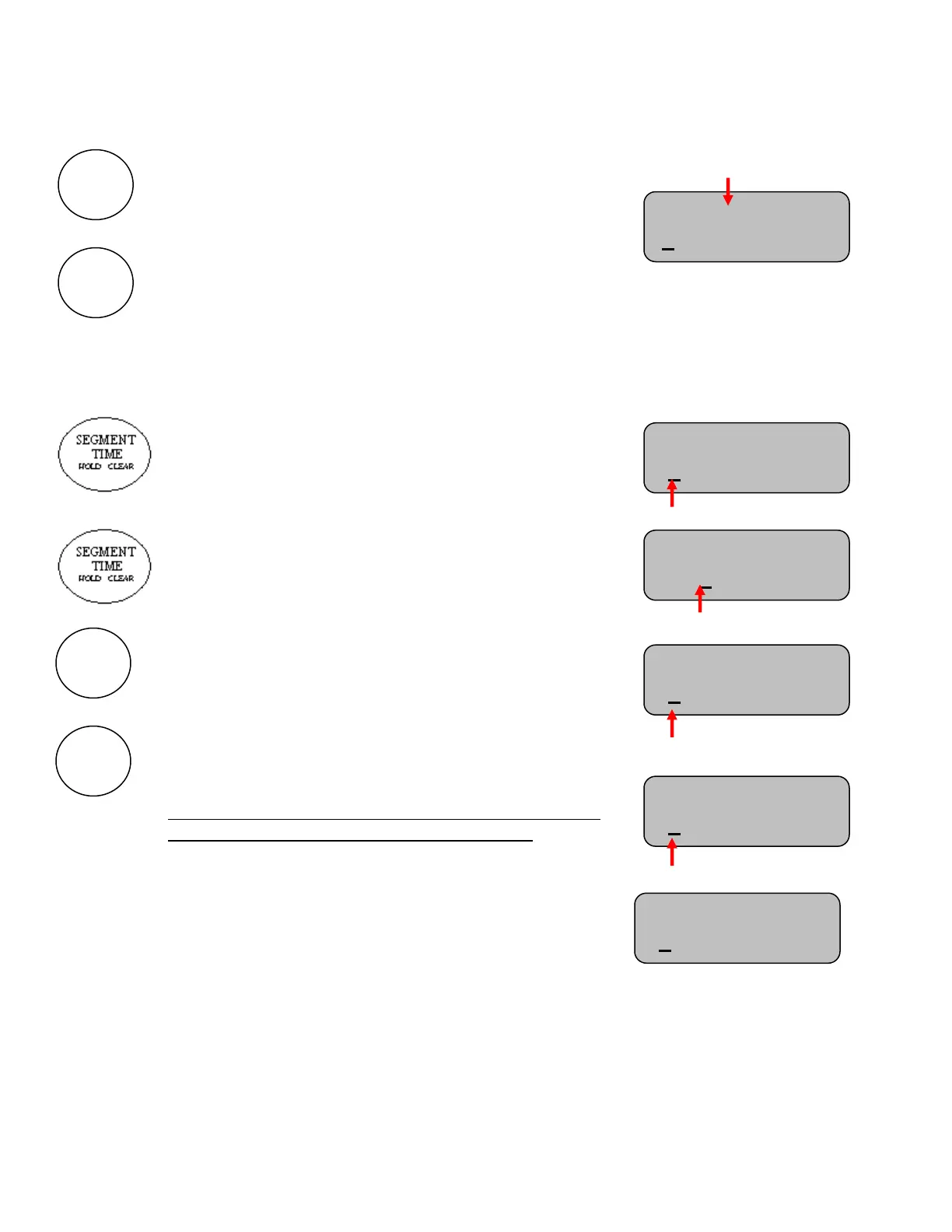
Follow these steps to set the time on each segment desired to use.
One press of the SET TIME button will highlight the
minutes of the current segment to be edited
Additional presses will toggle between editing minutes and
seconds of the selected segment
Use the “+” or “-” keys to change the time settings for
minutes or seconds
Note: Hold the key down for fast advance
Note: Each segment has maximum time limit of 99 minutes
and 59 seconds.
Setting a time of 0:00 on a segment will delete the current
segment being modified and all segments after it
To do this using this segment first set the time to 0:00
Then press NEXT SEGMENT or PREVIOUS SEGMENT
Seg: 1 of 40 HA
0:31 Time: OFF
Strikes:0
Seg: 1 of 40 HA
0:31 Time: OFF
Strikes:0
Seg: 6 of 40 HA
5:31 Time: OFF
Strikes:0
Seg: 2 of 40 HA
0:31 Time: OFF
Seg: 6 of 40 HA
0:00 Time: OFF
Strikes:0
Seg: 5 of 5 HA
0:28 Time: OFF
Strikes:0



 To Next Page