5
Model Type Display Functionality
Scoreboard
Indoor (A), 3000 Series (B), 7000 Series (C), 1000 Series (D), and X6XX all display the same on a scoreboard.
The segment number is recorded in the home score section of the scoreboard.
Segment time is displayed and counts down in the main time area.
Auto Horn works the same if the compatible scoreboard has a horn
Segment Timer
Standalone Timer (E) and Standalone Segment (F) display different data on the segment timer.
Standalone Timer (E)
Flashes the current segment for the first 5 seconds of the segment
Displays 2 digits of segment time after flashing.
o If time is above a minute the display will display the minutes in the segment
o If time is below a minute the display will count down the seconds
Standalone Segment (F)
Displays the current segment
Display flashes current segment for the final 10 seconds of the current segment
Changing Model Types
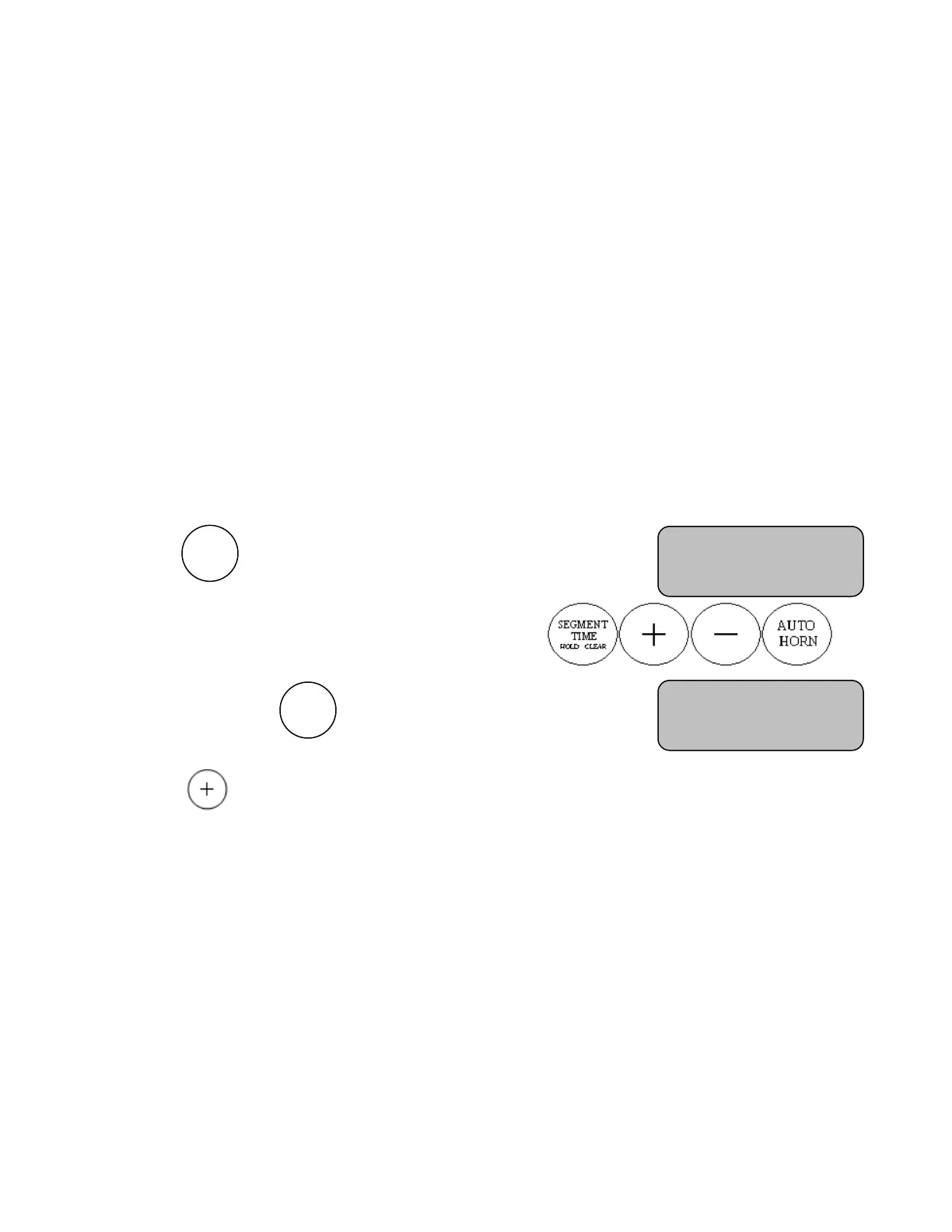
Step 1. Press the button until the display reads
Step 2. Enter the “Code” with the buttons in the sequence
Step 3. Continue pressing the button until the display reads
Step 4. Press the button to toggle thru the scoreboard models until desired model type is displayed
Step 5. When desired model type is displayed press PREVIOUS SEGMENT, NEXT SEGMENT, SET TIME,
TIME OFF, or TIME ON to select model type and save it.
Scoreboard Model
Type A (+)
Enter Code to
Change Settings


 To Next Page