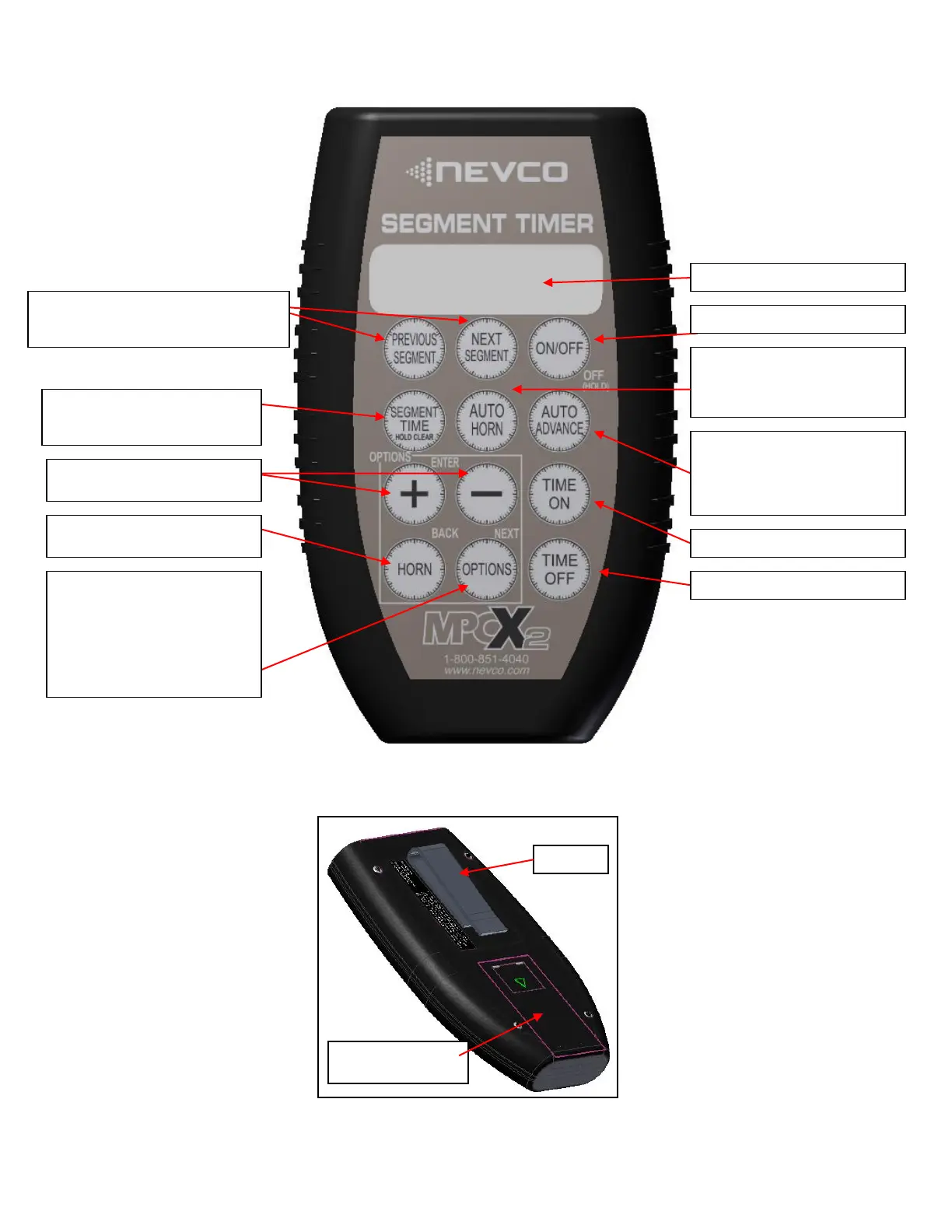
MPCX2 Segment Timer CONTROL (front view)
Toggles the Auto Advance setting for
the current segment. Auto Advance is
where the segment timer will start
counting down the next segment
when the current one completes.
Scroll forward and backwards through segments
Saves changes to segments when editing
Skips through segments when running
SEGMENT TIME, press once to
change minutes, press twice to change
seconds. Hold to clear segment.
Add to or Subtract from the selected
feature / also used to select options
HORN KEY, causes immediate
manual sounding of the horn.
LCD Display (16 characters x 2 lines)
OPTIONS key
Allows you to:
Insert a Segment
Set Brightness of Scoreboard
Check Battery Level
Check Signal Strength
Link Control to Receiver Network
Select Scoreboard Model Type
Toggles the Auto Horn setting for the
current segment. When enabled the
horn will sound when a segment
completes.
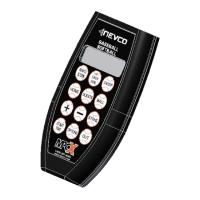
MPCX2 CONTROL (rear view)
Battery Compartment
Cover (2 x AA)


 To Next Page