Page 16
5 Mon Level
This alters the loud speaker’s output level and has a range of ∞dB to 0dB.
Sum
This is selected by pressing the width control. When illuminated yellow then the main
mix outputs are summed with whatever is selected to the LS Monitor. This function is
very handy when auditioning mixes together in the main or alt loudspeakers.
Width Control
The Width control is post the mix level control and alters the stereo image from mono
through stereo to enhanced stereo.
<W>
(Width Control Switch)
This switches the Width control into circuit across the main mix output (post insert)
and is indicated by the button being illuminated yellow.
Mix Level
This alters the main mix level and has a range of ∞dB to 0dB. It can be used to
control the output level from the unit to the DAW. The control can also be augmented
with fader control if an optional fader pack is fitted. In this case, the mix level control
no longer has any function.
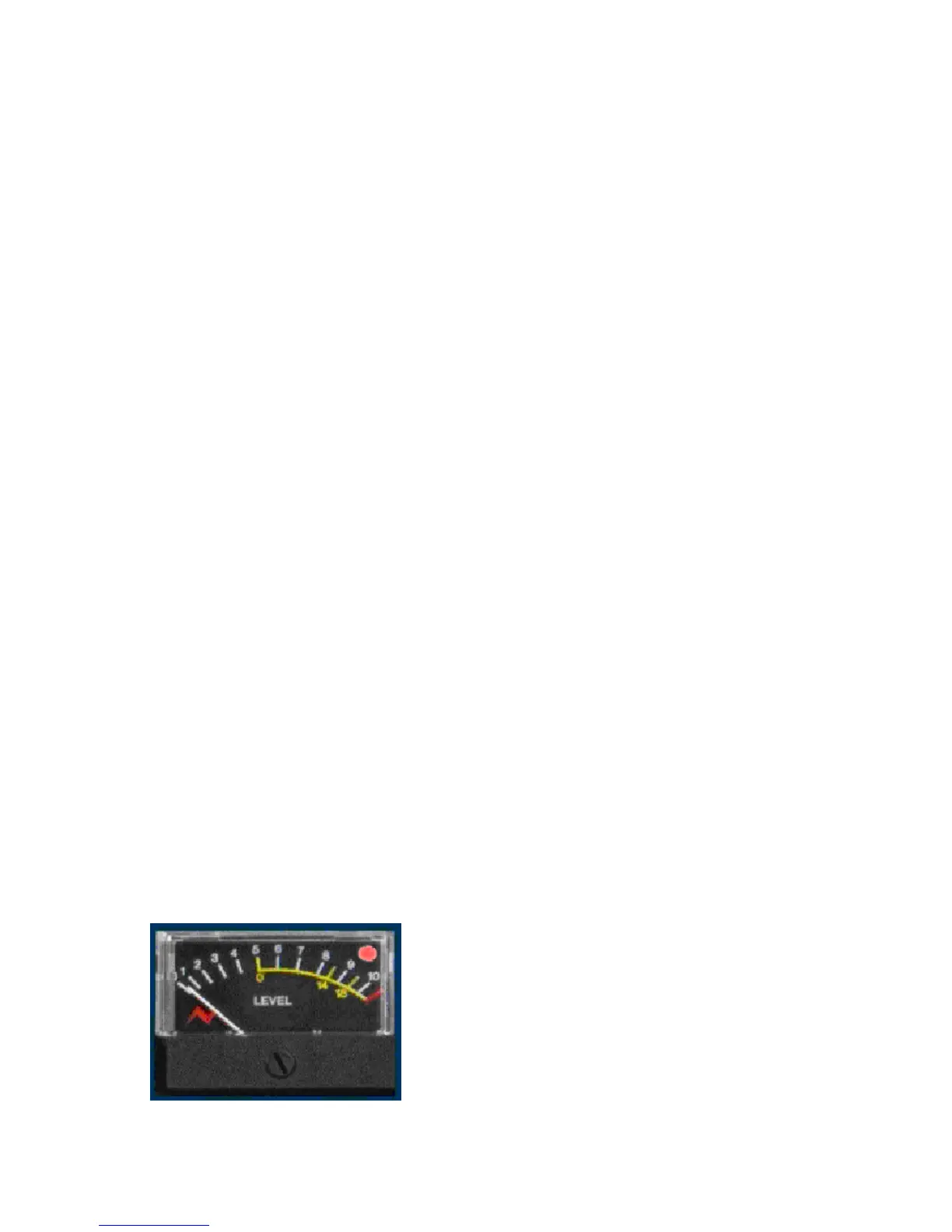
Analogue and Digital overload indication.
Analogue overload of the unit is indicated by a red
led in the associated left or right output meter.
The actual level at which the overload led
illuminates is about 1dB below the max output of
the unit (+26 dBu).
If the ADC option is fitted to the unit then the led
will light yellow if a digital overload occurs for more


 To Next Page