Page 37
15 Recall Software Installation
Installation Procedure on the PC
The following procedure is used to install the software package onto the PC.
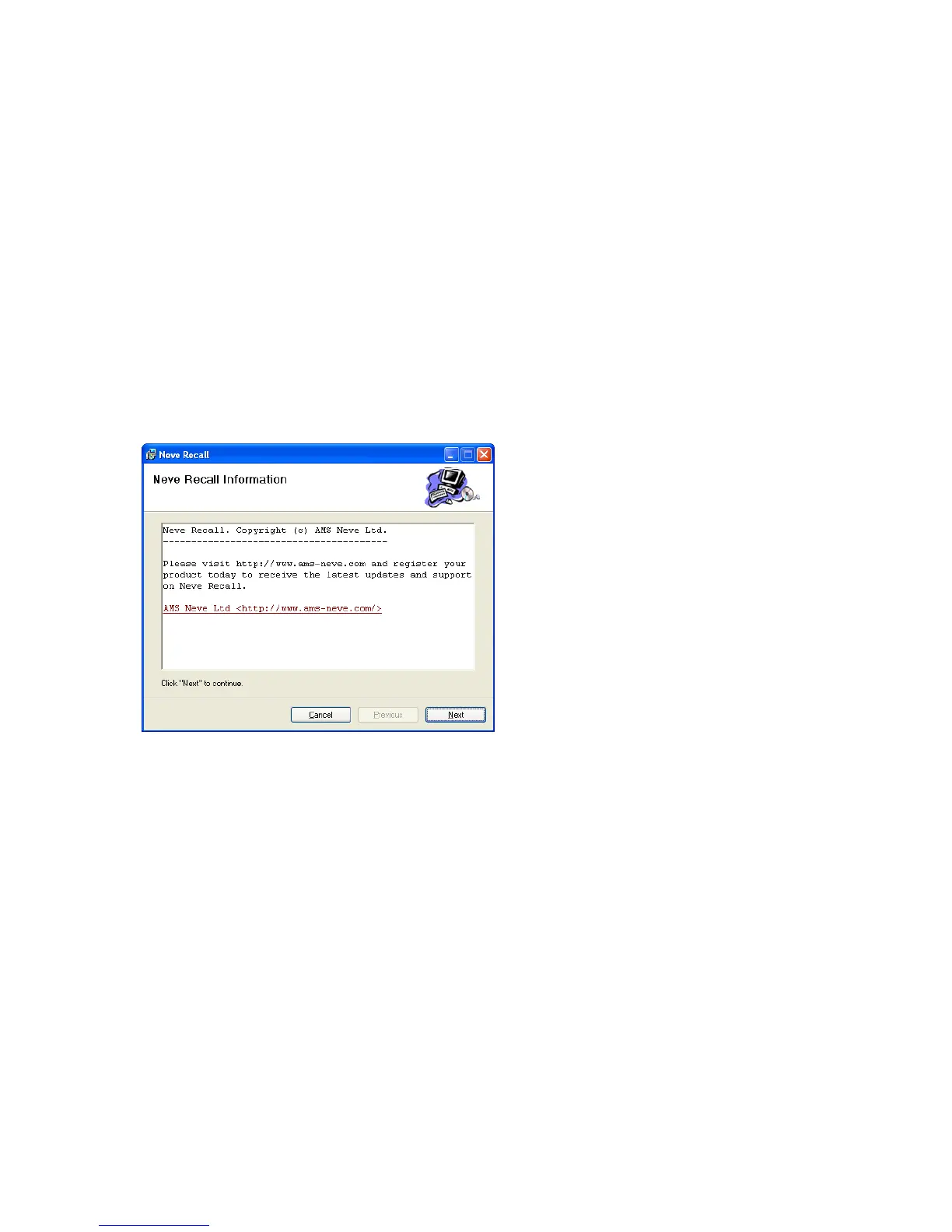
Insert the CD into the drive and the Set-up program should automatically launch.
If the application fails to launch automatically on CD insertion, then go to the CD Drive in Windows
Explorer and select the NeveRecall.msi file or the setup.exe file, double-click the file to launch the Set-
up program manually.
Please follow the on-screen instructions to install Neve Recall onto your PC.
During Install you will be asked to register with AMS Neve. This is important since it will enable
AMS Neve to supply you with software upgrades as they become available.


 To Next Page