Page 31
11 System Settings
Optional A to D, headroom level setting
The unit can be set to one of three headroom settings; +14dB, +18dB or +22dB
relative to +4dBu. The headroom set is the number of dBs above +4dBu before the
ADC clips. The clip led within the left and right output meter will come on if the
selected input level is exceeded for more than 1 sample. The headroom can be
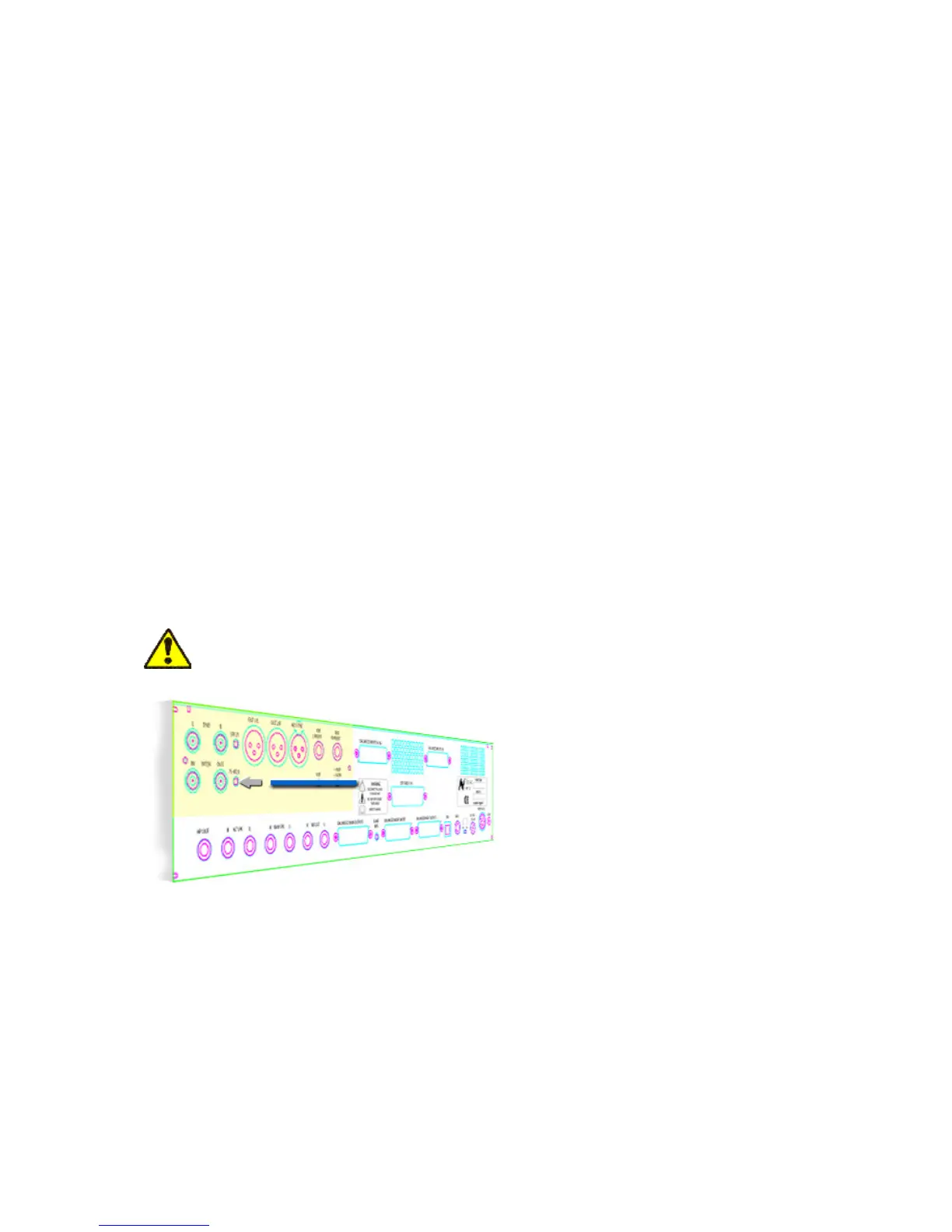
changed by accessing the switches through the holes marked HR, +18 UP or +14
DN (down). See diagram below.
For +14 operation both switches should be in the down position.
For +18 operation the HR switch should be in the down position and the +18 and +14
switches should be in the up position.
For +22 operation the HR and +18 Up +14 DN switches should all be in the up
position.
Only use a non metallic plunger tool to operate the level change switches.
Fader Pack Jumper Settings
NOTE: Internal jumper settings must be changed to enable the optional fader pack to
take control of the main mix level. Please consult your Neve dealer if the following
information is not clear.



 To Next Page