SETUP
Using Setup Mode
SETUP, Using Setup Mode C80 Three Axis Digital Readout System
NOTES
Normally, Setup needs to
be done only once, and it
is possible that the
factory default settings
are suitable for your
needs without change.
1
Not all options will be
present, depending on
the setting of other
options.
For example, the Zero
Approach Limit option
will not be present if
Zero Approach is turned
off.
2
The Add Function and
Delete Function options
allow you to download
programmable functions
from a PC, connected to
the C80 via a serial lead
connected to axis 1. This
process is covered in a
separate guide, which
can be obtained from
Newall.
Feb 2002Newall Measurement Systems Ltd8
• To enter Setup Mode, first exit from any Special Function that is running, then press .
The centre display shows .
• Press or to cycle up and down the list of options.
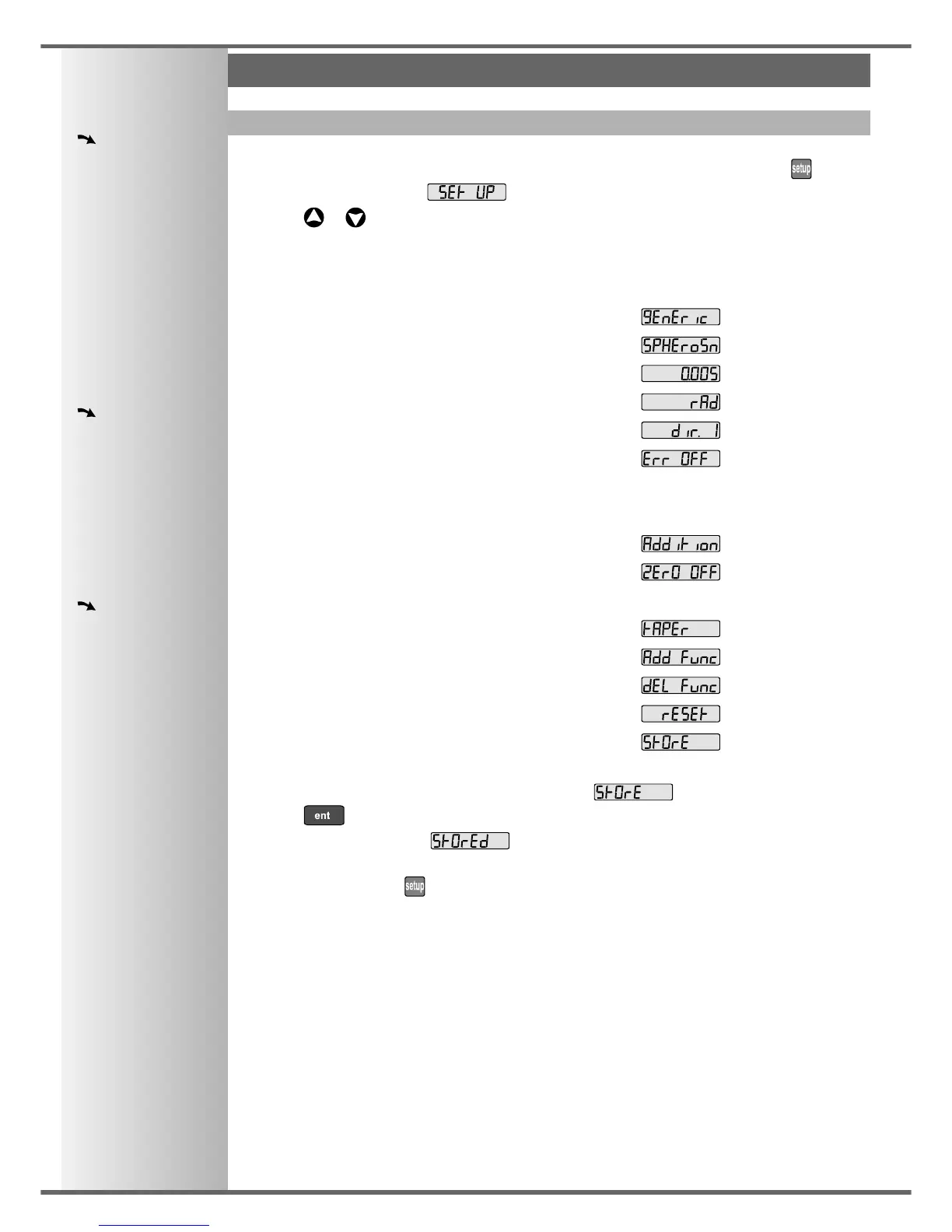
The options are listed below, and each is described in detail on the following pages.
Option Default Display
Machine Type Generic
Encoder Type all axes: Spherosyn
Encoder Resolution all axes: 0.005mm
Radius / Diameter all axes: Radius
Direction all axes: 1
Error Compensation all axes: Off
Linear Compensation see note 1
Segmented Compensation see note 1
Axis Summing X and Z’ axes
Zero Approach On / Off all axes: Off
Zero Approach Limit see note 1
Taper Display Axis X axis
Add Function see note 2
Delete Function see note 2
Reset
Store
• When you have finished setting all the options, select .
Press to store any changes made.
The middle display shows: for a few seconds, as your settings are stored.
The C80 exits from Setup Mode.
• Alternatively, pressing at any time will exit from Setup Mode and abandon any changes.



 To Next Page