EasyManua.ls Logo

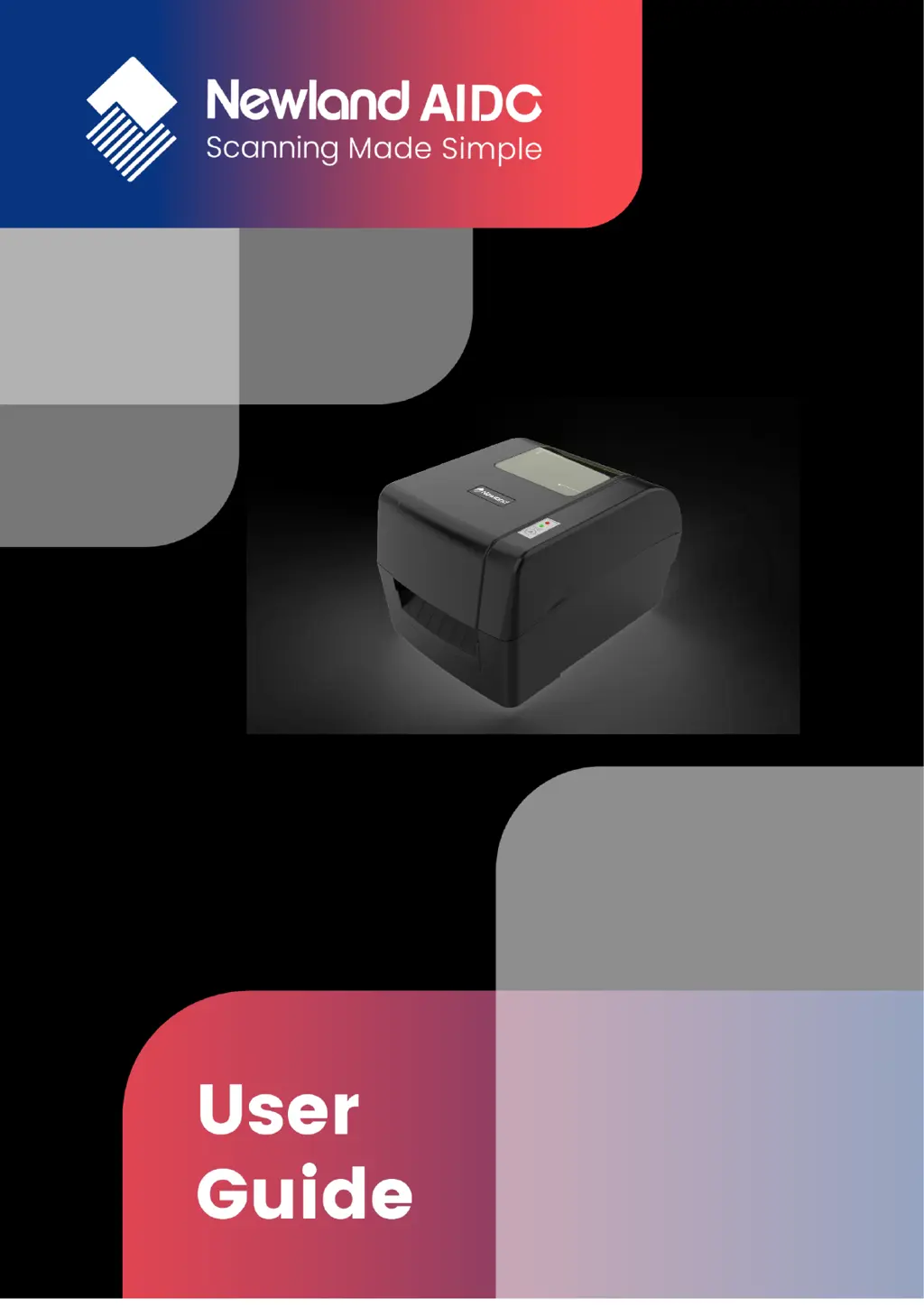
Newland NLS-LP410 - User Manual

Newland NLS-LP410
37 pages
Print Icon
To Next Page IconTo Next Page
Loading...
- 1 -
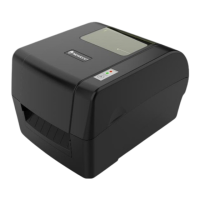
Barcode Printer
NLS-LP410

Questions and Answers

  • C
    Cory ChanAug 11, 2025
    What to do if my Newland NLS-LP410 shows 'Paper end'?
    • L
      lpadillaAug 11, 2025
      If your Newland Barcode Reader displays a 'Paper end' error, it could be due to several reasons: * The paper roll might be used up or not installed. In this case, install a new paper roll. * There might be a paper jam. If so, clear the paper jam. * The paper roll surface could be dirty or damaged. Try skipping the affected part. * The paper roll might have detached from the mark sensor. Reinstall the paper roll. * The mark sensor surface could be dirty. Clean the mark sensor surface. * The reflective sensor's position may be incorrect. Adjust the sensor position according to the description in section 3.4. * The paper roll type might not match the mark sensor type. Set the paper type in the printer driver to match the actual paper type.
  • A
    Ashley GardnerAug 17, 2025
    Why is the print head temperature abnormal on my Newland NLS-LP410 Barcode Reader?
    • B
      Bryan ForbesAug 17, 2025
      If your Newland Barcode Reader shows 'Print head temperature abnormal', it could be due to: * The operating environment temperature being too high, causing the print head to overheat. Improve ventilation to allow the printer to return to normal as the temperature drops. * The print darkness setting being too high. Lower the print darkness appropriately. * A paper jam in the path, leading to heat accumulation and an overheating print head. Clear the paper jam and check if the print head test pattern is normal after the temperature decreases. If it is normal, the printer can continue working; otherwise, replace the print head.
  • T
    Tammy PriceAug 23, 2025
    What to do if my Newland NLS-LP410 Barcode Reader says 'Lack of ribbon'?
    • S
      Shawn JohnsonAug 23, 2025
      If your Newland Barcode Reader indicates 'Lack of ribbon', it could be because: * The ribbon is used up. Install a new ribbon. * The ribbon is jammed. Clear the ribbon jam. * The ribbon sensor has failed. Replace the ribbon sensor.
  • W
    wmartinAug 29, 2025
    How to fix 'Print head up' error on Newland Barcode Reader?
    • H
      hadamsAug 29, 2025
      If your Newland Barcode Reader displays 'Print head up', it could be due to: * The print head being lifted up. Press down the print head. * The micro switch having a failure. Contact the maintainer.
  • D
    Debra MorenoSep 4, 2025
    Why is there a mark location failure on my Newland Barcode Reader?
    • D
      David FisherSep 4, 2025
      If you are experiencing mark location failure or mark calibration failure with your Newland Barcode Reader, it could be due to: * The paper type not matching the sensor type. Set the paper type in the printer driver to ensure it is consistent with the actual paper type. * Something wrong. Use the required media.

Newland NLS-LP410 Specifications

General IconGeneral
BrandNewland
ModelNLS-LP410
CategoryBarcode Reader
LanguageEnglish

Related product manuals