Peak 650 User's Guide Rev. A October 2000
BIOS Setup
4-21
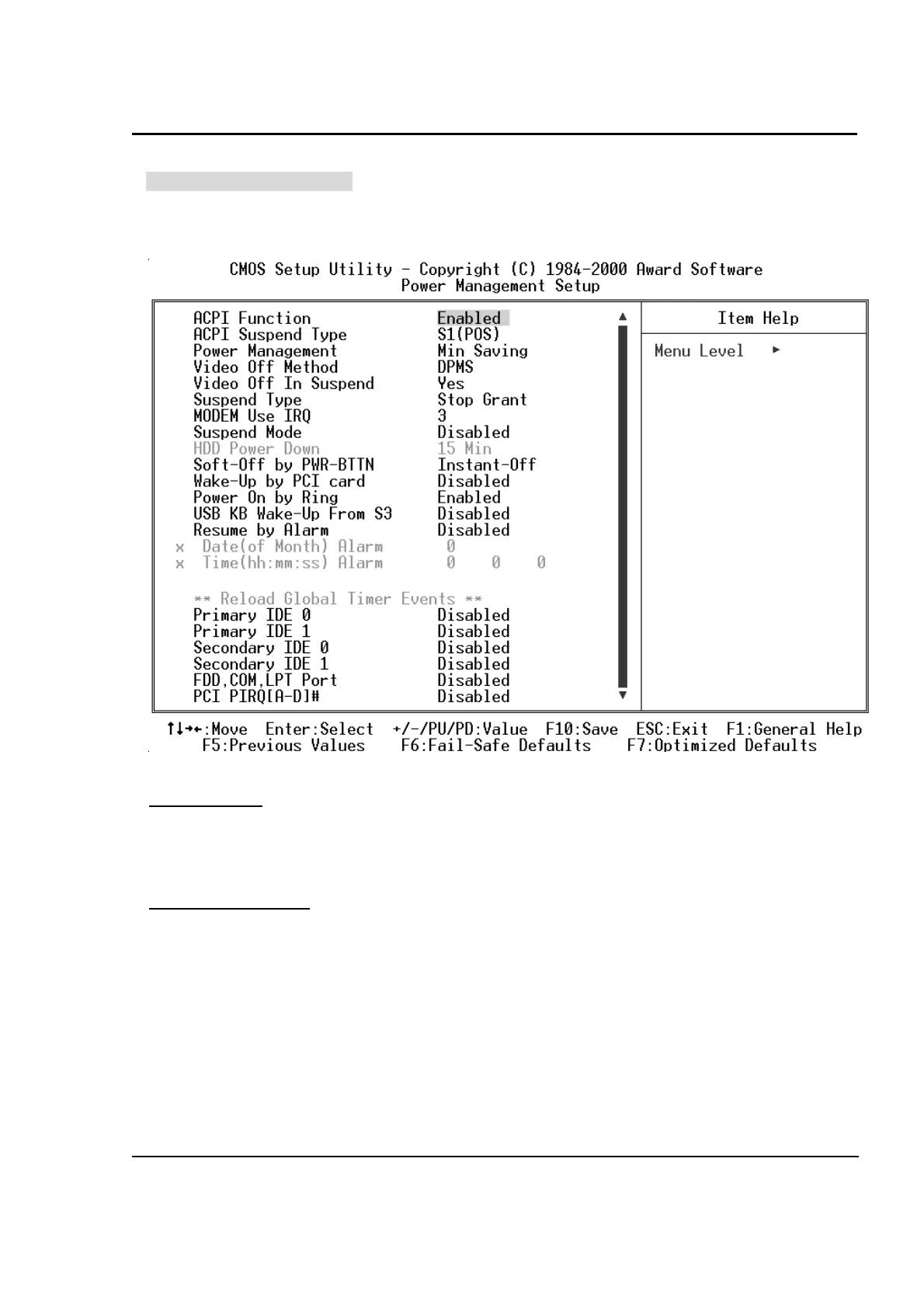
Power Management Setup
The Power Management Setup allows you to configure your system to most effectively save energy while
operating in a manner consistent with your own style of computer use.
ACPI Function
This item allows you to Enable/Disable the Advanced Configuration and Power Interface (ACPI).
The Choice: Enabled, Disabled.
ACPI Suspend Mode
This item will allow you to select the ACPI suspend type. You can select S3 (STR) for suspending to
DRAM or S1 (POS) for power on suspend under Windows 98 ACPI mode.
The choice: S1(POS), S3(STR).



 To Next Page