16 USB-Link™ 2 Wi-Fi Edition Installation and Setup Manual
Chapter 3 • Installing the Drivers and Setting Up the Device
5 Click on the software title to begin the download.
6 Click on Run (i
f your browser is Internet Explorer
®
).
i Depending on your Internet browser (for example Google Chrome, or
Firefox
®
), you may have to locate the file (i.e., USB-Link2xxxx.exe) from
your Recent Downloads, and then double-click on it to run it.
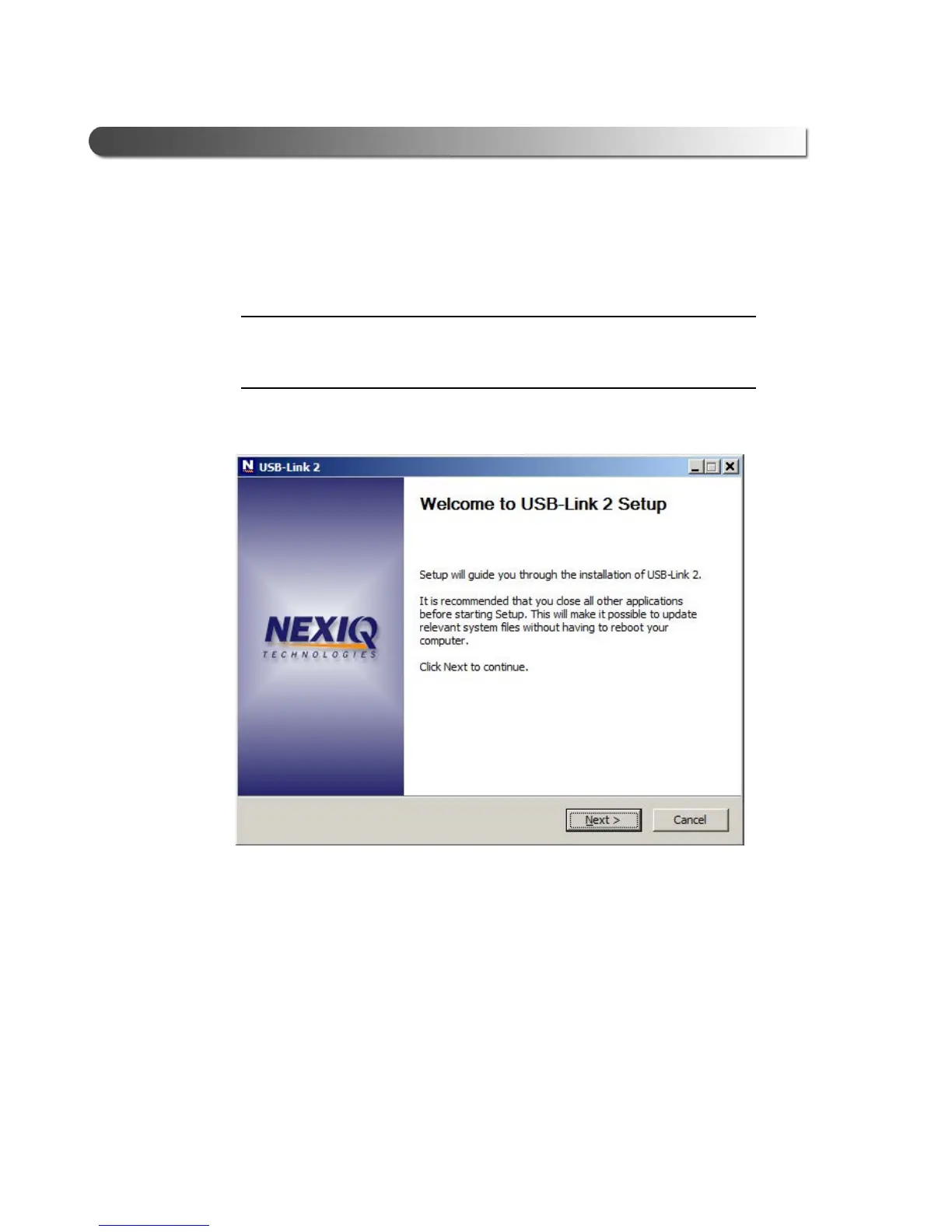
The Welcome to USB-Link 2 Setup screen is displayed.
Figure 3.2 Welcome to USB-Link 2 Setup Screen
7 Carefully read the information displayed on the screen, and follow the
recommendations.
8 Click
Next.



 To Next Page