34 USB-Link™ 2 Wi-Fi Edition Installation and Setup Manual
Chapter 3 • Installing the Drivers and Setting Up the Device
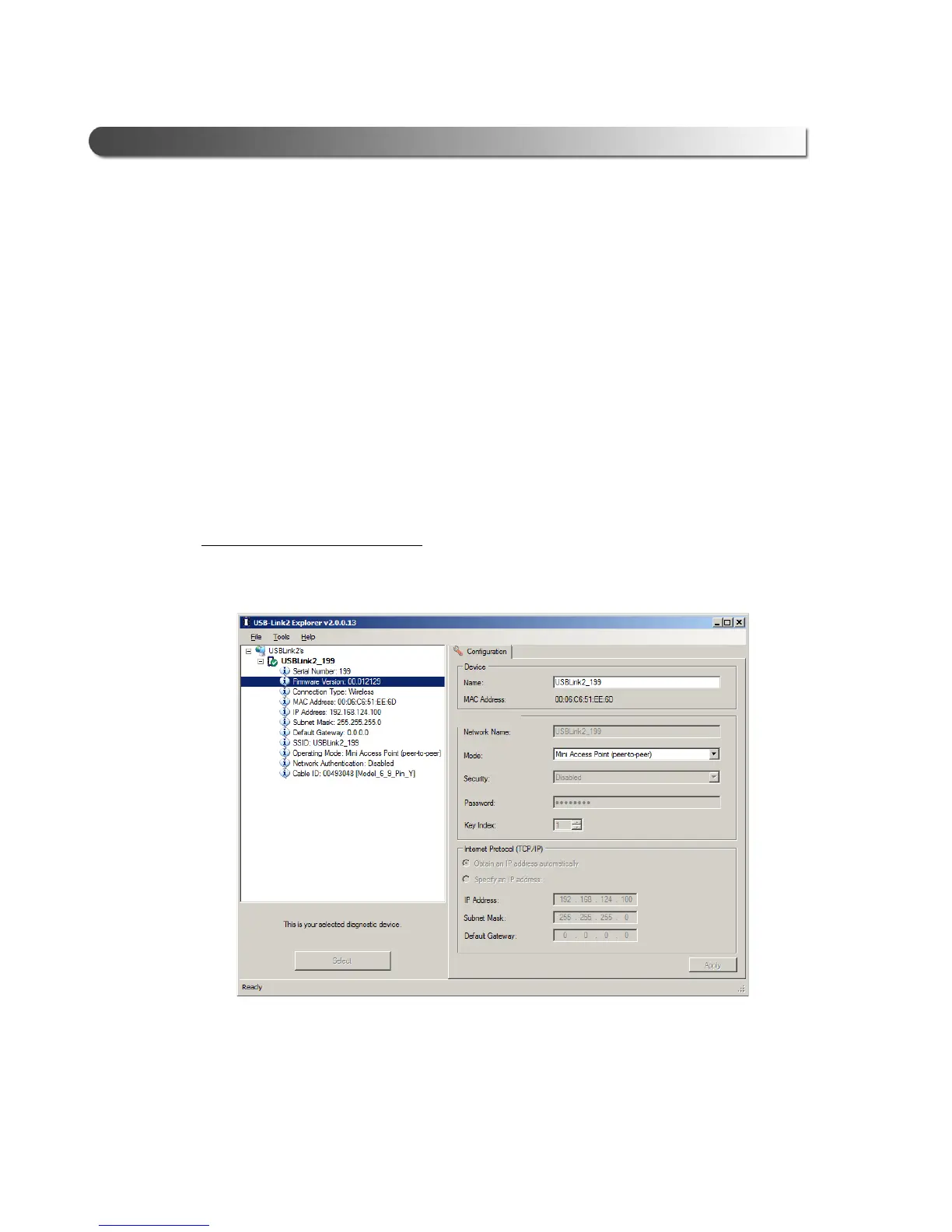
The Configuration Tab
The Configuration tab provides the following information:
• Device Name and MAC Address
• Wireless Settings
• Internet Protocol (TCP/IP) Settings
This information can be useful when troubleshooting network connection prob-
lems. You also use the Configuration ta
b when
switching between the two
wireless communication modes:
• Mini Access Point
• Infrastructure
To access the Configuration tab:
1 Click on a USB-Link2.xxx in the list in the left pane of the Explorer.
Figure 3.18 Configuration Tab
Click on the Mode drop-down menu to switch between Mini Access Point
and Infrastructure modes.



 To Next Page