- Communication Options
USB-Link™ 2 Wi-Fi Edition Installation and Setup Manual 11
Communication Options
Prior to using the USB-Link™ 2, you need to decide how you want the unit to com-
municate with your PC. There are two options:
• A wired connection to the PC using a USB cable (pg. 11)
or
• A wireless connection to the PC using Wi-Fi
(pg. 12)
Wired Connection
A USB connection provides several advantages. It’s easy to configure; you just
plug it in. Also, there’s no confusion about which USB-Link™ 2 is connected to the
PC (just follow the cable). Finally, a USB connection is not susceptible to radio fre-
quency interference and provides higher communication reliability.
ä ECU reprogramming typically requires both high throughput and critical
timing, and should always use a USB-to-PC wired connection.
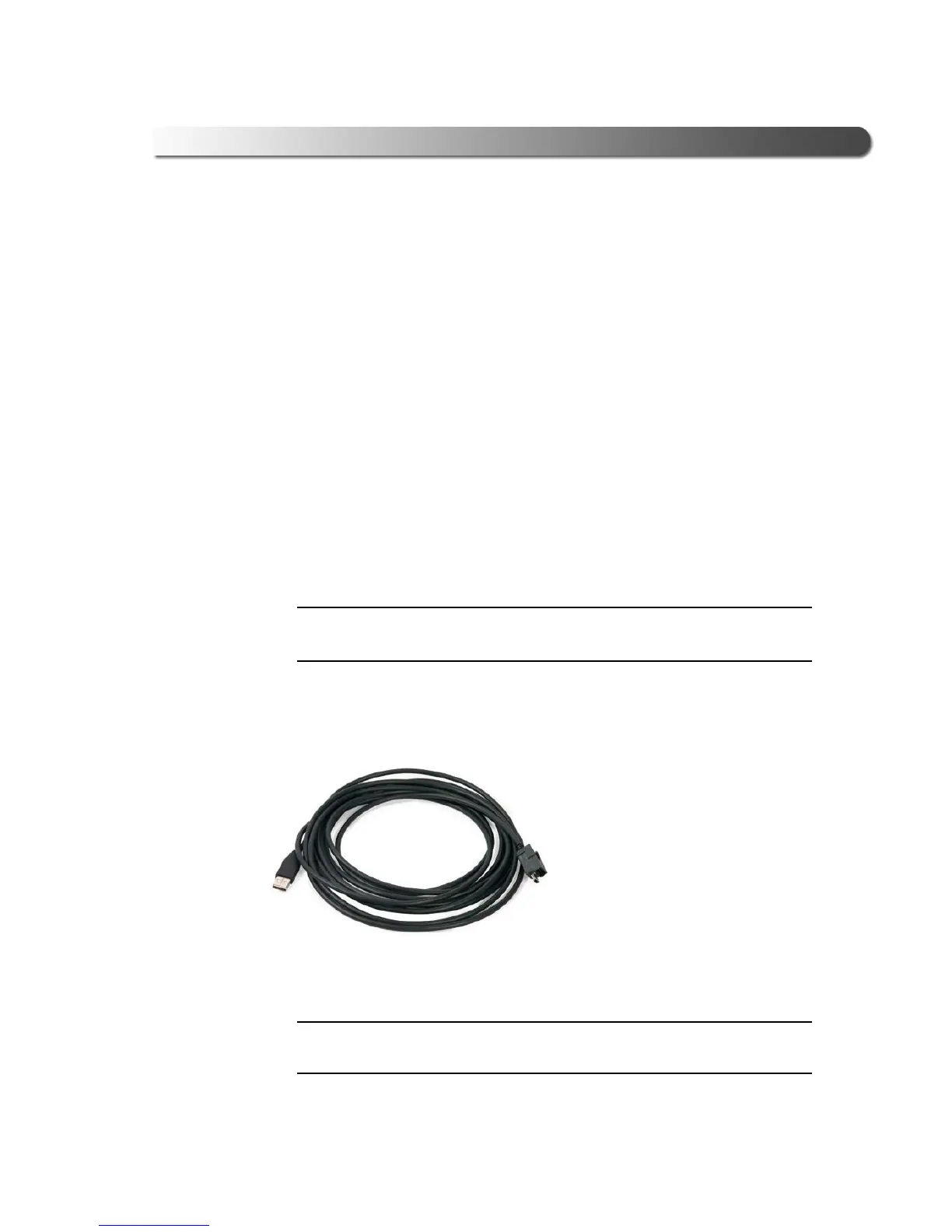
Wired communication between the USB-Link™ 2 and your PC requires an auto-
motive A to Mini-B USB cable (shipped with the USB-Link™ 2).
Figure 2.2 Automotive A to Mini-B USB Cable
i For detailed instructions on making a wired connection, refer to Connect
Using a USB Cable, in Chapter 3 of this manual.



 To Next Page