- Using the USB-Link™ 2 Explorer
USB-Link™ 2 Wi-Fi Edition Installation and Setup Manual 35
You can also use the Reset button on the bottom of the USB-Link™ 2 to
switch from Infrastructure Mode back to Mini Access Point Mode (the factory
default). Just push and hold the button until all the lights on the front of the
device flash, about five (5) seconds.
i Because of the numerous configuration variables involved in setting up
your network in Infrastructure Mode, please contact your local IT
administrator.
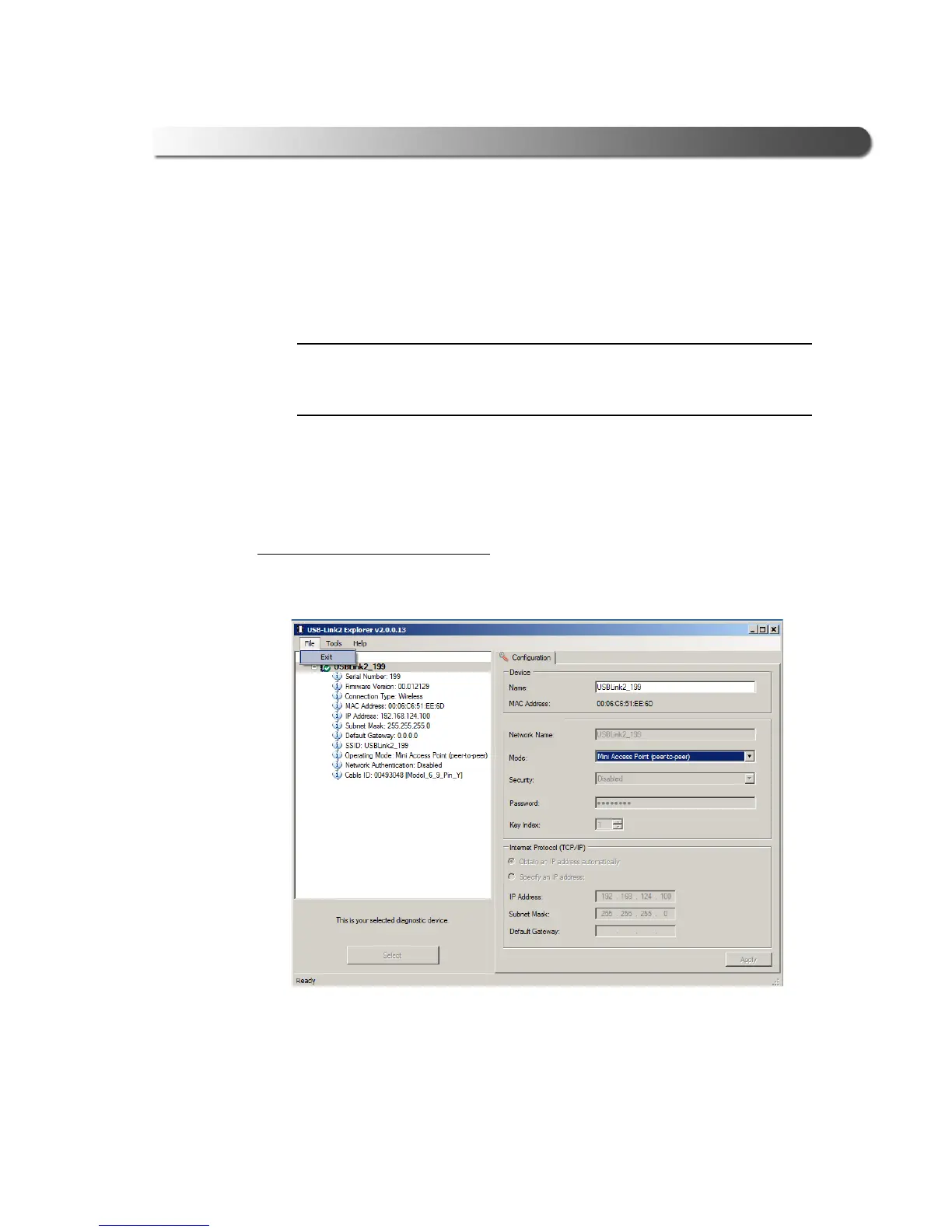
The File Menu
The File menu has one feature, Exit. You use the Exit feature to close the USB-
Link™ 2 Explorer.
To exit the USB-Link™ 2 Explorer:
1 Select File from the USB-Link™ 2 Explorer menu bar.
Figure 3.19 Exit Selected
2 Select Exit.
The USB-Link™ 2 Explorer cl
oses.



 To Next Page