20 USB-Link™ 2 Wi-Fi Edition Installation and Setup Manual
Chapter 3 • Installing the Drivers and Setting Up the Device
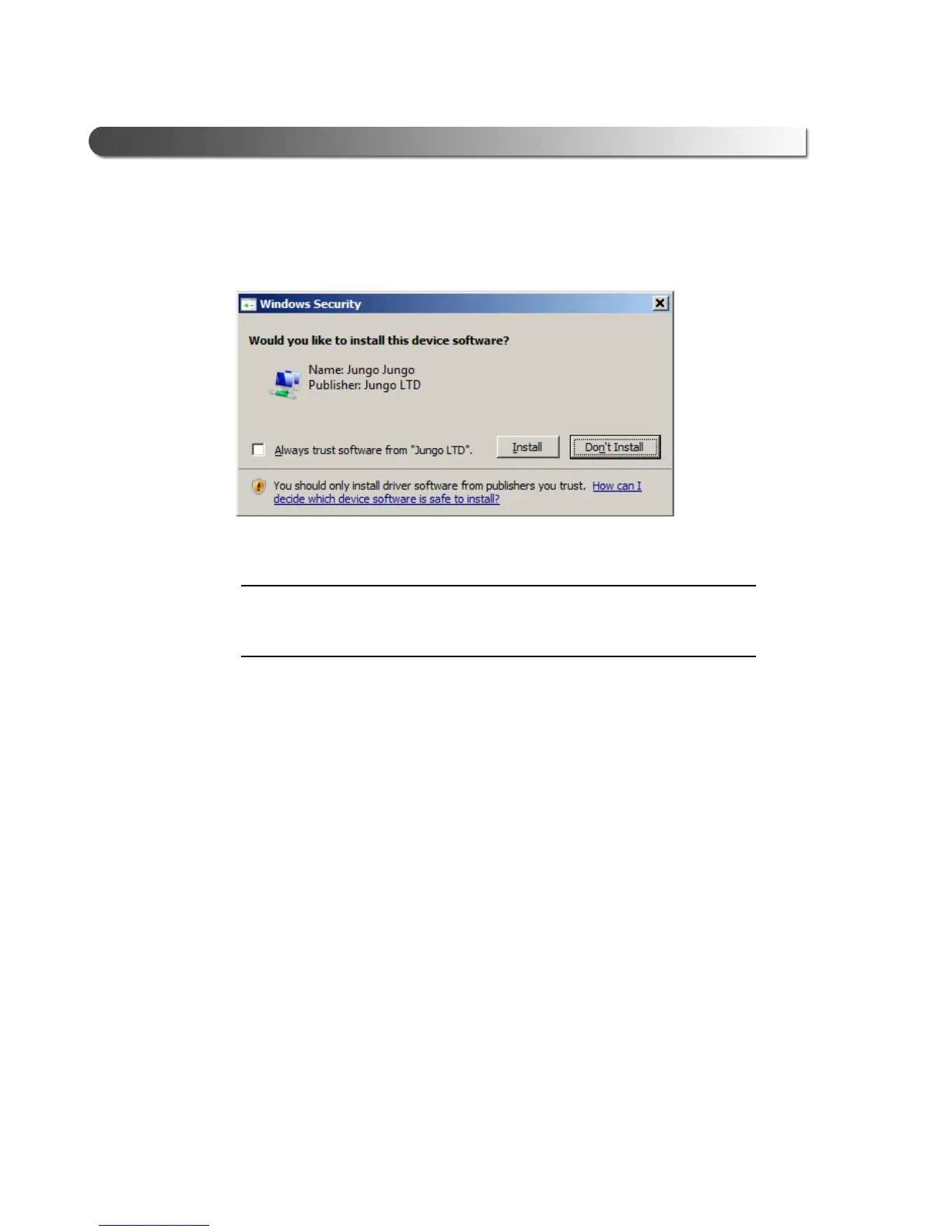
If you are running Windows
®
7 or Windows
®
8, the following Windows
Security dialog may be displayed.
Figure 3.6 Windows Security Dialog
i You may want to place a check mark in the Always trust software from
“Jungo LTD” check box. If you leave it unchecked, this dialog may be dis-
played more than once.
12 Click Install to continue.
13 Wait briefly while the installation c
ontinues.



 To Next Page