26 USB-Link™ 2 Wi-Fi Edition Installation and Setup Manual
Chapter 3 • Installing the Drivers and Setting Up the Device
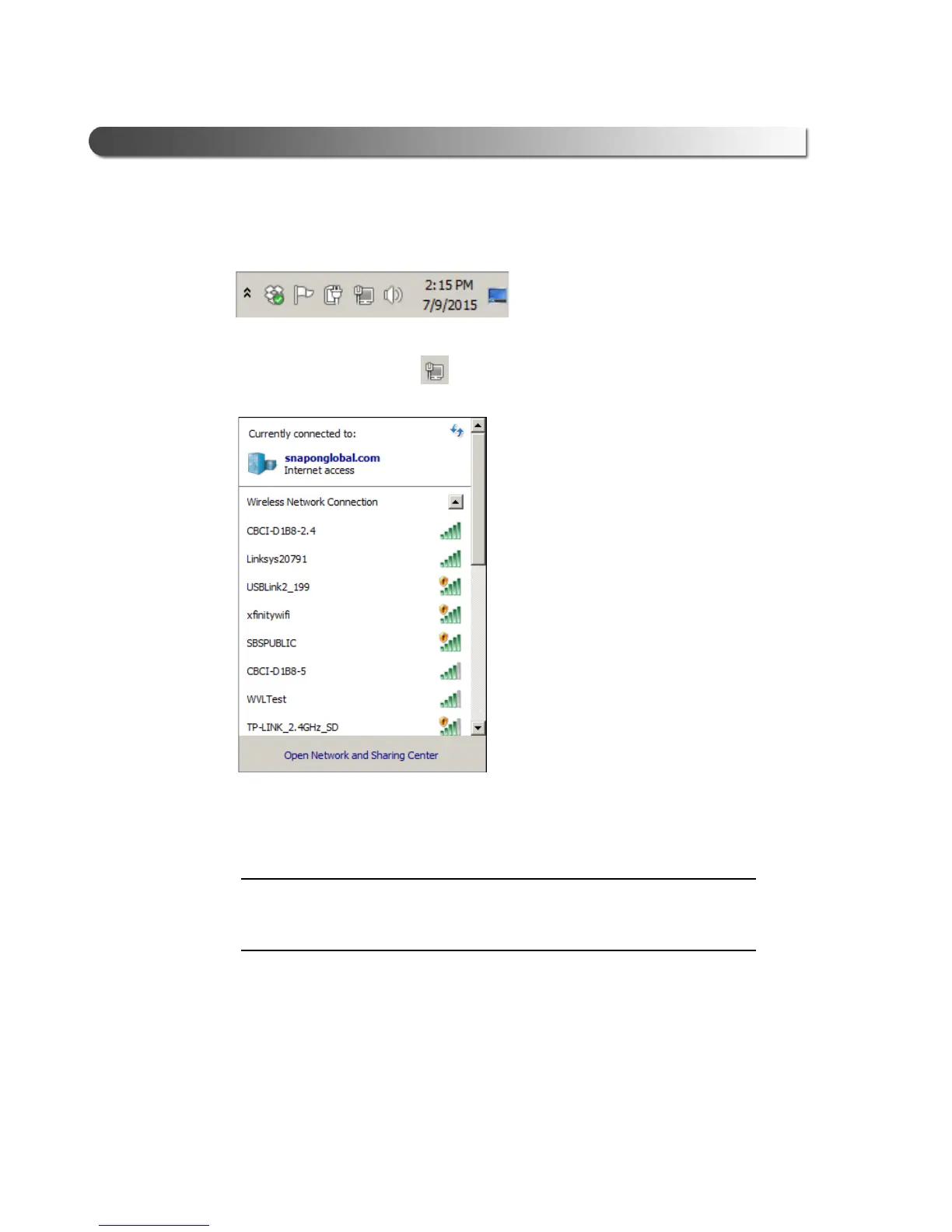
4 Navigate to the System Tray on your PC.
Figure 3.10 Windows
®
System Tray
5 Click on the Network icon in the System Tray.
Figure 3.11 Network Selection Screen
6 Select the USBLink2_xxx from the list.
i If the USBLink2 is not displayed, make sure you are connected to the vehi-
cle. Also, make sure you are within range (i.e., within 100 ft.). You may
need to move your PC closer to the vehicle.



 To Next Page