28 USB-Link™ 2 Wi-Fi Edition Installation and Setup Manual
Chapter 3 • Installing the Drivers and Setting Up the Device
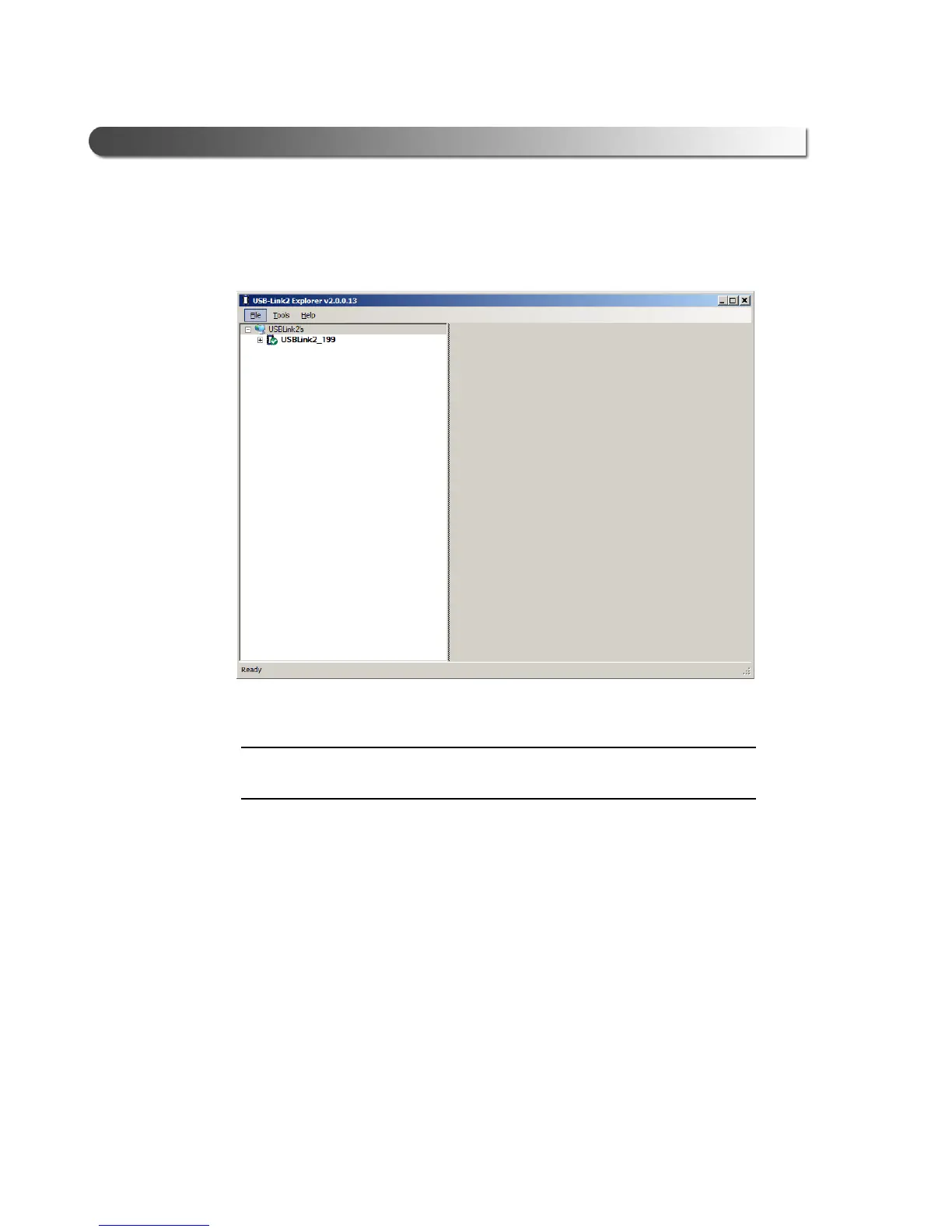
The connection is made and the device selected is displayed in the USB-
Link™ 2 Explorer.
Figure 3.13 USB-Link™ 2 Explorer
i The USB-Link™ 2 Explorer opened automatically when you installed the
USB-Link™ 2 drivers and utilities (see Figure 3.9, on page 23).
For more detailed information on using the USB-Link™ 2 Explorer, see
Using the USB-Link™ 2 Explorer on page 32 of this chapter.
You now have a wireless connection to the USB-Link™ 2 and the device is
ready for
use.



 To Next Page