38 USB-Link™ 2 Wi-Fi Edition Installation and Setup Manual
Chapter 3 • Installing the Drivers and Setting Up the Device
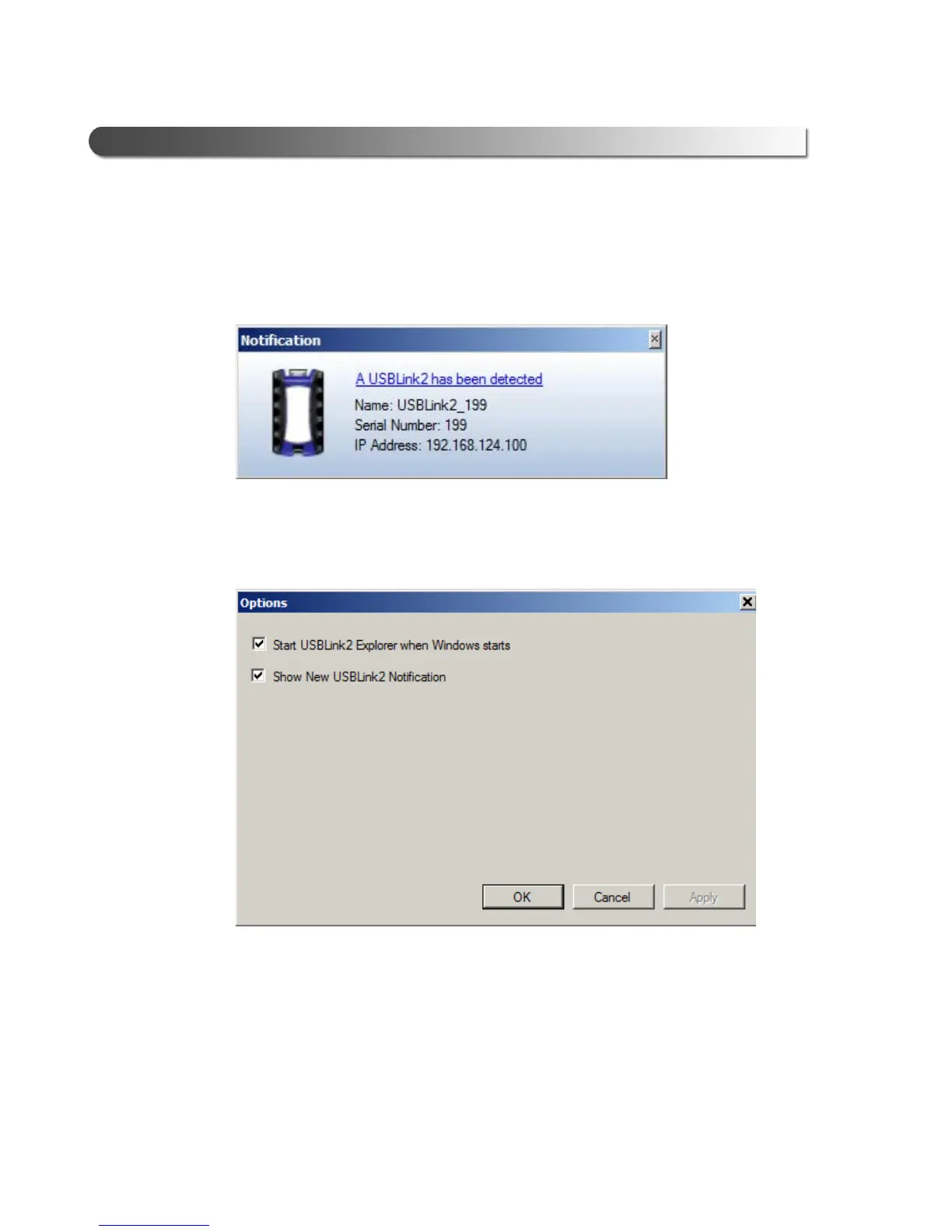
Show New USBLink2 Notification
You use this feature to manage when to display the New USBLink2 notification
message box.
Figure 3.22 Notification Box
The default is to display the notification m
essage box whenever a new USB-
Link™ 2 is detected.
Figure 3.23 Options Menu
To change the default, click the box to remove the check mark. Then click OK.



 To Next Page