45
v.12/2020
Step 25
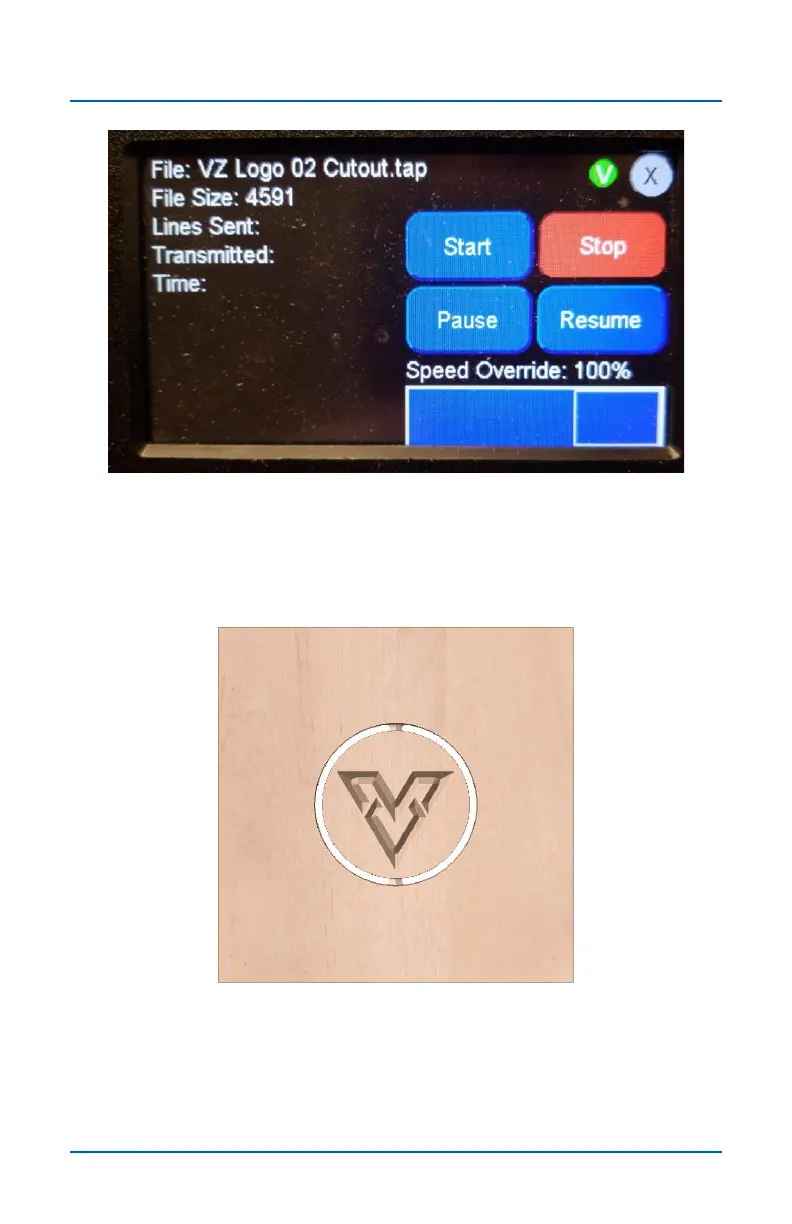
Run the next tap cutting file in the normal way. The green V
appears at the top confirming that this file is using the Virtual
Zero points.
Step 26
This completes the Virtual Zero routing for this project, but you
the Virtual Zero map can be reused as many times as you
need to for this setup until all your toolpaths have been run. If
you install a new piece of material, you need to redo all the
Virtual Zero points, because no two boards are the same.
Virtual Zero (cont.)



 To Next Page