NexusRace SW English
5.2.2 Setup
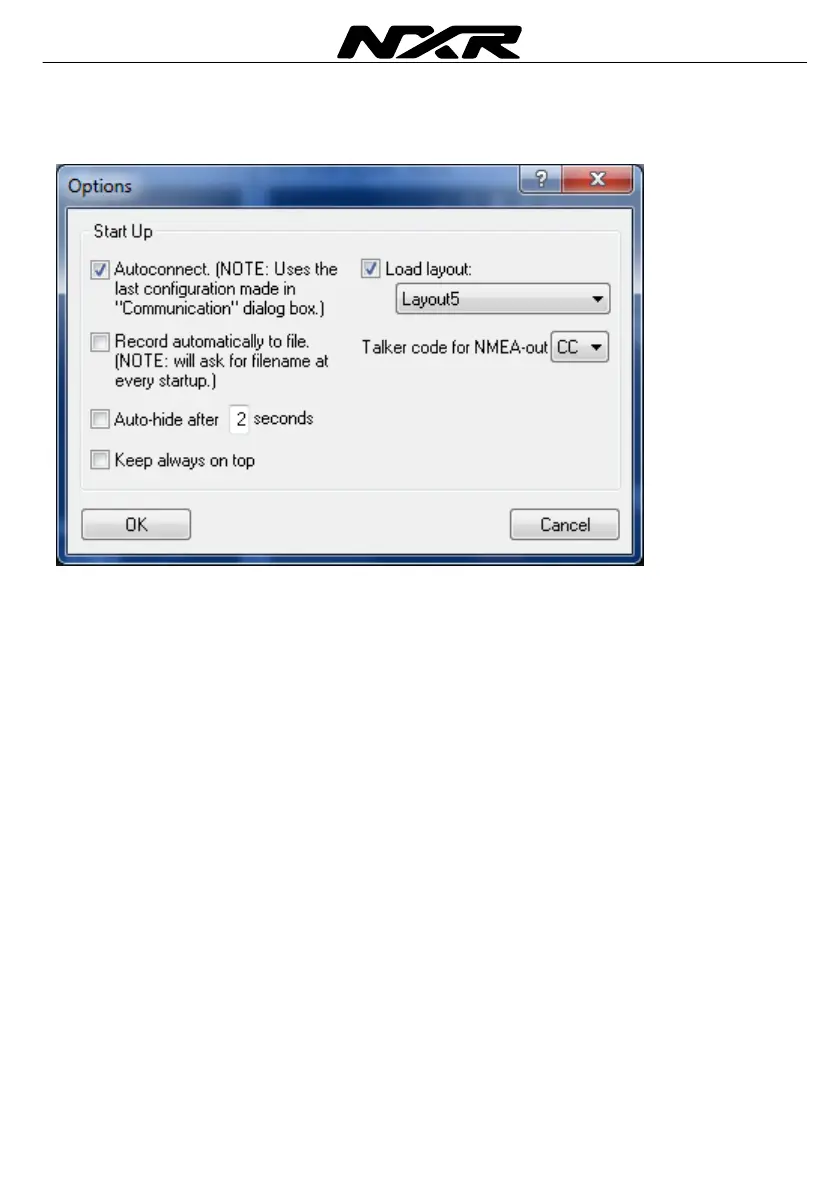
Under tools and options, you may set-up the Software.
You can select if the SW should connect automatically after start. You can also
automatically load your favourite layout.
If you tick the box: “Record automatically”, the SW will remind you to satrta log file at
every start. If you select “auto-hide” the tool bar will be hidden after the amount of
seconds you shoose. To get the bar back, move your mouse to the top of the screen.
If you tick the box “keep always on top” the NX2 Sail Performance will always be on top
on your screen, even if you are running an other software.
5.2.3 Navigation
If you have a NX2 or Nexus navigator (GPS Navigator or Multi Center) you can create
and edit waypoints and routes from your NX2 Sail Performance Software. All
Waypoints and routes are stored directly in your instrument.



 To Next Page