NexusRace SW English
5 Installation of the NexusRace Software
5.1.1 General
The NexusRace Software is a shareware that only works together with a FDX Server.
5.1.2 Installing the Software
Insert the CD to your computer
Open Run Software
Brows to your CD (normally D:) and click on NX2 Sail Performance
Click on Setup
Follow the instructions on your screen
Now run the NX2 Sail Performance Software.
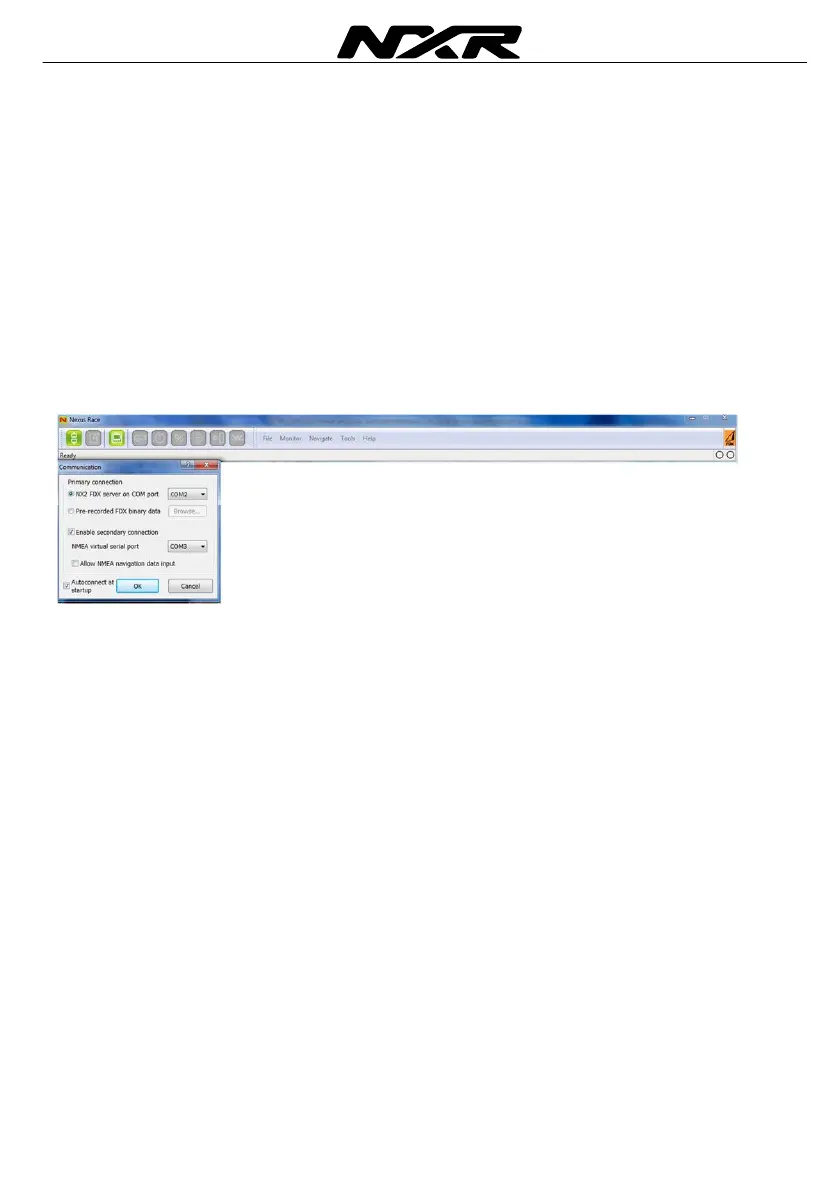
Click on the connector symbol in the top left corner
Select the Communication port where the cable to the Server is connected
Click OK
A green light will be turned on in the top right corner when communication is
established.’



 To Next Page