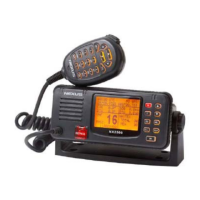
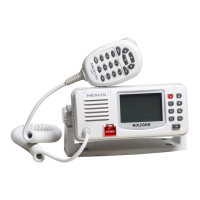
English VHF NX2000
10
ENTER KEY (ENT)
Confirms the action.
CLEAR KEY (CLR)
Stop tasks and returns to main screen or returns to the last screen.
◄ / ► Key
Used to select stored numbers and names as marked by the cursor, or to select
through the call log.
▲/ ▼ KEY
Use to select working channel (Up or Down). Can also be used to select stored working
channels. Allows viewing of next or previous message and selection next or previous
item.
PTT BUTTON
Keys the transmitter allowing you to transmit a message.
(CALL) KEY.
Activates “CALL” menu.
(MENU) KEY
To activate a menu that consists of RADIO SETTING, DSC SETTING and LOG
REVIEW function.


 To Next Page