English VHF NX2000
28
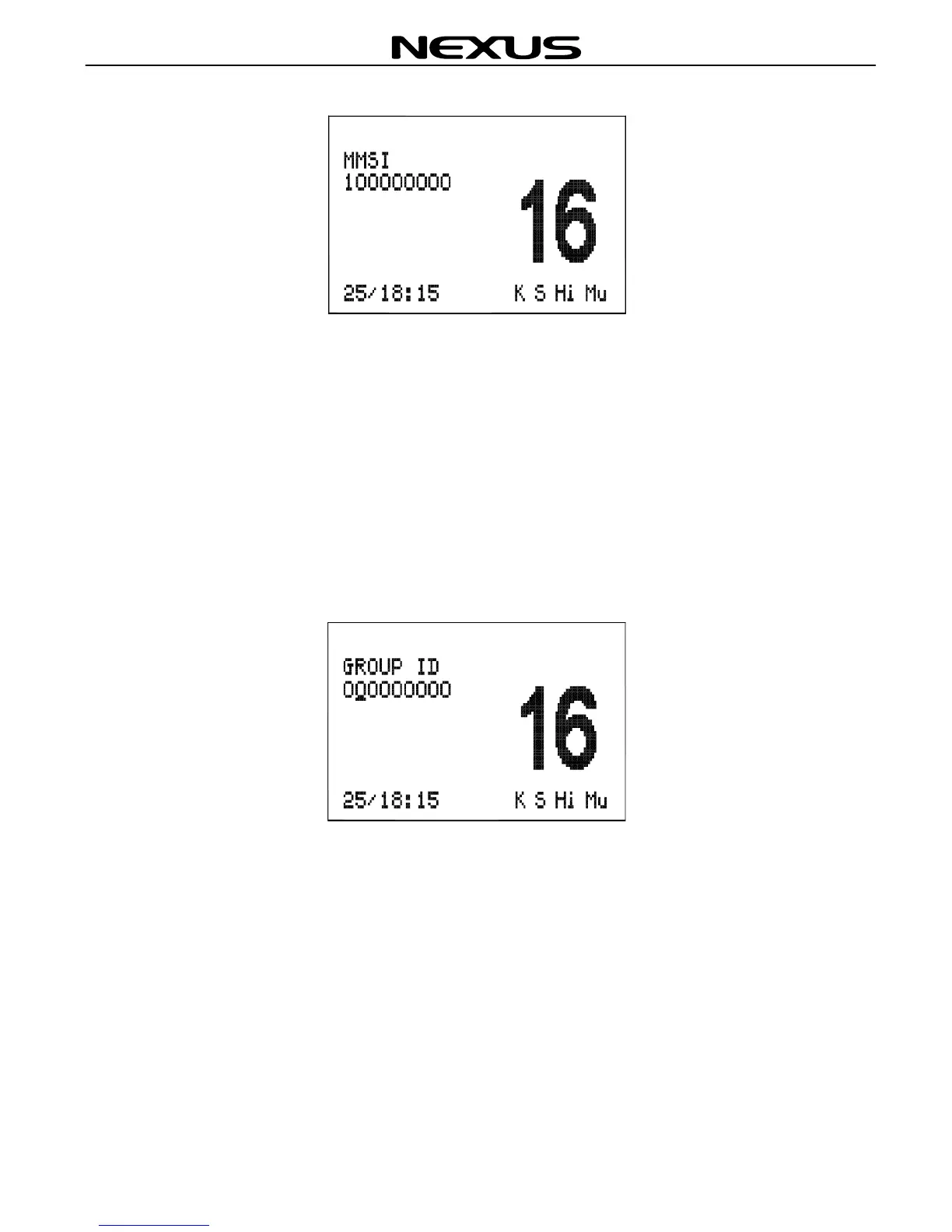
Press (CLR) key to go back to the main screen.
To change the MMSI number after it has been programmed, the unit must be returned
to an authorized dealer to erase the existing number.
10.2 Set Group Id
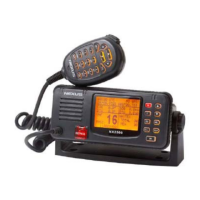
To enter a Group ID (if for example, the vessel is part of a flotilla or fishing fleet etc),
press (MENU) key to select the GROUP ID screen. The screen will be displayed as
below:
Press numeric key to enter the GROUP ID number (8-digits, the first digit must be
“0”). If a mistake is made, use the ◄ or ► key to move back the cursor and reset
the number. Press (ENT) key and the Radio will ask for verification. Check that the
No. is correct and press (ENT) key once again to confirm your entry. To amend,
press (CLR) key to go back to main screen.
10.3 Set Manual Position/UTC
If the position of the vessel cannot be obtained from a GPS via the NMEA 0183 input,
this data can be entered manually.


 To Next Page