VHF NX2000 English
19
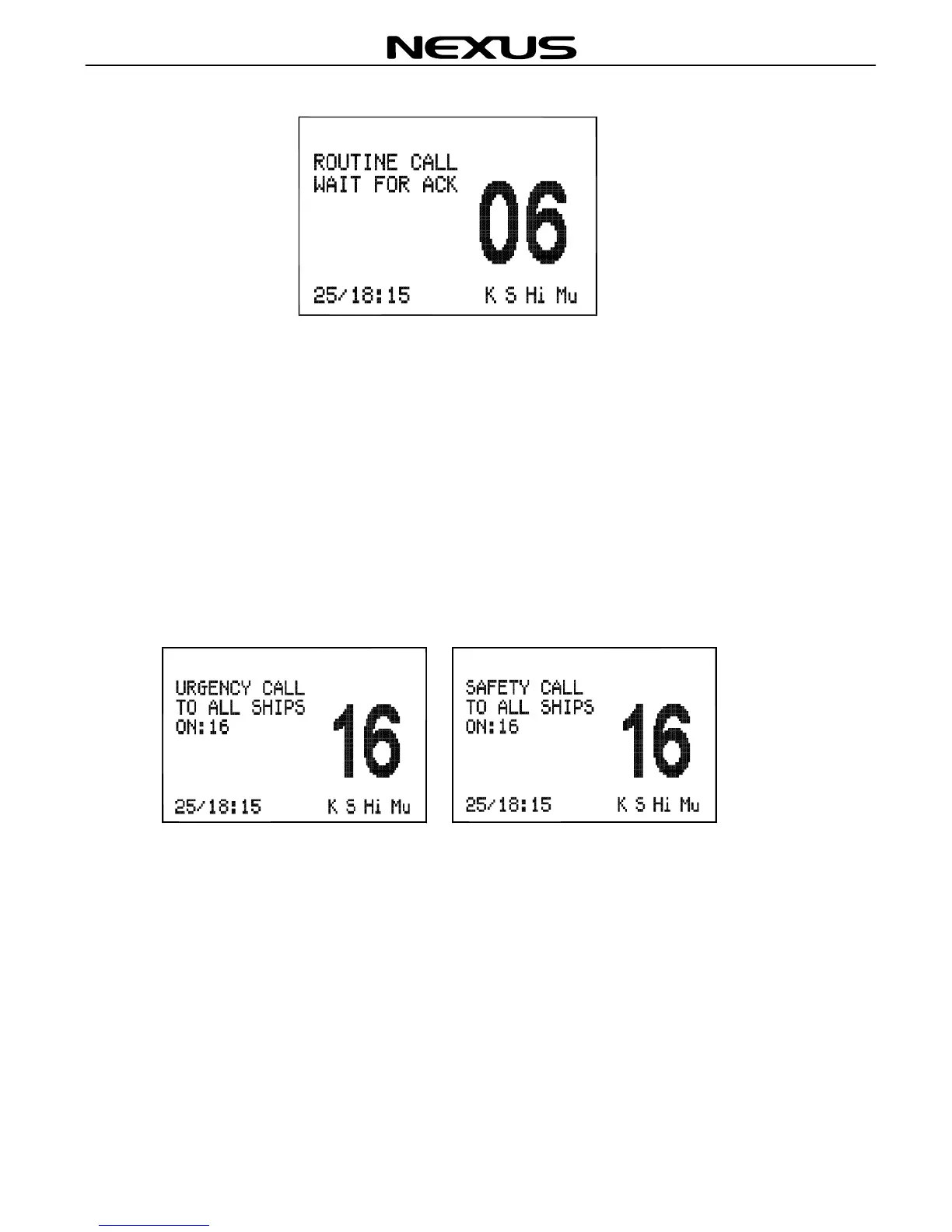
When a reply is received, the Radio will sound a tone and automatically switch to the
specified working channel. A voice call can then be made in the normal way.
Note. If you have made a directory of stored MMSI numbers, you can only send a
Routine Call to someone from the Directory.
7.3 Urgency And Safety Call
Press (CALL) key on the fist microphone/controller keypad to select Safety Call or
Urgency Call as below:
Press (ENT) key, and the screen will change to the following:


 To Next Page