VHF NX2000 English
21
8 LOG REVIEW
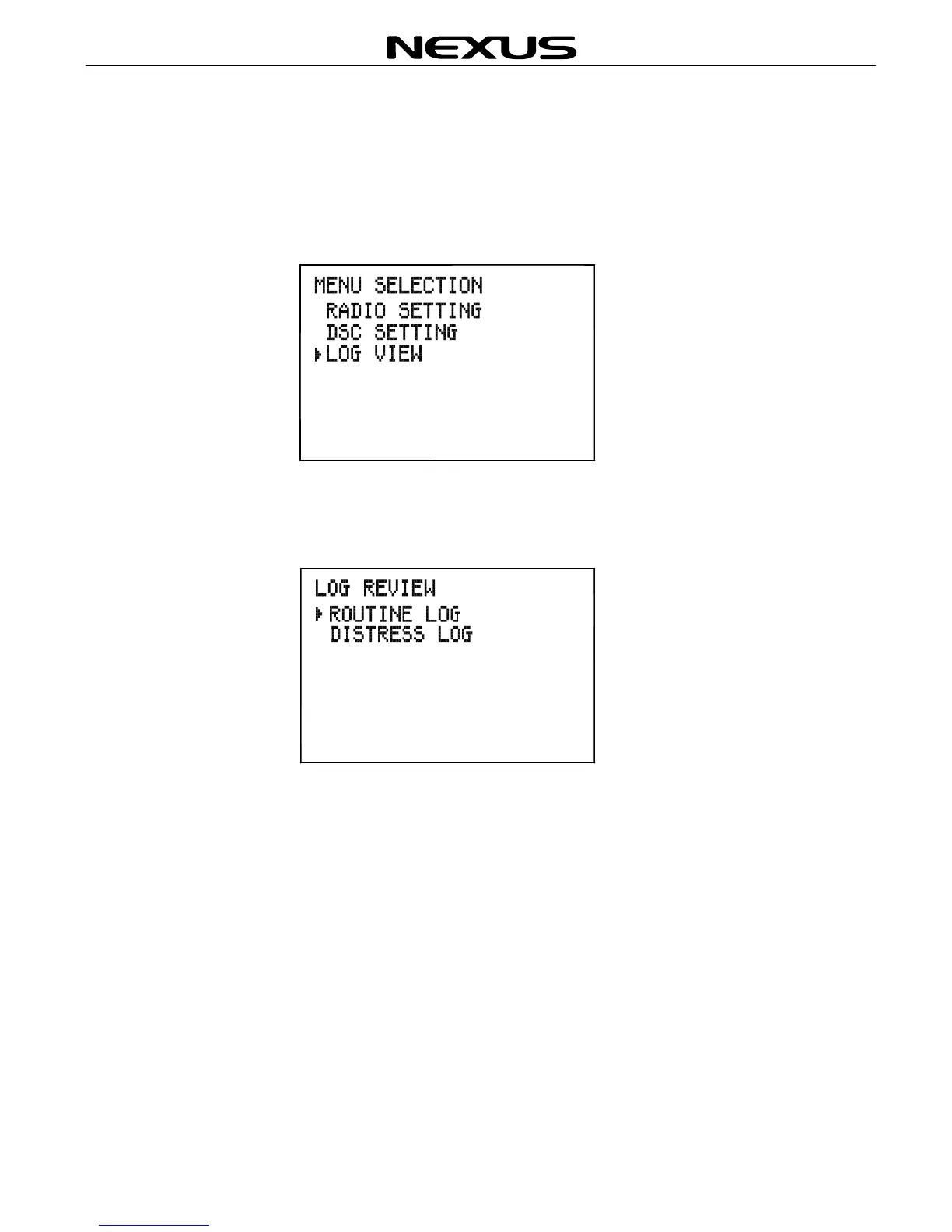
There are 2 kinds of logs, they are DISTRESS LOGS and ROUTINE LOGS. To view
the logs, press (MENU) key on the fist microphone/controller keypad, the MENU
SELECTION screen will appear on the display as follows:
Press ▲ or ▼ key to move the symbol ► on the MENU SELECTION screen to front of
LOG VIEW, then press (ENT) key to confirm, the LOG REVIEW screen will appear on
the display as follows:
8.1 Review distress logs
The distress log can be used to look back through the previous 20 distress calls that
have been received, the most recent call first.
Press (MENU) key on the fist microphone/controller keypad to select the DISTRESS
LOG screen as below:


 To Next Page