English VHF NX2000
24
9 RADIO SETTINGS
Use the instruction listed below to set up user environment.
To enter Radio settings, press MENU followed by ENT
9.1 Backlight adjustment
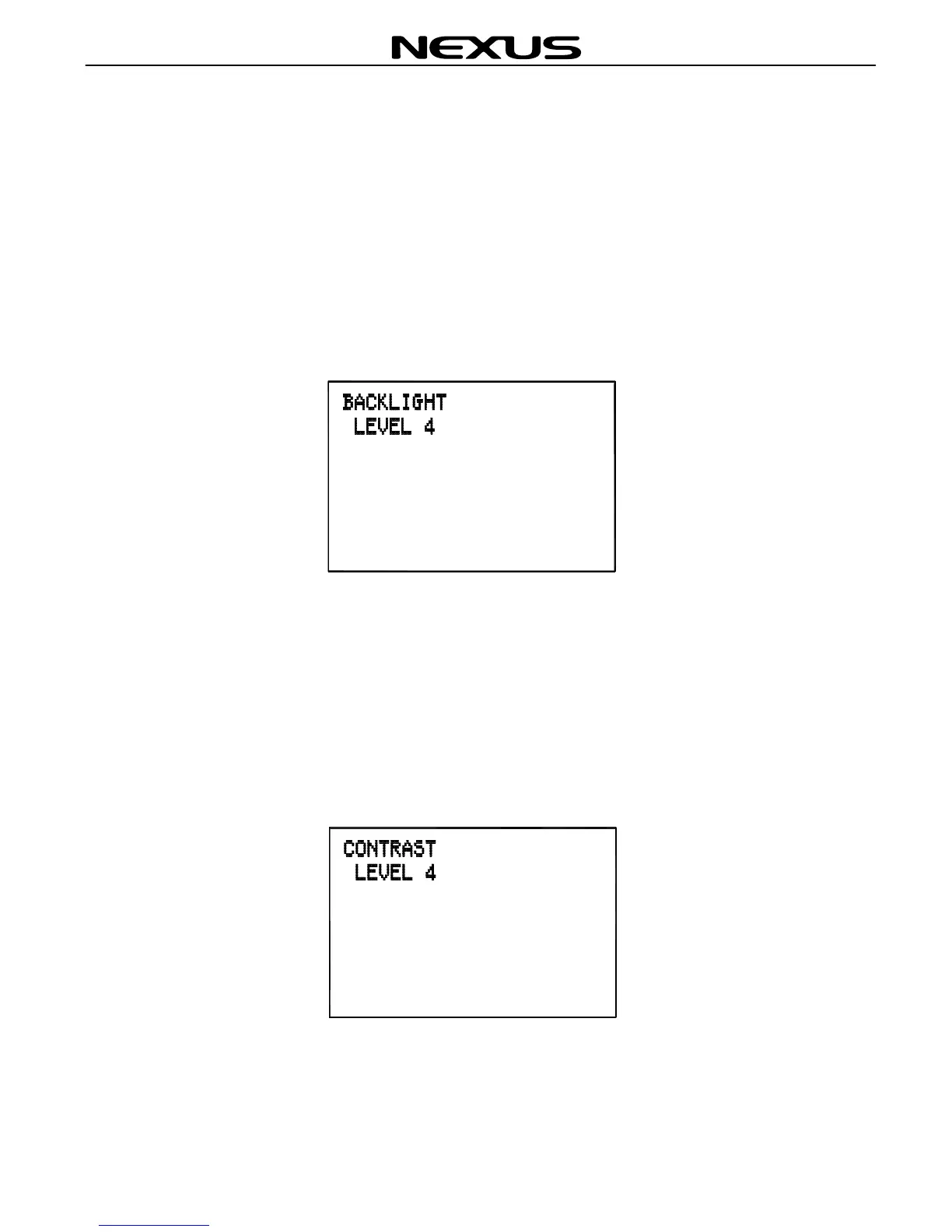
Press “▲”“▼”on the fist microphone/controller to select BACKLIGHT option and
press (ENT) to obtain the following screen.
Then, press “▲”“▼”to adjust the brightness of backlight. There are 5 levels of
brightness. Press (ENT) for confirmation exit.
9.2 Contrast adjustment
Using “▲”“▼”on the fist microphone/controller to select CONTRAST and press
(ENT) to obtain the following screen.
Then, press “▲”“▼”to adjust the contrast of the screen. There are 6 levels of
contrast. Press (ENT) for confirmation and exit.


 To Next Page