VHF NX2000 English
23
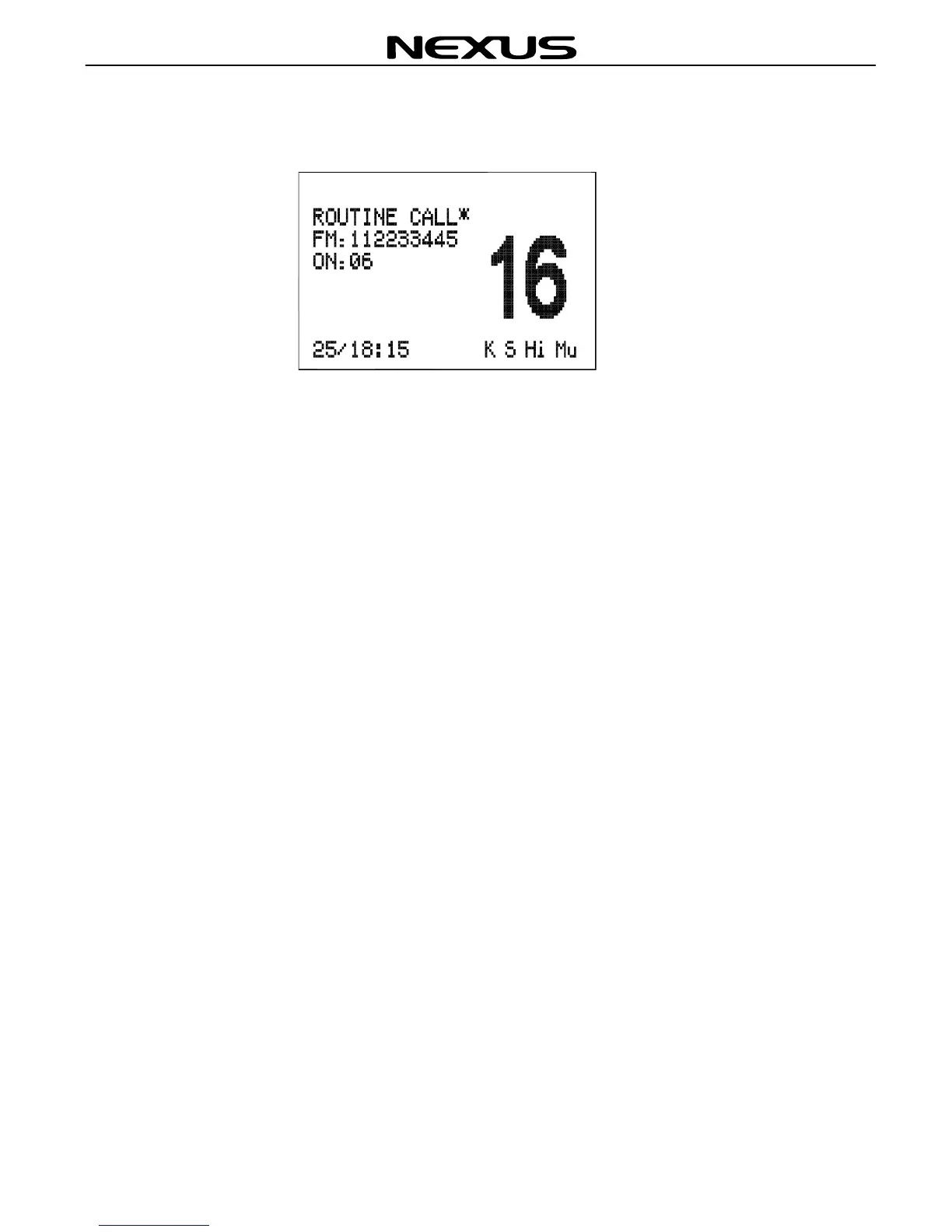
If there are any general calls in the routine log press the ◄ or ► key to move back and
forth through the log, the ROUTINE LOG screen as below:
If there is a “*” symbol on the screen, you can press (ENT) KEY to send an
acknowledgement directly to the caller. After acknowledgement, the “*” symbol will
disappear.
Press (CLR) key to exit the call screen.


 To Next Page