VHF NX2000 English
25
9.3 Speaker selecting
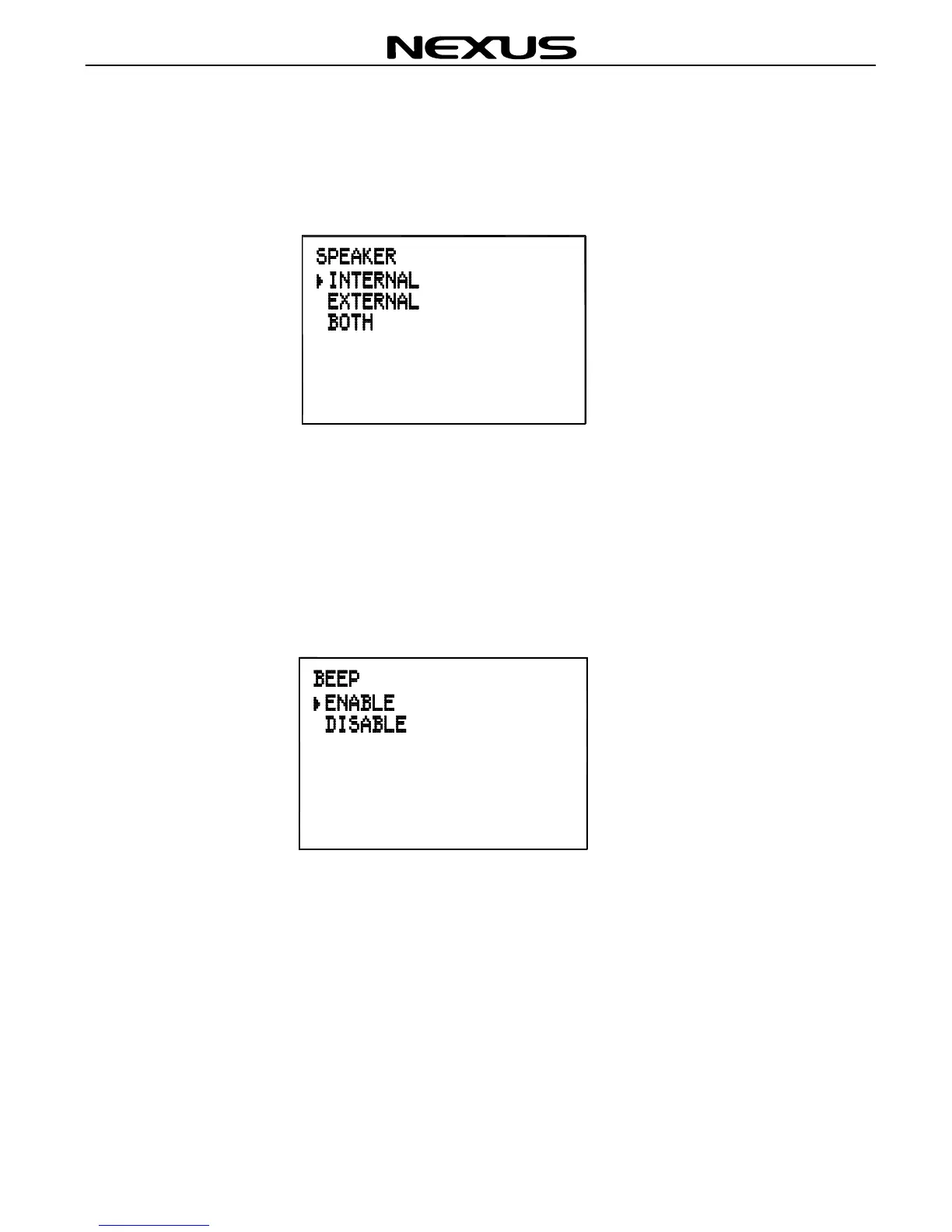
Using “▲”“▼”on the fist microphone/controller to select SPEAKER and press
(ENT) to obtain the following screen.
Then, press “▲”“▼”to select internal, external or both speaker. Press (ENT) for
confirmation and exit.
9.4 Beep sound selecting
Using “▲”“▼”to select BEEP and press (ENT) to obtain the following screen.
Then, press “▲”“▼”to select enable or disable the BEEP sound function on
pressing any key and notifying sound of NAVTEX message received. Press (ENT) for
confirmation and exit.


 To Next Page