25
Operating Guide
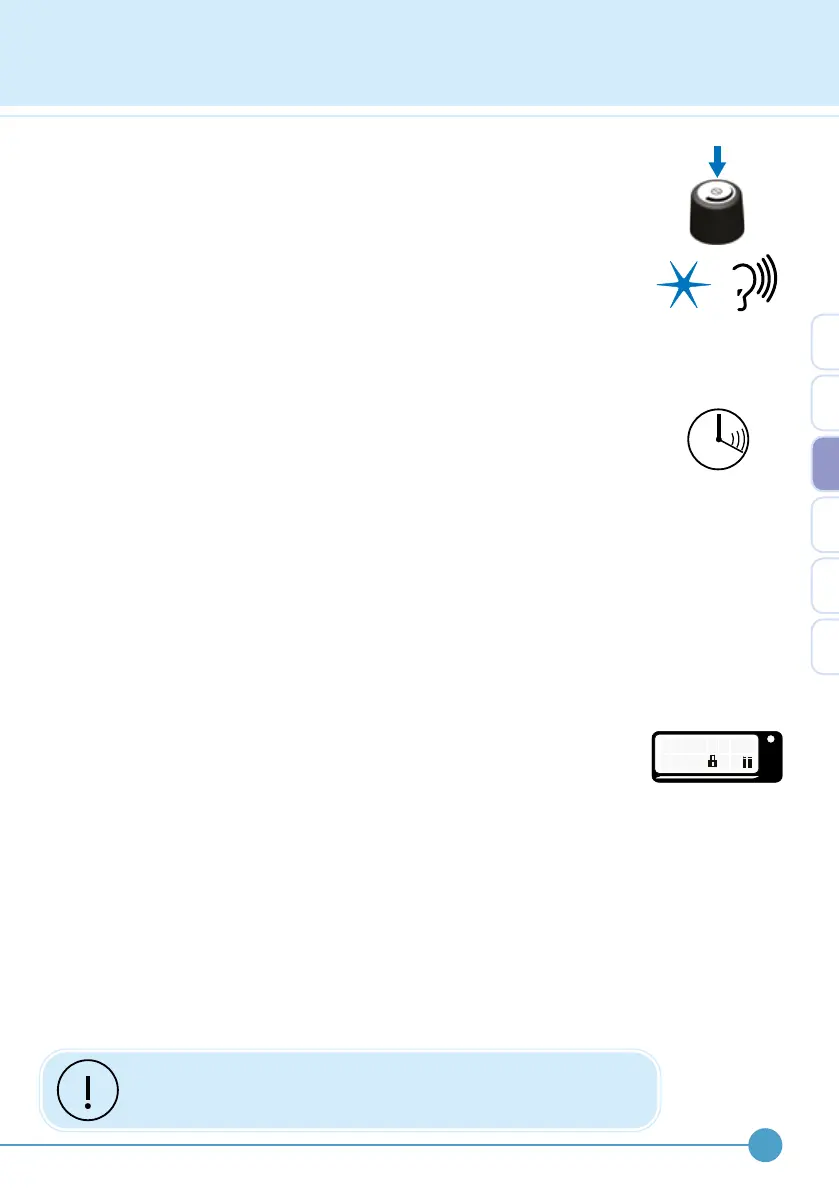
Then press and hold down the control knob to turn the device off.
If the stimulator has been set to use beeps, the light flashes will be
accompanied by two beeps.
The stimulator can also be turned off from the user accessible menu.
Please refer to page 26 for further details.
The stimulator does not need to be turned off throughout the day, just
paused. This prevents the need to reset the level each time the ODFS
®
Pace (XL) is turned back on.
Auto-turn off
If the stimulator is left turned on in pause mode, but is not used for more
than 4 hours, it will automatically turn off, to save battery power.
Exercise mode
Exercise mode is used to train and strengthen muscles. In exercise
mode the stimulation comes on and off automatically to set timings without
the need of a footswitch.
If your clinician has set an exercise mode for you, the method of entering
exercise mode is dierent for ODFS
®
Pace and ODFS
®
Pace XL.
For the ODFS
®
Pace, exercise mode is accessed simply by removing the
footswitch lead plug from the stimulator.
For the ODFS
®
Pace XL, exercise mode is entered via the user
accessible menu (see page 26).
When exercise mode is reached the screen will display “EXERCISE” and
the output level is reduced to 1%.
To start exercise, press the pause button and the countdown timer will
appear indicating the remaining time of the exercise session. While the
light is ashing, increase the output level to produce a suitable muscle
contraction.
To stop exercise, press the pause button or insert the footswitch to return
to walk mode.
If a dierent muscle group is used for exercise to that of walking,
make sure that the electrodes are in the intended position.
OML
E X E R
1 %
C
I
S E
3


 To Next Page