38
ODFS
®
Pace XL Wireless Set-up
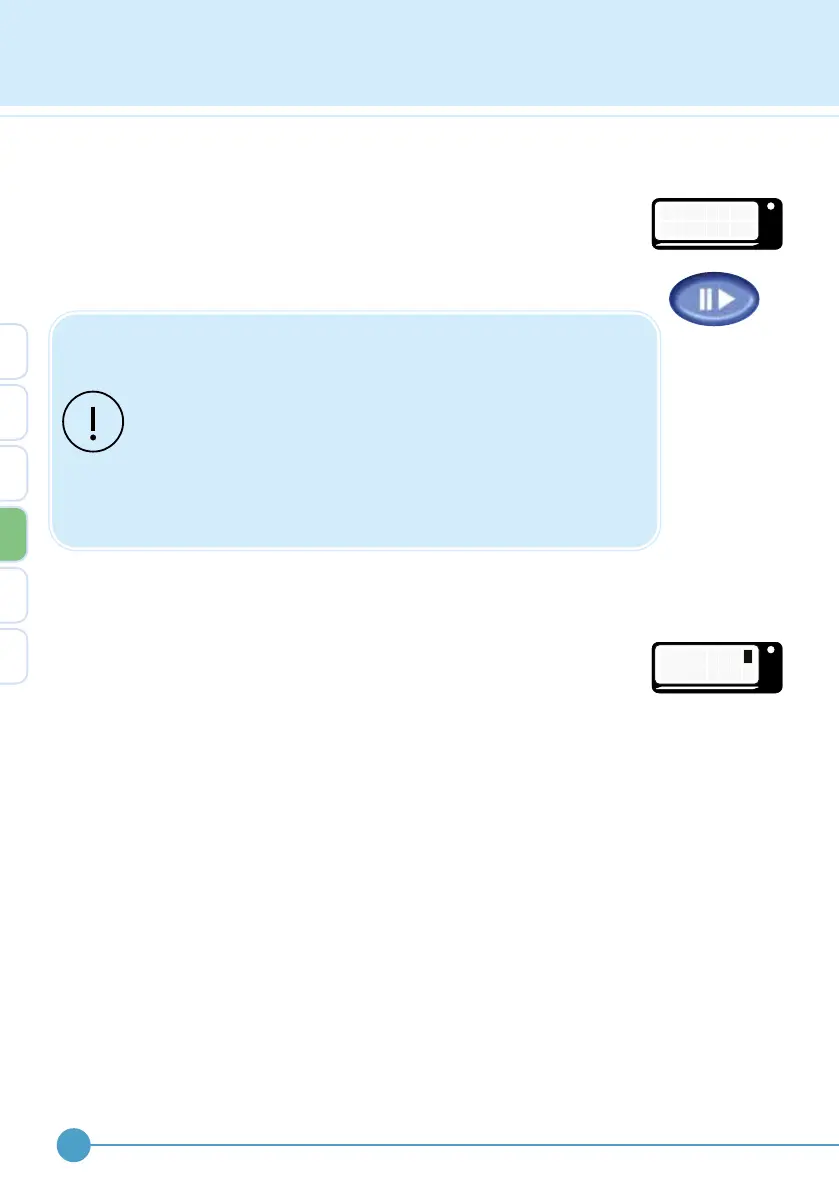
When successful the screen will indicate that either a wireless footswitch
or remote control has successfully joined.
If unsuccessful “JOINING FAILED” will be displayed. The user can cancel
the joining process by pressing the pause button whilst the hour glass is
on screen.
If joining a remote control and a wireless footswitch, the
remote control must be joined first.
If joining a remote control and a wireless footswitch is already
joined, it will be necessary to rejoin the wireless footswitch
after the remote control has been joined.
If “JOIN REMOTE” is selected all previous network settings will
be erased, irrespective of whether a remote control device is
joined or not.
Spare or replace wireless footswitch
The ODFS
®
Pace XL allows the use of one spare wireless footswitch.
Therefore, if a wireless footswitch has previously been successfully
joined, the ODFS
®
Pace XL will ask whether the next wireless footswitch
being joined is a replacement or a spare. This enables the user to have
a spare wireless footswitch or use another wireless footswitch in a
second pair of shoes. Rotate the control knob to select the required
function.
OML
S
R
P
E
A R E
E
P L A C
OML
J
F
O
A
I N I N G
I L E D
4


 To Next Page