Quick guide
Navigation
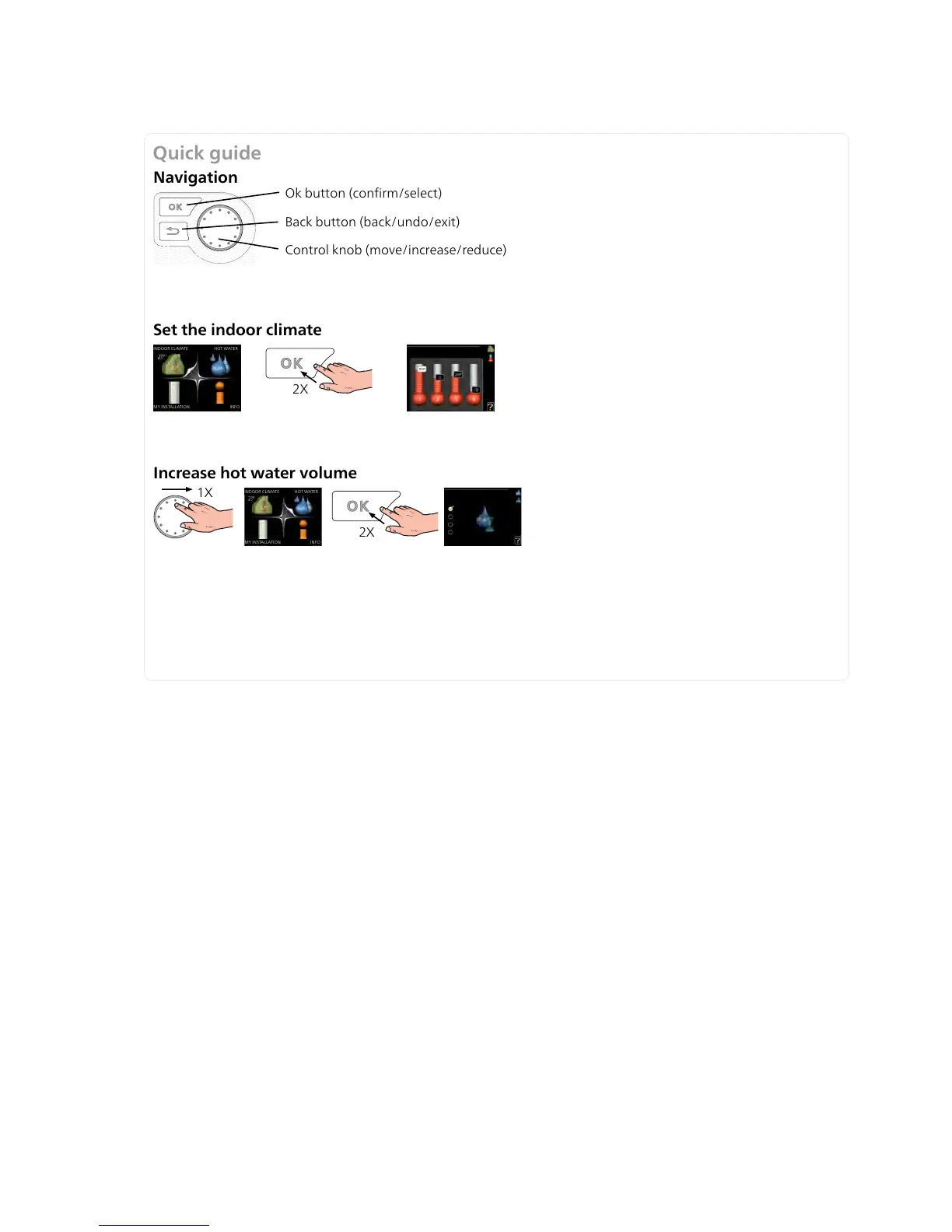
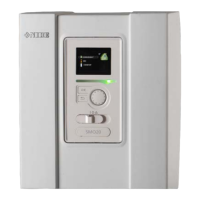
Ok button (confirm/select)
Back button (back/undo/exit)
Control knob (move/increase/reduce)
A detailed explanation of the button functions can be found on page 34.
How to scroll through menus and make different settings is described on page 35.
Set the indoor climate
2X
MY INSTALLATION
INDOOR CLIMATE
HOT WATER
INFO
The mode for setting the indoor temperature is accessed by pressing the OK button twice, when in the start mode
in the main menu. Read more about the settings on page 38.
Increase hot water volume
2X
1X
INDOOR CLIMATE
HOT WATER
MY INSTALLATION
INFO
To temporarily increase the amount of hot water, first turn the control knob to mark menu 2 (water droplet) and
then press the OK button twice. Read more about the settings on page 47.
Read more about the settings on page 47.
In event of disturbances in comfort
If a disturbance in comfort of any type occurs there are some measures that can be taken before you need to
contact your installer. See page 67 for instructions.


 To Next Page