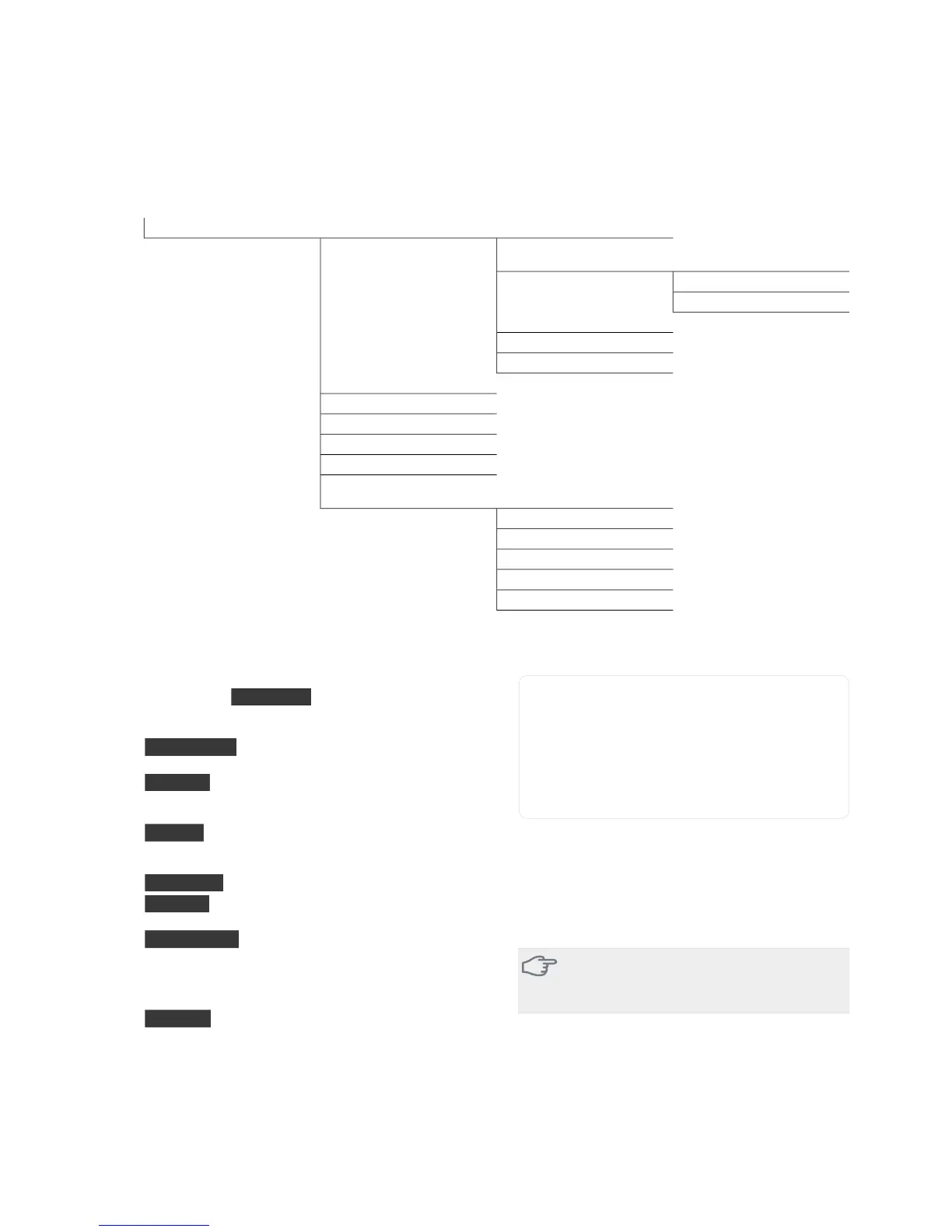
Menu 4 - MY SYSTEM
Overview
4.1.1 - pool *4.1 - plus functions4 - MY SYSTEM
4.1.3.1 - nibe uplink4.1.3 - internet
4.1.3.8 - tcp/ip settings
4.1.3.9 - proxy settings
4.1.4 - sms *
4.1.5 - SG Ready
4.1.6 - smart price adaption
4.2 - op. mode
4.3 - my icons
4.4 - time & date
4.6 - language
4.7 - holiday setting
4.9.1 - op. prioritisation4.9 - advanced
4.9.2 - auto mode setting
4.9.3 - degree minute setting
4.9.4 - factory setting user
4.9.5 - schedule blocking
4.9.6 - schedule silent mode
* Accessory needed.
Sub-menus
For the menu MY SYSTEM there are several sub-
menus. Status information for the relevant menu can
be found on the display to the right of the menus.
plus functions Settings applying to any installed extra
functions in the heating system.
op. mode Activation of manual or automatic operat-
ing mode. The status information shows the selected
operating mode.
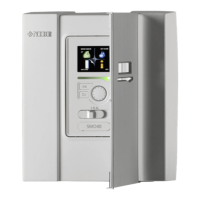
my icons Settings regarding which icons in the indoor
module's user interface that are to appear on the hatch
when the door is closed.
time & date Setting current time and date.
language Select the language for the display here.
The status information shows the selected language.
holiday setting Vacation scheduling heating, hot water
and ventilation. Status information "set" is displayed if
you set a vacation schedule but it is not active at the
moment, "active" is displayed if any part of the vacation
schedule is active, otherwise it displays " off".
advanced Settings of indoor module work mode.
Menu 4.1 - plus functions
Settings for any additional functions installed in VVM
325 can be made in the sub menus.
Menu 4.1.1 - pool (accessory is required)
start temp
Setting range: 5.0 - 80.0 °C
Default value: 22.0 °C
stop temperature
Setting range: 5.0 - 80.0 °C
Default value: 24.0 °C
Select whether the pool control is to be activated and
within what temperatures (start and stop temperature)
pool heating must occur.
When the pool temperature drops below the set start
temperature and there is no hot water or heating re-
quirement, VVM 325 starts pool heating.
Untick "activated" to switch off the pool heating.
Caution
The start temperature cannot be set to a value
that is higher than the stop temperature.
Menu 4.1.3 - internet
Here you make settings for connecting VVM 325 to the
internet.
NIBE™ VVM 325Chapter 8 | Control - Menus50


 To Next Page