11
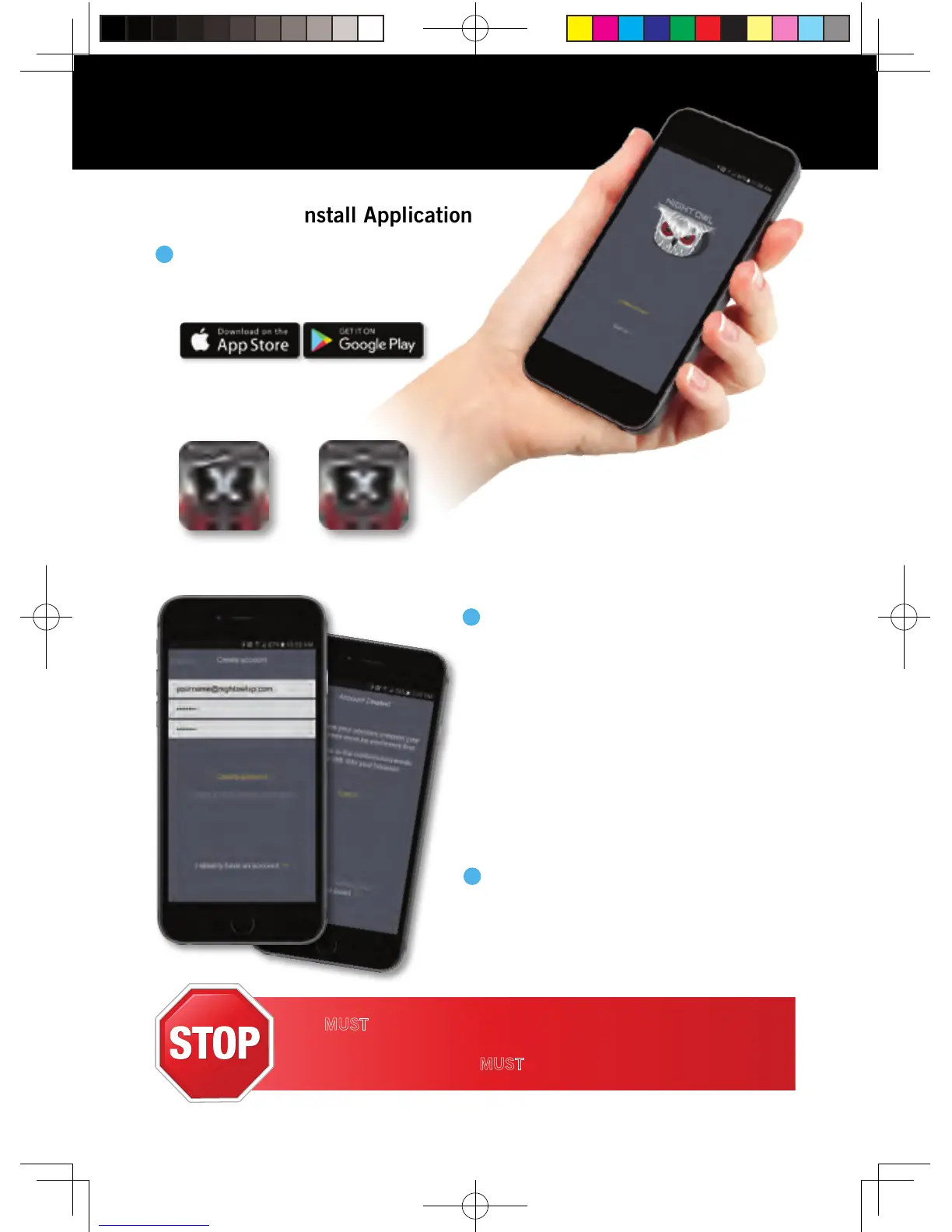
Download and Install Application
Tablet:
Night Owl X HD
Smartphone:
Night Owl X
To confirm your email address, click
the link in the confirmation email from
“Night Owl (no_reply@NightOwlsp.com) ”.
3
NOTE: Check your spam/junk inbox.
You MUST complete Step 3 before continuing! Go to your email,
open the Confirmation email from Night Owl, and click the
“Confirm Email” link. You MUST confirm your email to use the app!
Using Night Owl X & Night Owl X HD
2
NOTE: Setup is the same for phone and tablet.
Create an account using an email
address for the username and a
password between 6–20 characters.
This account allows the user to login
to multiple Night Owl devices. Please
note, this is NOT the login info created
for the DVR, this login is unique to the
Night Owl X and Night Owl X HD Apps.
The DVR login should be stored on
page 7, step #2 of this QSG.
Download the appropriate app from the
App Store or Google Play Store and
install the application on your device.
NOTE: Use correct app
for compatibility.
1
QSG-H2THD.indd 12 2018/6/22 11:00



 To Next Page