15
Night Owl X CMS Software
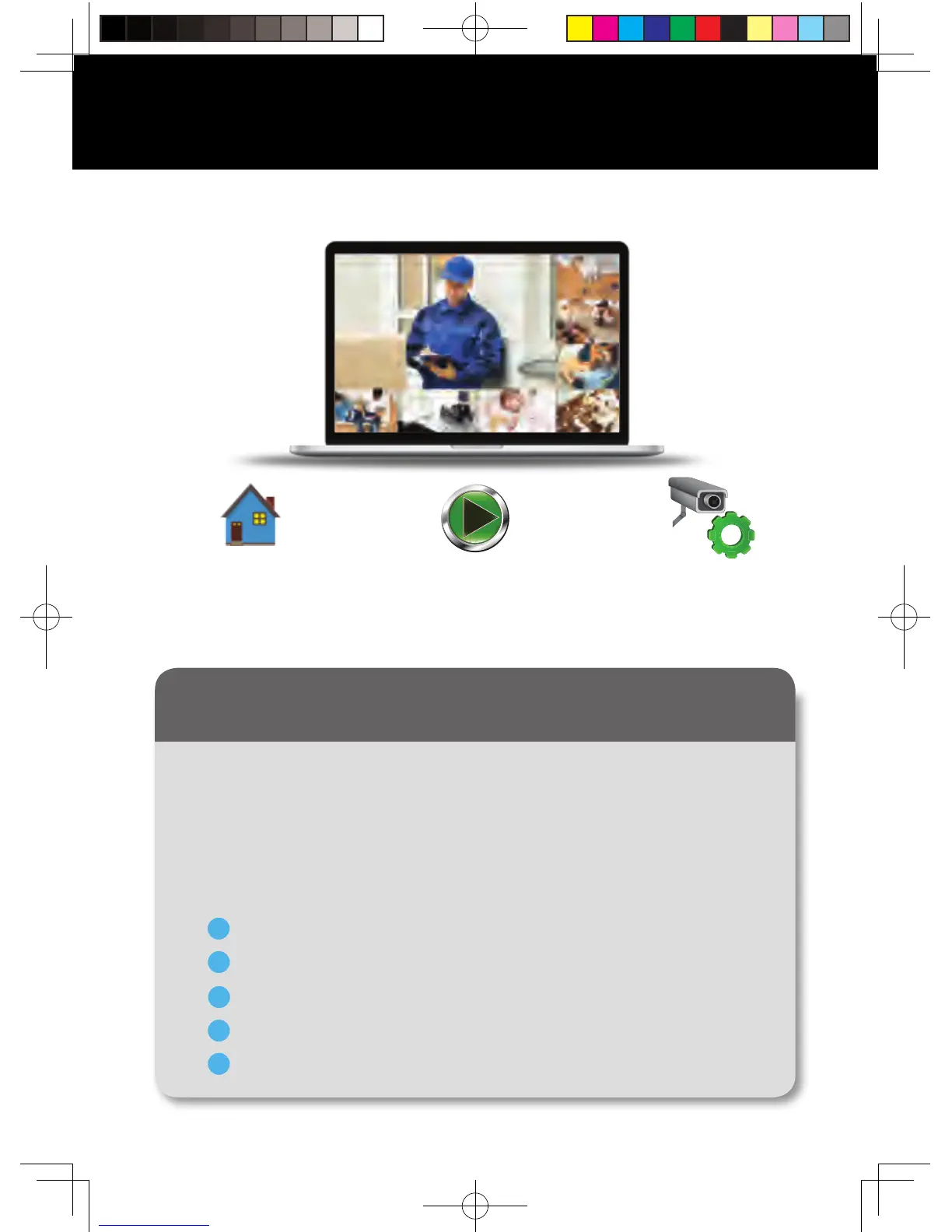
Access your DVR from any computer, anywhere!
Device Manager
Add and configure
available DVRs and
cameras on your network.
Playback
View system recordings
and images and save them
directly to your PC or Mac
®
.
Live View
Viewing live video, controlling
PTZ functionality and setting
image parameters.
Using Night Owl X CMS Software
The Night Owl X Control Management Software (CMS) allows you to view
your Night Owl Security system remotely from a PC or Mac
®
. Additionally,
you can playback recorded video, save video and images directly to your
PC or Mac
®
, configure numerous settings such as channel names and set
record preferences.
Go to www.NightOwlSP.com.
Click on the Support tab.
In the search bar, type “X CMS”.
Download the Night Owl X CMS software.
Once downloaded, select PC or Mac
®
.
1
2
3
4
5
To download the CMS Software:
QSG-H2THD.indd 16 2018/6/22 11:01



 To Next Page