Recovery Email Address
Please ensure you provide a valid email address
in case your ever forget your account information.
NOTE: You MUST enter a VALID email address. If you
don’t, you will have to call Tech Support to reset your
password, and that just seems like a waste of time.
Remember Your Password
Night Owl
®
strongly recommends writing down your
password within the Quick Setup Guide. You will need
it every time you log into your DVR and to remotely
view on a Smart Device.
Important… Please Read
Startup Wizard
7
Admin Account Creation
By default, the username will be admin. It must
remain admin upon your initial account configuration.
However, you may add additional users at a later time.
NOTE: Password can be any alphanumeric combination
between 6 and 20 characters.
1
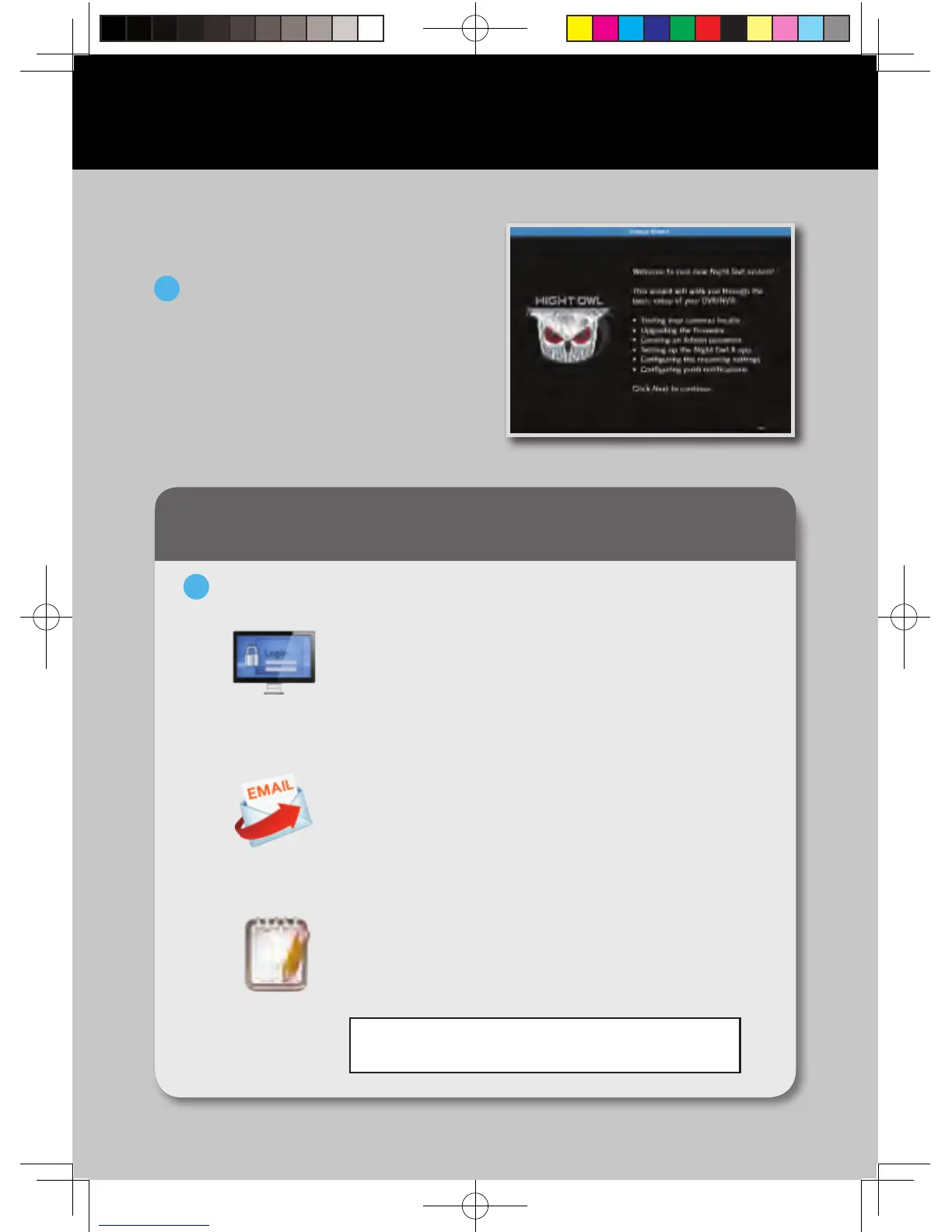
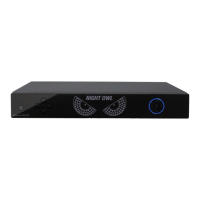
When you power on the DVR
you will be prompted with the
following screen. Please follow
the instructions to complete the
Startup Wizard.
Booting Up for the First Time
On the Password Creation screen, please note the following:
2
Write your
password here:
QSG-H2THD.indd 8 2018/6/22 11:00



 To Next Page