E-9
Program Return
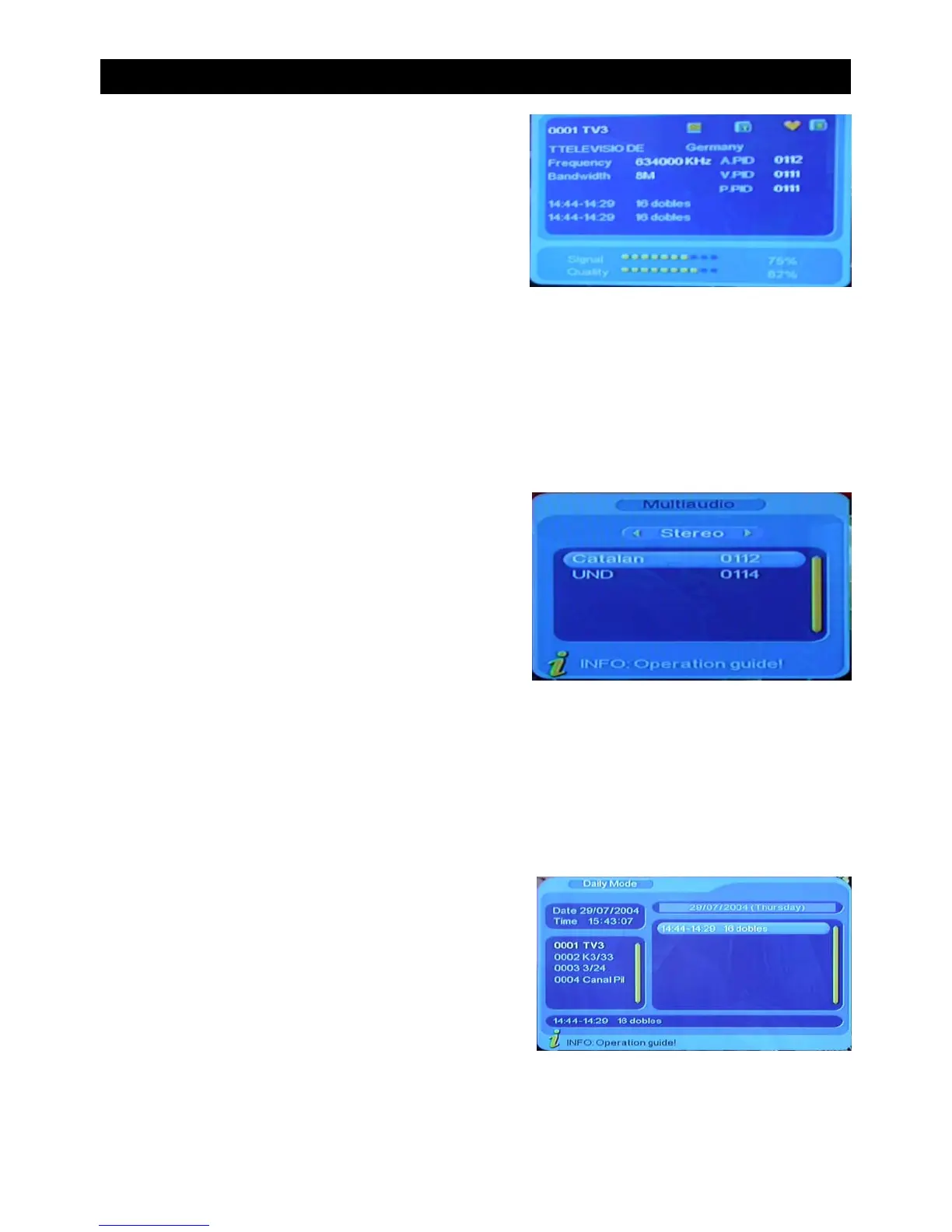
Press the “INFO” button twice to display the
information of the current program when its in
normal playing state.
Press “RECALL” when in full screen mode to return to the previous channel.
Audio and Language Switch
Press “ LANG” to switch the language of the of the
sound of the current channel and switch between
“stereo” - “left/right” (stereo left/right channel)
(Note; Language selection only available on some
digital stations)
• Press “ VOL+/VOL-” to switch between “stereo - Left/Right” (stereo left/right channel).
• Press CH+/CH- to switch the language of the sound.
• Press “ENTER” to confirm the selection and return to the full screen mode.
Display Program Information
Electronic Program Guide (EPG)
Press the “EPG” button to enter in to the EPG
page where you can view information on
programs to be shown.
BASIC FUNCTIONS


 To Next Page