E-8
TV/Radio Switch
Station Switch
Press TV/Radio to switch between TV and Radio
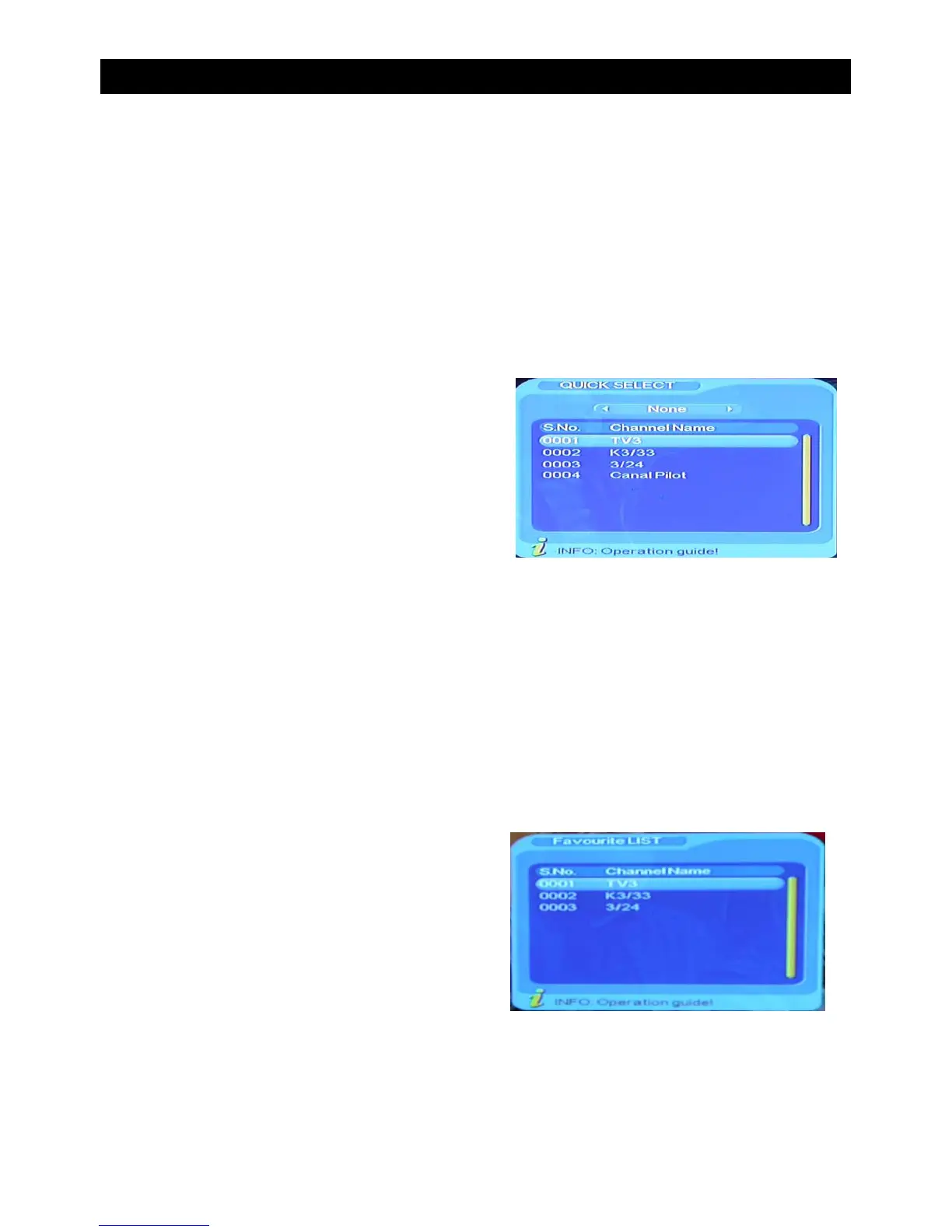
• Press “ENTER” to switch to the quick select program list.
• Press “VOL+ /VOL-” to select a different program class.
• Press “CH+/CH-” to select the program.
• Press “ENTER” to confirm program selection.
• If there are some favourite programs that have been set up, press the “FAV” button to enter
into the favourite program list.
• Press CH+/CH-” to select a favourite program, press “ENTER” to confirm the selection.
• Press “EXIT” to return to the main menu.
BASIC FUNCTIONS


 To Next Page