E-13
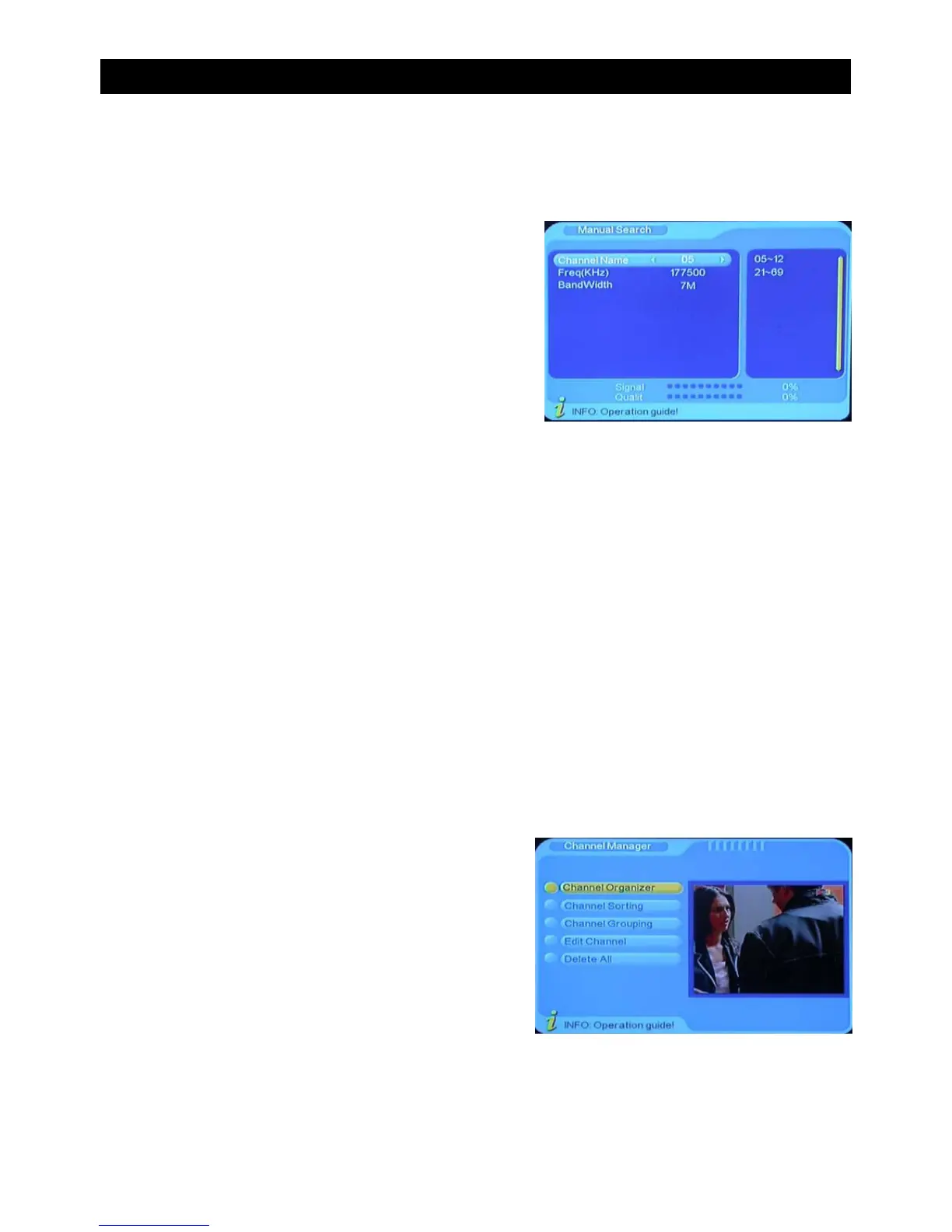
A) Manual Search
If you know the frequency of the program you are trying to tune, choosing manual search
can save you time.
• Move the curser to “Manual Search” by pressing
“CH-/CH+” under the installation menu.
• Press “ENTER” to enter into the “Manual Search”
page.
B) Auto Search
Auto Search allows you to automatically scan for all available channels.
• Move the curser to manual “Auto Search” by pressing the “CH-/CH+” under the installation
menu.
• Press “ENTER” to enter into the “Auto Search” page.
Channel Manager
Channel manager helps to organise and edit pre tuned channels. In this menu you will be
presented with a choice of five options:
A) Channel Organiser
B) Channel Sorting
C) Channel Grouping
D) Channel Edit
E) Delete All
USING THE ON SCREEN MENU


 To Next Page