E-12
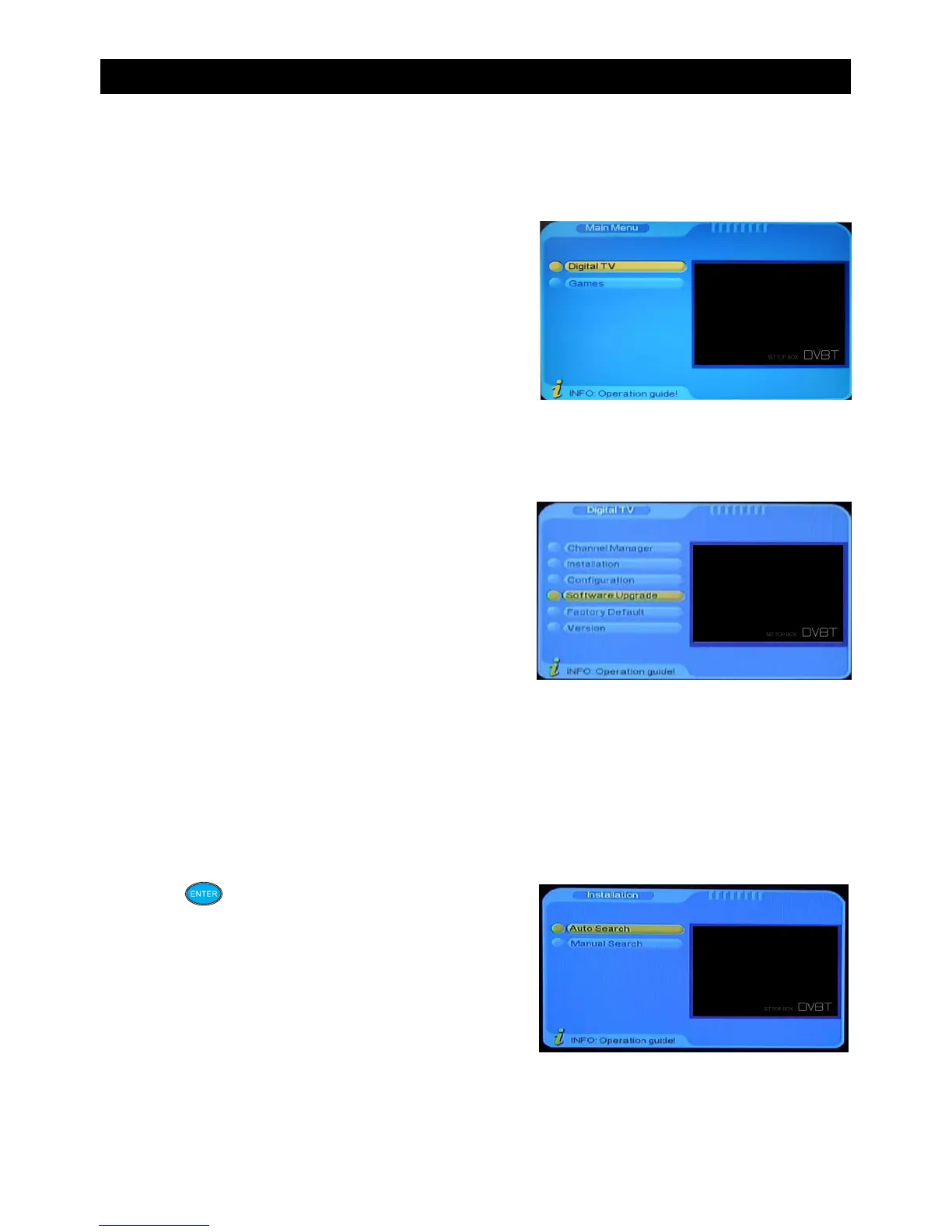
Main Menu
In the main menu of the system under Digital TV you will find 6 options. Pressing the
“MENU” button will enter into this menu.
The options are as follows:
• Channel manager
• Installation
• Configuration
• Software Upgrade
• Factory Default
• Version
In the main menu press the “CH+/CH-” button to choose Digital TV option, then press
“ENTER” once to enter the Digital TV Menu.
Installation
There are two types of installation modes in this menu screen.
A) Manual Search
B) Auto Search
Press the button to start the installation.
USING THE ON SCREEN MENU


 To Next Page